
Computer Still Slow After Cleaning? Find the Bottleneck
Removing temporary files gives storage back; it does not automatically fix high CPU use, insufficient RAM, thermal throttling, a failing drive, or too many background apps.
Quick answer
Measure what is slow: boot, app launch, file access, or browsing. Use Task Manager to find sustained CPU, memory, or disk pressure, then choose a targeted Windows or Total Repair task. Do not run more deletion just because the PC still feels slow.
Before You Change Anything
- Record when the slowdown began and which tasks are affected.
- Check available space on the system drive and save a current backup.
- Open Task Manager during the slow period to identify resource use instead of guessing.
Match the Symptom to the Next Check
| Symptom | First route | Check |
|---|---|---|
| Boot takes too long | Review startup apps | Boot time improves after a reversible change |
| System drive nearly full | Use Storage settings and Disk Analysis | Free space rises without deleting needed files |
| CPU or memory remains high | Identify the responsible app or workload | Usage drops when the cause is addressed |
| Disk or cooling warnings | Investigate hardware and back up data | Health issue is not mistaken for junk |
Step-by-Step Troubleshooting
- Measure the slowdown
Compare boot time and one repeatable task, such as opening a large document, before making changes.
- Inspect resource usage
Use Windows Task Manager to check CPU, memory, disk, and Startup apps while the issue occurs.
- Check storage only if relevant
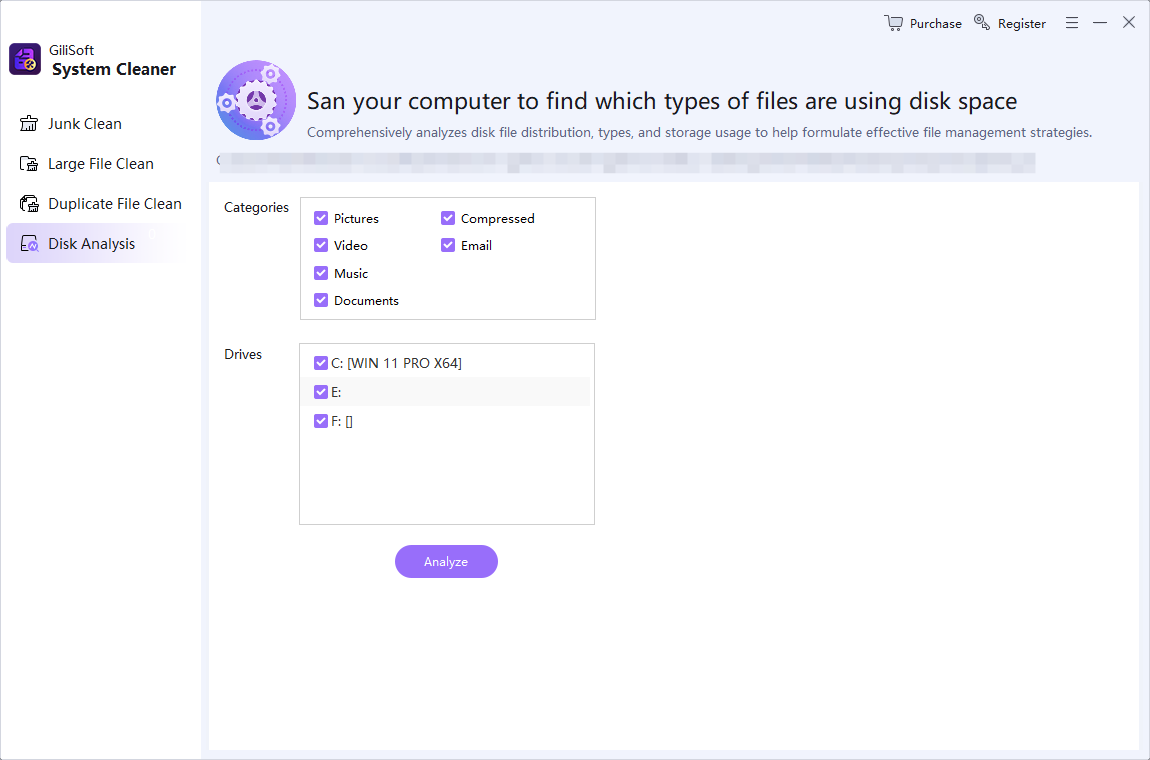
Use Windows Storage and Total Repair Disk Analysis to find a genuine low-space problem; review junk and large files before removal.
- Adjust startup cautiously
Disable nonessential startup entries one at a time using Windows or Total Repair Startup Manager, keeping security and device utilities enabled.
- Retest and escalate
Compare the same task again. If slowdowns persist with high temperatures, disk errors, or inadequate memory, investigate hardware or the specific app.
Verify the Result
- Did the targeted change improve a measured task?
- Are files, backups, security tools, and needed startup apps intact?
- Is the limiting resource still saturated after cleanup?
When to Stop General Repair
Duplicate removal and registry cleanup do not guarantee faster execution. Deleting personal files or disabling services at random can create new problems. Performance gains depend on the actual bottleneck.
Frequently Asked Questions
Why did junk cleanup not speed up my PC?
Storage was probably not the limiting factor, or free space alone was insufficient. Check CPU, memory, disk activity, and startup apps.
Should I delete duplicates for speed?
Removing copies can free space, but it usually does not improve CPU or RAM performance by itself.
Can Total Repair guarantee a faster PC?
No. It helps inspect and address selected software and storage factors, not every hardware or workload limit.
When should I consider hardware?
Persistent memory pressure, overheating, drive errors, or a very slow storage device warrant further investigation.