
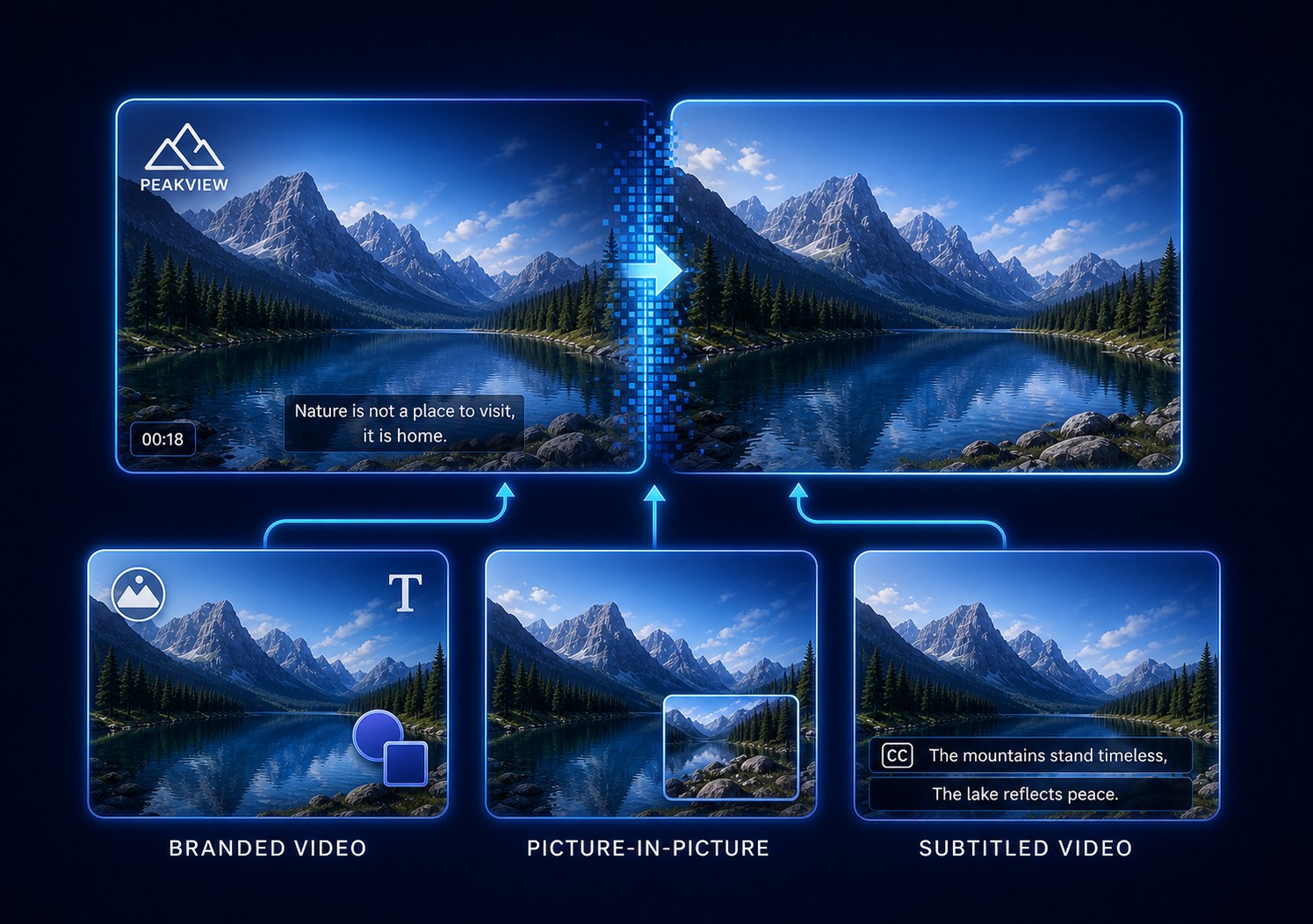
Quick Answer: Put the Supporting Video Above the Main Story
Open Picture In Picture in GiliSoft ClipMark, load the main video, add the smaller supporting video, resize and position it in the preview, set its start and end time, and decide which audio track should lead.
Picture-in-picture works well for screen tutorials with a presenter, product demonstrations, training lessons, reaction videos, interviews, commentary, comparison footage, and branded explainers. GiliSoft ClipMark keeps this video overlay task close to watermarking, authorized cleanup, and subtitle preparation.
Plan the Picture-in-Picture Layout Before Editing
| PiP use | Main video | Overlay video | Audio priority |
|---|---|---|---|
| Software tutorial | Full screen recording or application demo | Presenter webcam | Presenter microphone; mute webcam camera audio duplicates |
| Product demonstration | Product view, slides, or workflow | Speaker, detail angle, or supporting example | Choose the clearest explanation track |
| Reaction or commentary | Licensed or owned source being discussed | Commentator or reaction camera | Balance source audio below commentary when both are needed |
| Interview or remote guest | Primary speaker or shared presentation | Guest, host, or second angle | Avoid duplicate room audio and echo |
| Training lesson | Slides, procedure, equipment, or screen | Instructor, interpreter, or close-up | Keep instruction intelligible and captions unobstructed |
| Before and after comparison | Primary result | Reference or earlier state | Usually one narration track |
Choose the dominant story
The main frame should carry the information that cannot be missed. The PiP supplies context rather than becoming a second full story.
Trim both sources first
Remove unused lead-in and ending footage so the overlay can be aligned without long silence or irrelevant frames.
Reserve a clear area
Plan around faces, cursor movement, slide text, captions, controls, and vertical or square derivatives.
Decide the duration
Keep the PiP active only while it adds value, unless a persistent presenter or interpreter view is required.
How to Create Picture-in-Picture Video with GiliSoft ClipMark
- Prepare the main and supporting videosUse the final main edit, trim the overlay clip, and preserve the original sources.
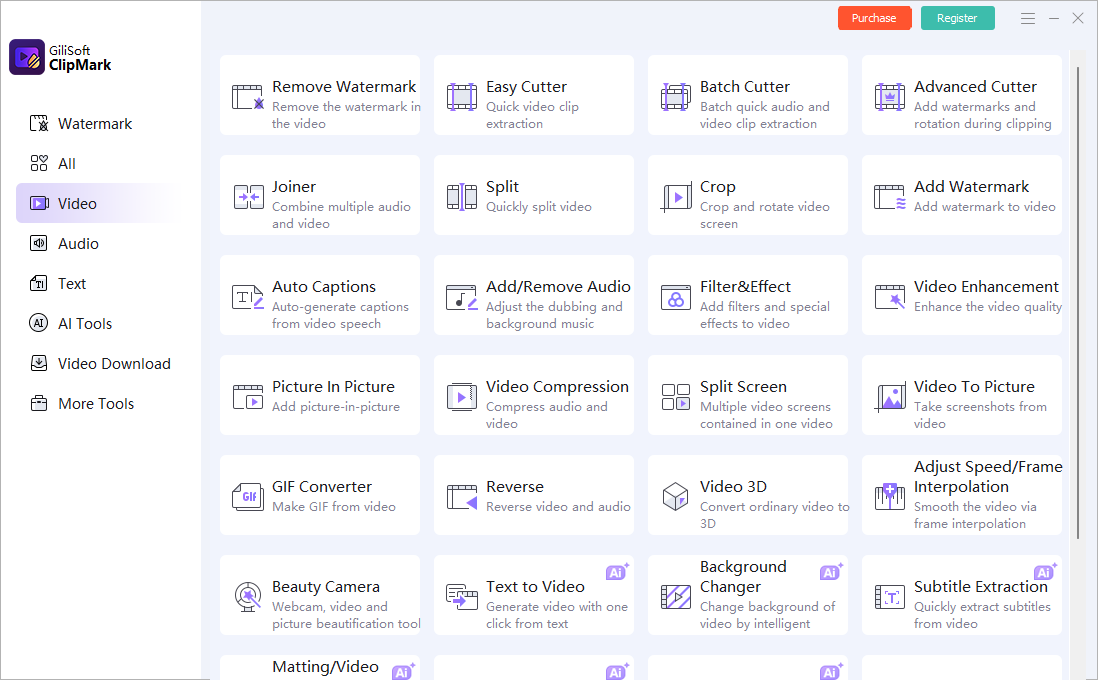
- Open Picture In PictureLaunch GiliSoft ClipMark, choose Video, and open the Picture In Picture task.
- Load the main videoSelect the background video that carries the primary demonstration, lesson, presentation, or story.
- Add the overlay videoChoose the speaker, webcam, reaction, second angle, interpreter, or supporting demonstration.
- Resize and position the PiP windowPlace it away from the subject, captions, cursor path, slide text, controls, and brand marks.
- Set its start and end timeAlign the overlay with the relevant narration or demonstration and remove empty lead-in or tail frames.
- Resolve the two audio tracksChoose the primary narration, mute duplicated camera sound, or lower the supporting source to an intentional background level.
- Preview and export a testWatch the overlay enter, play, and exit; then verify sync, aspect ratio, mobile readability, picture quality, and final audio.

Build a PiP test with your own two videos
Download GiliSoft ClipMark for Windows and verify one complete speaker, demo, reaction, or training layout before preparing the final publishing copy.
Download ClipMark TrialControl Picture-in-Picture Timing and Audio
The smaller window and main video run simultaneously. Good PiP editing therefore depends on both timeline alignment and a deliberate sound mix.
| Problem to decide | Practical choice | Check before export |
|---|---|---|
| When should PiP begin? | At the first relevant word, action, or comparison | No empty webcam pose or unexplained overlay before the topic starts |
| When should PiP end? | After the supporting point is complete | No cut-off gesture, final word, or lingering frozen frame |
| Which track leads? | Use the clearest narration as primary | Speech remains understandable without echo or competing dialogue |
| Should the second track be audible? | Mute duplicates; lower contextual sound; keep both only when intentional | Music and source sound do not mask the explanation |
| What if durations differ? | Trim the overlay or limit its active range | No black frame, silence, or premature disappearance |
| What if lip sync is wrong? | Realign the overlay start and use the correct audio source | Check the first spoken consonant and several points later in the clip |
Place the PiP Window Without Covering Important Content
Picture-in-picture or split screen?
Use PiP when one source is clearly primary and the second provides support. Use a split-screen layout when both views deserve comparable attention, such as side-by-side comparison or two equal speakers. ClipMark also provides a separate Split Screen task for that format.
Fix Common Picture-in-Picture Problems
| Problem | Likely cause | What to change |
|---|---|---|
| Both speakers or soundtracks play together | Both source audio tracks remain active | Choose the primary narration and mute or lower the secondary track |
| PiP starts before the speaker is ready | Unused lead-in remains or the start time is early | Trim the overlay and align its first useful frame with the main timeline |
| Overlay ends with a frozen or black frame | Its source duration or active range is too long | Shorten the overlay range and preview the final seconds |
| Speaker is too small on phones | The PiP was sized only for desktop preview | Increase it or simplify the composition, then test the exported video at mobile size |
| Overlay covers captions or cursor movement | Placement was checked on only one scene | Review the complete video and move, resize, or limit the PiP during conflicting sections |
| Lip sync drifts later | The wrong audio source, conversion, or timing mismatch is being used | Realign the source and verify sync at several points, not only the beginning |
| Overlay looks stretched | Its aspect ratio does not match the chosen PiP box | Preserve the source ratio or crop deliberately instead of forcing it to fill |
| Vertical version feels crowded | The horizontal layout was reused unchanged | Create a separate PiP size and position for the vertical composition |
Picture-in-Picture Video Overlay FAQ
Can GiliSoft ClipMark put one video over another?
Yes. Open Picture In Picture, load the main and supporting videos, then resize, position, time, and preview the smaller video overlay before export.
Can the PiP appear for only part of the video?
Yes. Set the start and end time so the speaker, reaction, close-up, interpreter, or supporting example appears only while it is useful.
Which audio should I use?
Choose one primary narration. Mute duplicated webcam or camera sound, or lower the supporting source when both tracks intentionally contribute.
Where should I place the PiP window?
Use an area that avoids the main subject, subtitles, cursor path, slide text, controls, and logos. Check the full video because the safest area can change.
How large should the smaller video be?
Large enough to recognize the speaker, expression, product detail, or action, but small enough that the main video remains dominant. Verify it at mobile playback size.
Can ClipMark also add branding and subtitles?
Yes. ClipMark also supports text, logo, image, and shape watermarks, authorized overlay cleanup, and automatic caption preparation.
When is split screen better than PiP?
Use split screen when both sources deserve similar visual weight. Use PiP when one video is primary and the other provides supporting context.
References and Related Picture-in-Picture Guides
The workflow was checked against Microsoft's official PiP layering, position, sizing, and two-audio-track guidance, Adobe's PiP duration, position, and resize workflow, Adobe's overlay-track and preview guidance, and Adobe's current video clip-layer documentation.