
Free USB Port Blocker for Windows: Block Storage, Not Everything
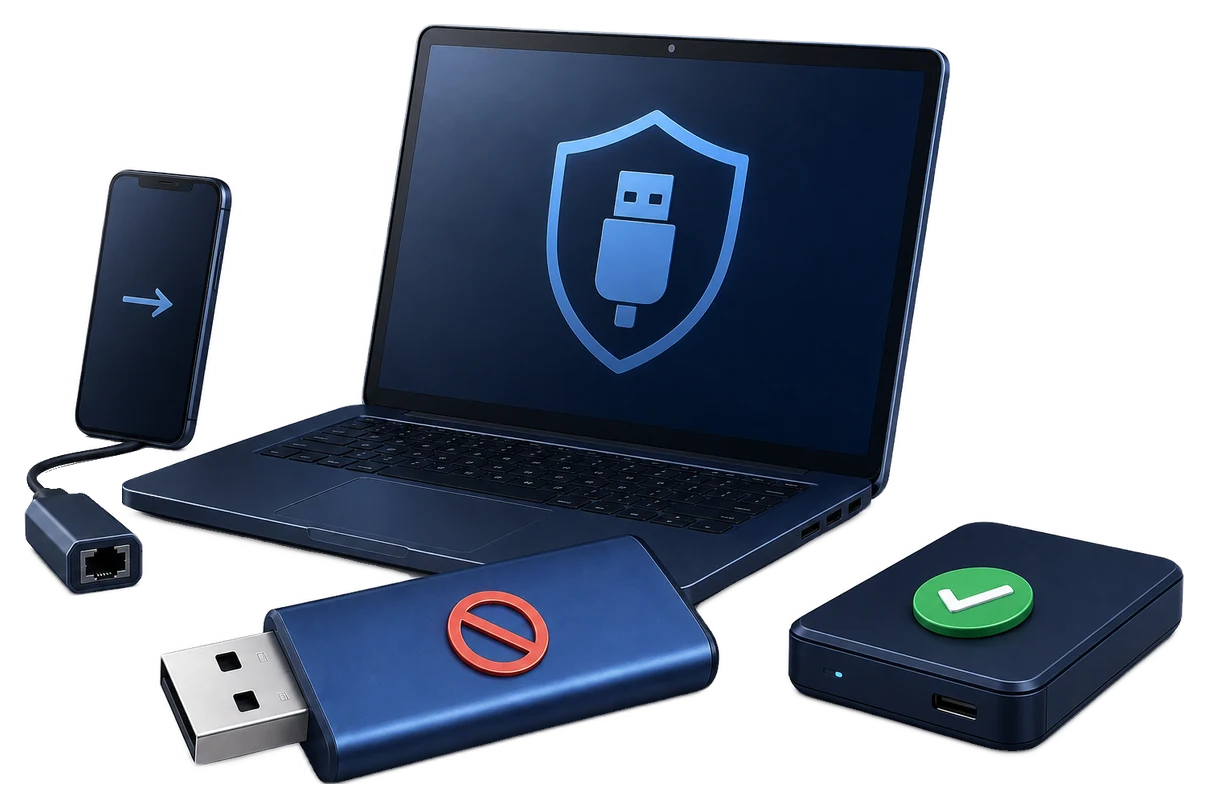
Most organizations do not need to disable every USB port. The safer goal is usually to restrict unapproved storage and phone transfer while keeping required peripherals working.
Quick answer
Do not disable every physical USB port if the PC still needs keyboards, mice, printers, security keys, or approved storage. Windows device settings and policy can restrict removable storage for free. GiliSoft USB Lock adds password-protected read/write rules, trusted-device lists, phone and adapter controls, and access logs for supported Windows endpoints.
Decide what USB port blocking should mean
Block storage only
Keep input devices available while preventing unapproved file transfer.
Read only
Allow files to be opened from approved media while preventing writes where supported.
Allow approved devices
Use a trusted-device list instead of a blanket port shutdown.
Control adapters and phones
Address USB network adapters and phone transfer modes separately from storage.
Compare free USB restriction methods
| Method | Useful for | Risk |
|---|---|---|
| Device Manager | Temporary device troubleshooting | Broad changes may disable required devices and can be reversed |
| Removable Storage Access policy | Managed Windows editions | Edition and administration requirements |
| Registry-backed policy | Scripted managed environments | Easy to misapply without change control |
| USB Lock trial | Granular local endpoint policy | Must be tested with every required device class |
Build a safer USB policy with USB Lock
- Inventory required USB devices.
Record approved storage, keyboards, mice, printers, phones, and network adapters.
- Set the administration password.
Keep the recovery method available to authorized staff.
- Apply the narrowest storage rule.
Choose read, write, or full blocking according to the actual data risk.
- Add trusted devices.
Approve required company media instead of repeatedly disabling the policy.
- Test every device class and review logs.
Confirm blocked transfer and continued operation of required peripherals.


USB blocking is not USB encryption
Endpoint control limits device use on the protected PC. It does not encrypt files already stored on a removable drive and does not control the same drive on an unmanaged computer. Use GiliSoft USB Encryption when the drive itself needs a password-protected private area.
Frequently asked questions
Can I block USB storage for free on Windows?
Windows device and removable-storage policies may block basic access, depending on edition and administration.
Should I disable all USB ports?
Usually not. A blanket block can interrupt keyboards, mice, printers, security keys, cameras, and other required peripherals.
Can I allow only approved USB drives?
A trusted-device or allow-list workflow is better suited to approved company media than repeatedly enabling and disabling all storage.
Does USB Lock encrypt a USB drive?
No. It controls device and transfer access on the protected Windows PC. Use USB Encryption for password-protected storage on the drive.
Can an administrator reverse USB restrictions?
A trusted local administrator may be able to change local controls. Use managed accounts and organization policy for stronger governance.