Convert Voice Recordings to Text
Turn spoken audio from meetings, lessons, interviews, podcasts, and voice notes into editable transcript drafts.

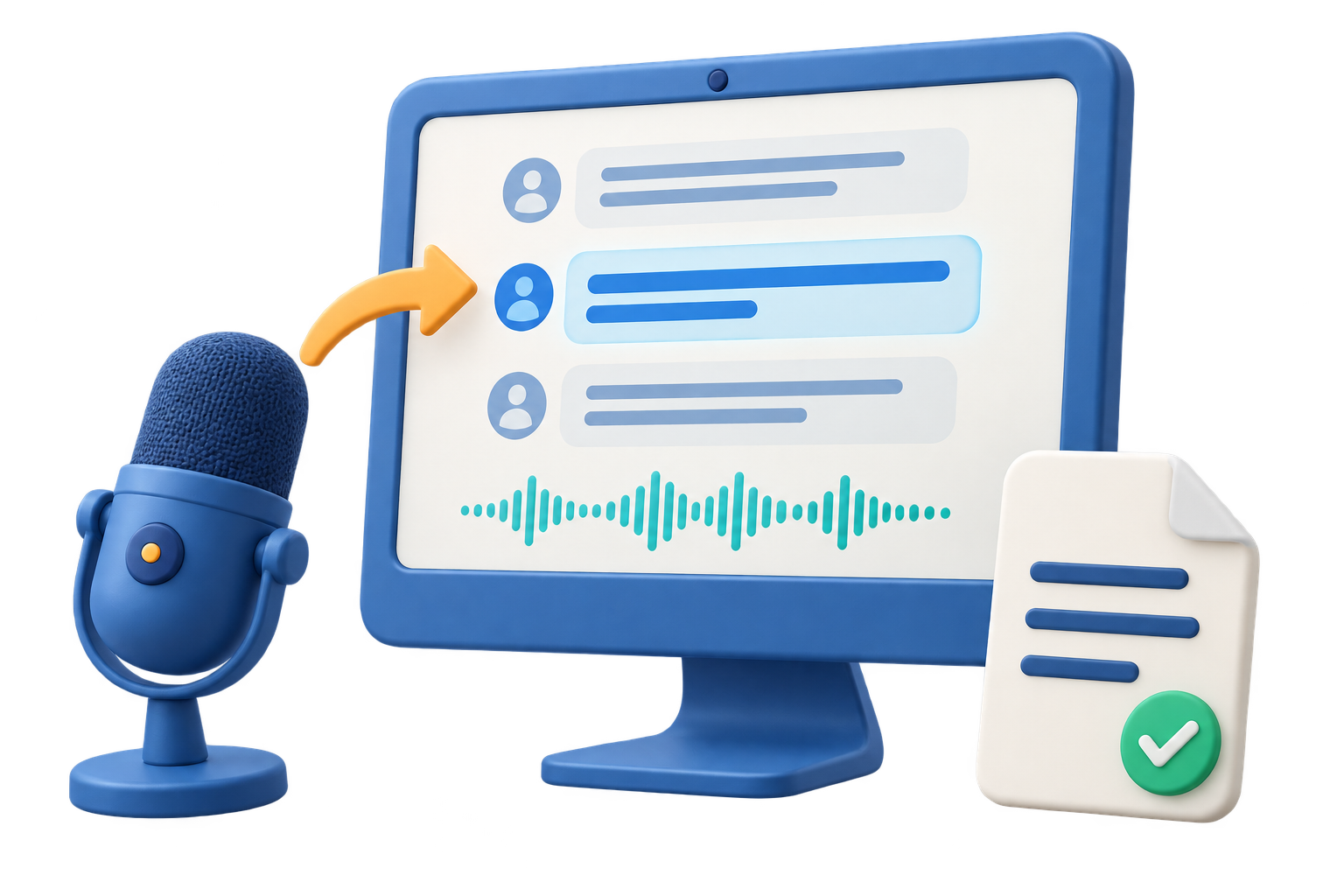
GiliSoft Speech to Text is for users who need a readable text draft from spoken recordings. Import audio from meetings, interviews, lessons, webinars, podcasts, voice notes, or support sessions, then turn the speech into text that can be reviewed and corrected.
Use it to prepare meeting minutes, interview notes, searchable archives, subtitle drafts, training summaries, research material, and documentation from spoken content. Accuracy depends on speaker clarity, recording quality, language, background noise, and how much speakers overlap.
Because it is part of Audio Toolkit Suite, you can clean noisy recordings, cut unrelated sections, convert audio formats, record new audio, or export prepared files without jumping between separate utilities.

Turn spoken audio from meetings, lessons, interviews, podcasts, and voice notes into editable transcript drafts.
Prepare text drafts for summaries, minutes, follow-up tasks, research notes, and searchable internal records.
Use transcription output as a starting point for subtitles, captions, video descriptions, and training transcripts.
Use generated text as an editable draft, then correct names, technical terms, punctuation, and speaker-specific wording.
Before transcription, use related tools to record audio, reduce noise, trim silent sections, or convert source files.
Move transcript drafts into reports, help articles, training notes, knowledge bases, archives, and subtitle projects.

Speech to Text gives us a fast first draft for webinar notes and training summaries.
Interview recordings are easier to review when we start from an editable transcript instead of replaying everything.
We clean audio first, then transcribe it, which makes the suite useful for recurring support recordings.
Transcript drafts save time when building internal documentation from long meetings.
Convert meeting recordings, webinars, briefings, and internal sessions into text drafts for review and follow-up.
Turn interviews, podcasts, and research calls into editable material for articles, show notes, captions, and summaries.
Prepare lesson transcripts, course notes, lecture drafts, and accessible text versions of spoken learning material.
Use transcripts to create knowledge-base notes, customer education content, searchable archives, and internal records.
Use this page when the main job is converting spoken recordings into text drafts for review, notes, captions, or documentation.
Transcription quality often improves when the source audio is trimmed, cleaned, converted, or recorded more clearly first.
Text drafts make long recordings easier to scan, quote, summarize, store, and reuse in support or training material.
For creating voice from scripts use Text to Speech. For voice cleanup use Noise Remover.
Create editable text from recorded meetings, webinars, online lessons, and internal briefings.
Prepare transcript drafts for interviews, podcasts, research calls, customer conversations, and field recordings.
Interview Transcription Software | Podcast Transcription Tool
Use speech-to-text output as the starting point for subtitles, captions, video descriptions, and searchable media notes.
Record, denoise, trim, and convert source files with Audio Toolkit Suite before turning speech into text.
Get audio transcription plus practical tools for recording, noise reduction, cutting, joining, conversion, text-to-speech, vocal tools, and final export in one Windows package.
Buy Audio Toolkit Suite 


Enter your email address to get our latest newsletter