Manual Image Watermark and Object Removal
Mark unwanted areas with Smart Pen, Brush, Shape, Lasso, or Eraser tools, adjust the brush radius, and reconstruct the selected image area.


GiliSoft Watermark Remover combines image cleanup and video overlay removal for authorized media. Mark photo watermarks, logos, dates, objects, video text, subtitle regions, or irregular overlays, preview the reconstruction or cleanup treatment, and export a separate result.
Use the combined product when projects regularly include both images and videos. For a single media type, the product comparison below points to MarkEase for photos, ClipMark for video overlays, and Subtitle Remover for burned-in captions.


Mark unwanted areas with Smart Pen, Brush, Shape, Lasso, or Eraser tools, adjust the brush radius, and reconstruct the selected image area.
Choose a dedicated subtitle layout, mark text regions, or paint an irregular area with Smart Pen, Brush Pen, or Eraser controls before export.
Use OCR recognition to locate image text areas, draw boxes around text or portrait regions, and remove those selected elements from authorized source images.
Set the watermark display time range and choose Delogo, Mosaic, or Gaussian Blur for fast cleanup of fixed video marks and overlays.
Process multiple pictures together when a repeated watermark must be removed, or add consistent branding across an image set.
Add updated text, picture, or video marks, set the visible time range, adjust transparency and font styling, then preview the result before export.

We use it to clean channel logos and caption overlays before localization. The edited area blends much better than a simple blur.
Batch image cleanup helped us prepare old product photos and archived visuals without sending every file to a designer.
The selection tools are approachable for content staff, but still precise enough for marks near edges and detailed backgrounds.
We can remove older marks, add the current brand watermark, and keep export settings consistent across repeat publishing tasks.
See the current image and video workflows. Select a task below, then click the large screenshot to inspect the interface at full size.
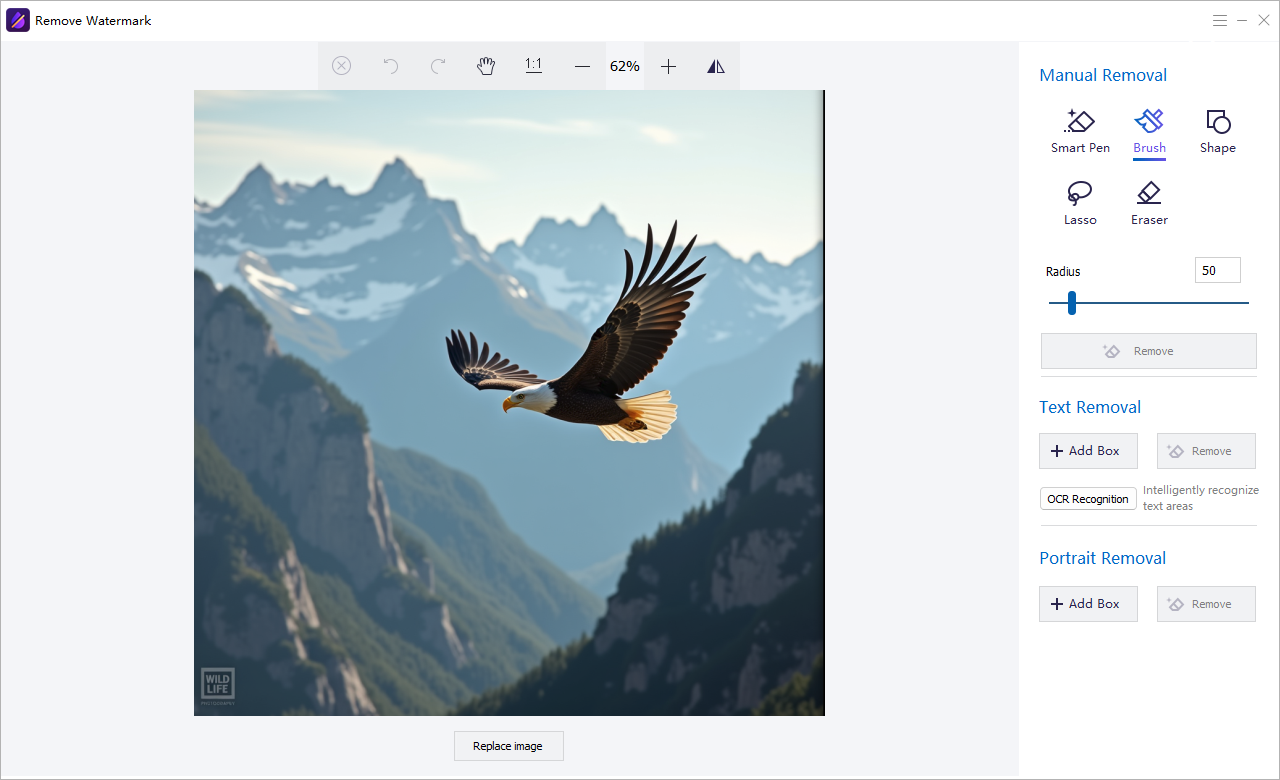
Use Smart Pen, Brush, Shape, Lasso, or Eraser controls to mark unwanted image areas, with OCR text and portrait removal available from the same workspace.
The Watermark Remover workspace also provides shortcuts to related picture, video, and audio utilities. These extend the desktop suite, while watermark cleanup remains the main purpose of this page.
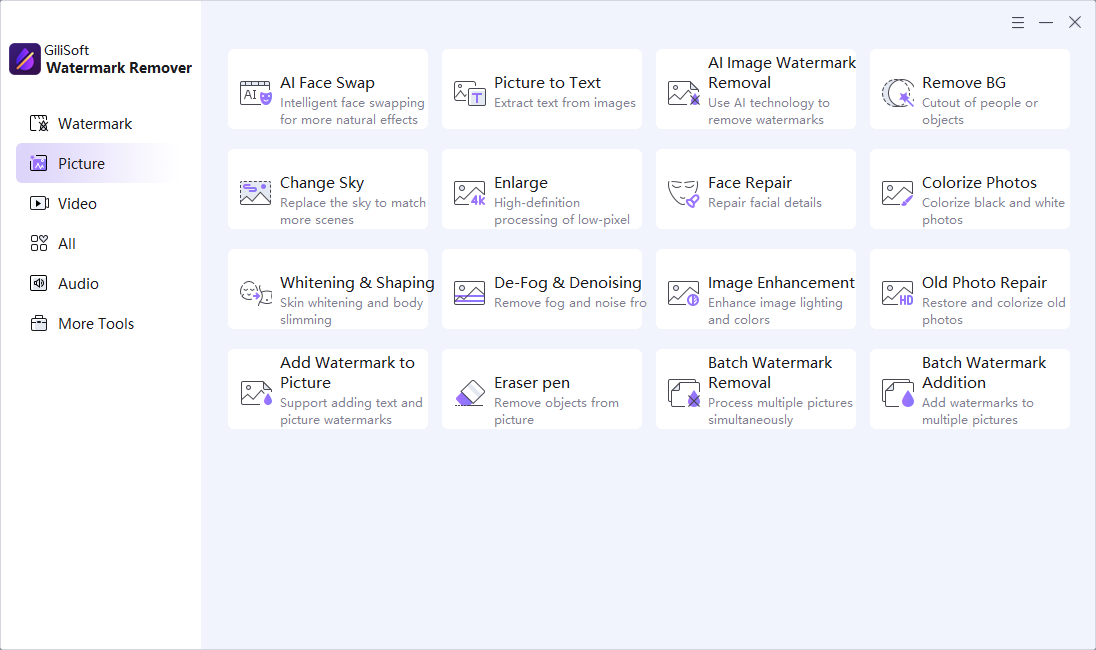
Access AI image watermark removal, eraser, background removal, photo enhancement, old photo repair, and batch watermark tools.
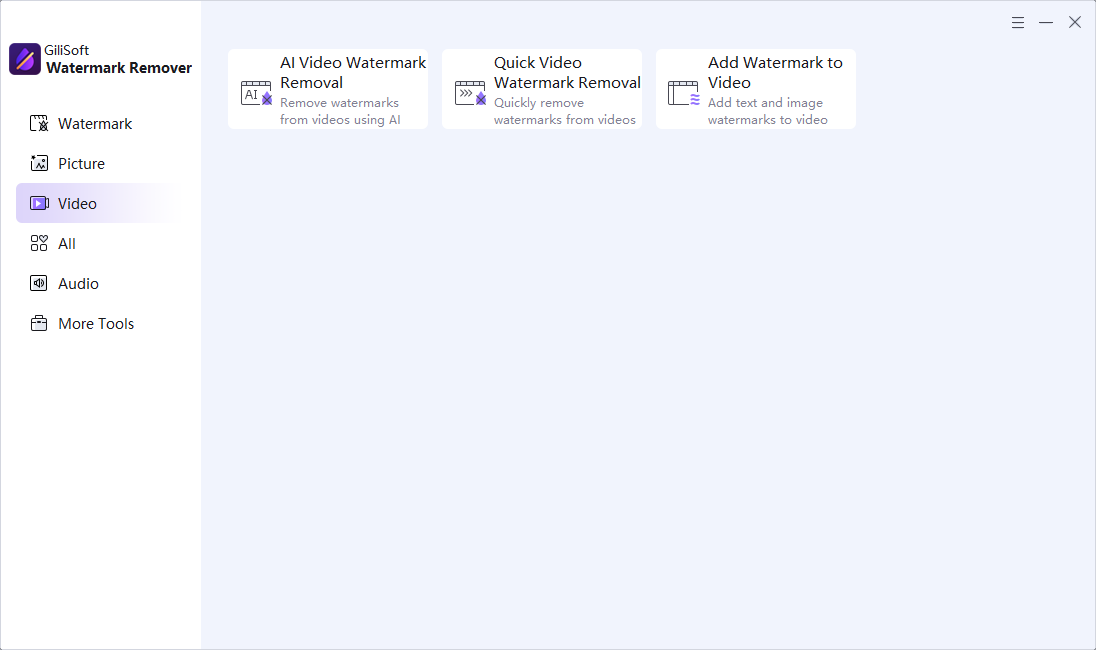
Open AI video watermark removal, quick video cleanup, or add-watermark tools from the Video category.
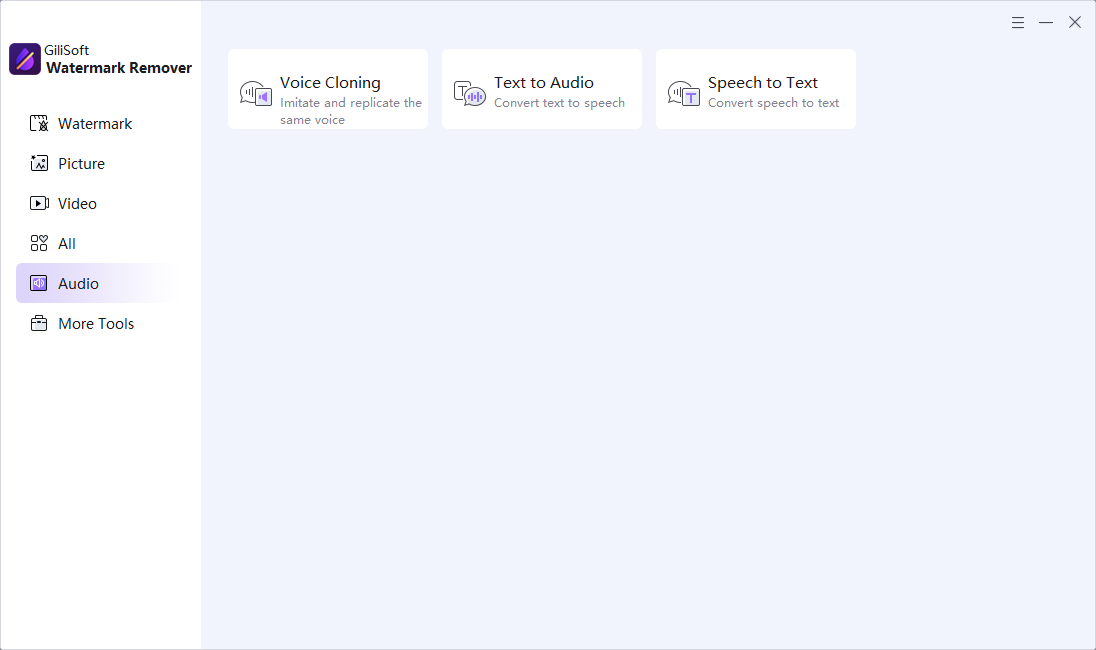
Use the related voice cloning, text-to-audio, and speech-to-text utilities when a media project also needs audio processing.
Use it when social assets, archived projects, or repurposed media still carry logos, subtitles, date stamps, or old brand marks.
Prepare cleaner visuals for campaigns, localized assets, product demos, and rebranding work across both image and video content.
Batch tools help when overlays, subtitles, or repetitive watermark areas must be cleaned across many files.
Beyond removal, the same process can add text or logo watermarks when final media needs ownership or brand marks.
Clean old branding, labels, date stamps, or imported marks from photos before reuse or republishing.
Remove a watermark from a photo | Remove a logo from a photo
Remove subtitle bars, embedded text, or logo overlays before localization, re-editing, or rebranding.
Remove a watermark from a video | Remove subtitles from a video
Use batch processing when multiple files need the same watermark-removal treatment and export setup.
After removing old marks, apply updated branding to final image or video exports in the same software family.
Best for removing watermarks, logos, date stamps, and unwanted marks from photos.
Best for removing subtitle bars, burned-in captions, and text-heavy overlays from videos.
Best for mixed image cleanup and general video watermark removal in one tool.
AI image cleanup can run without a credit-based model in MarkEase. Video AI cleanup is different: most users do not have the GPU hardware needed for practical offline AI video watermark removal, so AI video cleanup in ClipMark, Subtitle Remover, and Watermark Remover uses credit-based processing. At this time, there is no separate offline AI video watermark removal option.
Yes. It supports cleanup for both photos and videos, including logos, text overlays, subtitles, and date stamps.
How to remove a watermark from a photo | How to remove a watermark from a video | How to remove a logo from a video | How to remove text from a video
Yes. Batch processing is useful when multiple files need the same cleanup treatment.
How to do batch watermark removal | How to remove a date stamp from a video
Yes. The software can add text or logo watermarks to images and videos after you finish cleanup work.
Yes. It fits teams that want one process for image and video cleanup, while related tools can still help when a dedicated image-only or video-only tool is preferred.
Remove logo from photo | Remove date stamp from photo | Remove object from video

Editors highlighted accurate watermark-region detection and practical controls for image and video cleanup. Coverage noted a strong balance between quick one-click fixes and manual precision editing.
Review summaries describe GiliSoft Watermark Remover as a practical tool for removing text, logos, and overlays while preserving visual consistency in edited media.

Reviewers praised consistent output quality across social, education, and marketing tasks. Lab observations mentioned stable processing with common formats and frame settings.
Coverage emphasized that teams can quickly clean branded overlays, subtitles, and object distractions without rebuilding entire projects from source.

Independent write-ups described the cleanup process as efficient for repetitive post-production tasks. Commentary emphasized predictable results across repeated export cycles.
Independent commentary highlighted easy operation, batch support, and reliable background reconstruction for creators handling frequent watermark and overlay removal.


Enter your email address to get our latest newsletter
Watermark Remover
ClipMark
MarkEase
Subtitle Remover
FaceSwap
AIKit
Remove Watermark from Photo
Remove Watermark from Video
Batch Watermark Removal
Remove Object from Photo
Remove Overlay from Video
Remove Watermark from Screenshot
Clean Product Photos Before Relisting
Clean Archived Videos for Reuse
Clean Screenshots for Documentation
Clean Images for Catalog Update
Remove Burned-In Captions Before Localization
Clean App Store Screenshots