
Green Screen Editor for Presenter Videos on Windows
Clean chroma key starts during recording. An evenly lit background, distance between presenter and screen, and limited motion blur give the editor a much better edge than a wrinkled or shadowed backdrop.
Quick answer
Record a uniformly lit green screen, import the presenter and background into GiliSoft Video Editor Pro, apply chroma key, refine tolerance and edges, reduce green spill, then inspect hair and motion before export.
Prepare Footage the Key Can Separate
| Source or goal | Editing approach | Check carefully |
|---|---|---|
| Even green background and distinct clothing | Use chroma key | Hair, transparent edges, and spill |
| Uneven screen or similar clothing color | Improve the shoot before editing | Shadows and missing subject detail |
| No controlled color backdrop | Evaluate AI video matting | Edge stability and changing backgrounds |
Complete the Task in Video Editor Pro
- Prepare the presenter recording
Light the screen evenly, move the presenter away from it, avoid green clothing, and record at sufficient resolution and shutter speed.
- Build the composite
Import the replacement background and presenter footage into GiliSoft Video Editor Pro and place them on separate timeline layers.
- Apply and refine chroma key
Select the screen color, adjust tolerance carefully, and check edge softness, holes in clothing, green spill, hair, hands, and motion blur.
- Position, grade, and export
Scale the presenter naturally, match color and light direction to the background, add shadows only when appropriate, then test the full exported video.
See the Video Editor Pro user guide for timeline, text, audio, effects, AI tools, and export controls.
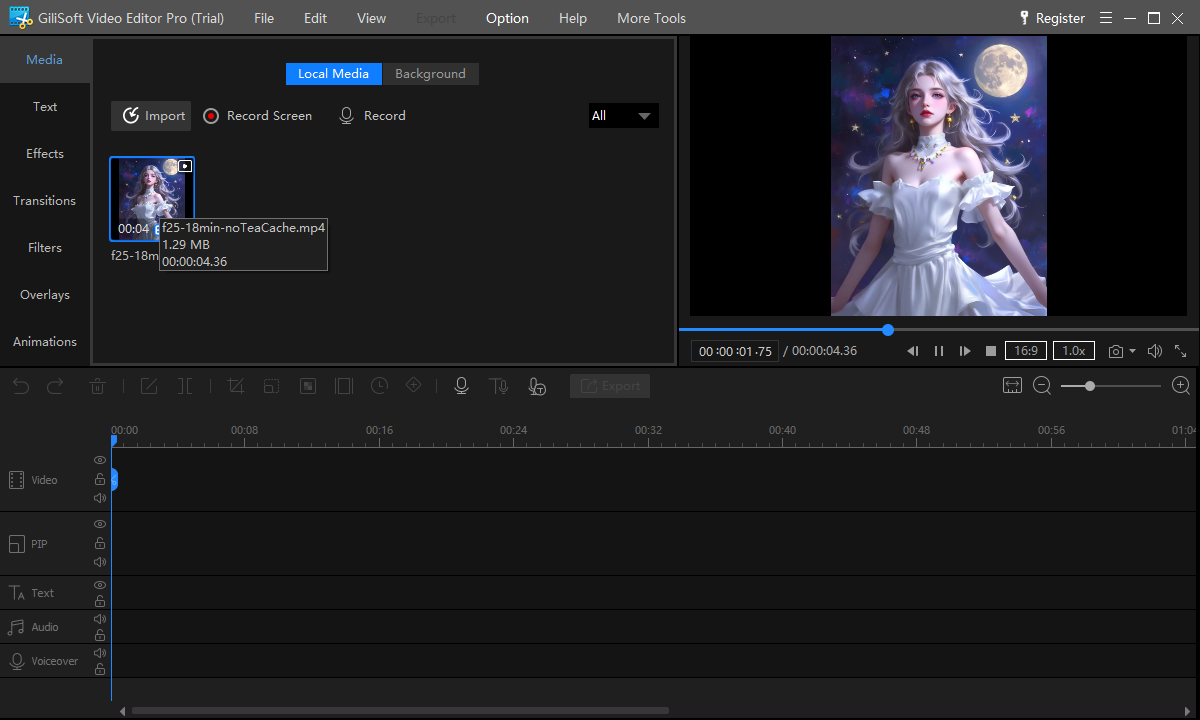
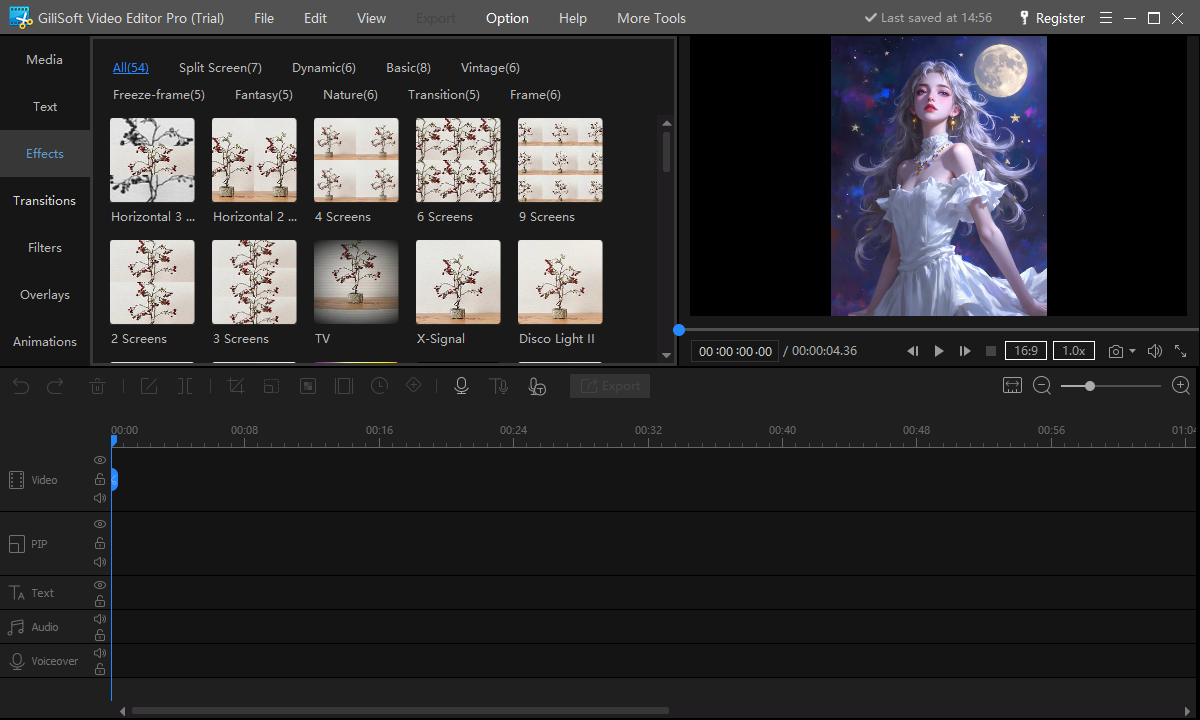
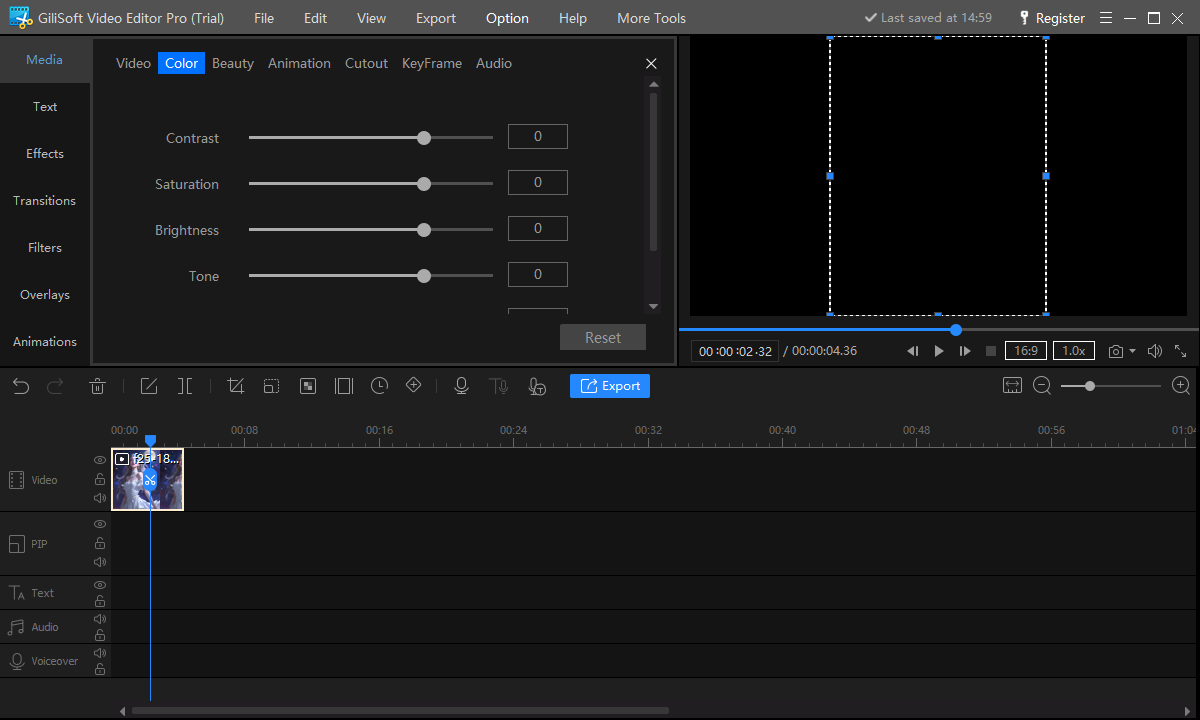
Video Editor Pro Interface
These real screenshots show the relevant multitrack, text, AI, audio, effect, or color workspace.
Review the Export
- Play the generated file outside the editor from beginning to end.
- Check crop, timing, text, audio balance, edges, transitions, and ending frames.
- Compare resolution, frame rate, aspect ratio, and file size with the destination requirements.
- Keep source rights, project files, and final export versions organized.
Frequently Asked Questions
Why is there a green outline around the presenter?
Light reflected from the screen may create spill. Increase subject-to-screen distance during recording and refine spill and edge settings.
Should I use chroma key or AI matting?
Use chroma key for a controlled, evenly lit color background; test AI matting when no suitable screen exists.