
Protect Files Before They Leave Your Control
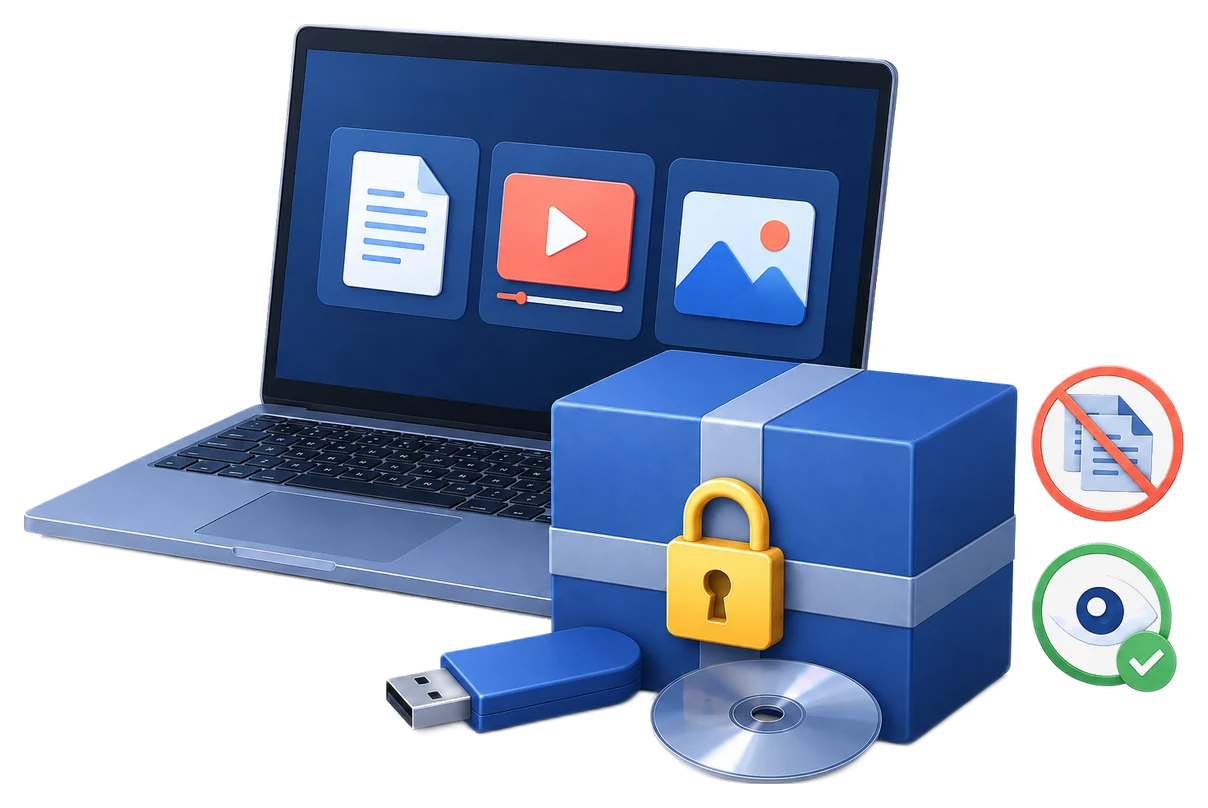
GiliSoft Copy Protect turns videos, audio, images, PDFs, Office documents, presentations, web pages, fillable PDFs, and mixed folders into protected output opened through a controlled reader.
Recipients can view, read, or play the material while the package applies the rules you selected for copying, printing, screenshots, expiry, watermarking, and device access.
Core Copy Protection Features
Create protected GCP or EXE output
Package selected content as GCP Format for standard protected delivery, or as EXE output when a self-contained package is preferred and the package stays within the EXE size limit.
Add files, folders, web pages, PPT, and PDF
Build mixed packages from ordinary files and folders, web pages, PowerPoint files, fillable PDFs, documents, images, audio, and video.
Bind access to USB, CD/DVD, or a computer
Tie protected output to a USB drive, external drive, CD/DVD, or selected computer so it opens only with the intended hardware.
Use Demo, Client, and Admin modes
Create different access profiles for trial viewing, client delivery, and owner administration with separate passwords and rule sets.
Disable copy, paste, print, screenshot, and clipboard reuse
Apply anti-copy rules that reduce common leakage actions while recipients read documents, view images, or play media.
Set expiry, play count, viewing limits, and watermarking
Add expiration dates, play count limits, video viewing time limits, document page limits, and floating or fixed text watermarks.
Customize the protected reader
Let recipients open the package in a controlled reader instead of exposing regular source files to ordinary applications.
Deliver protected files offline
Share protected packages by direct transfer, USB drive, external disk, or disc without requiring a cloud portal.
Additional Local Tools
Hide local files
Conceal sensitive source material from ordinary Windows browsing before or after packaging.
Disguise folders
Make selected local folders less obvious while preparing protected content.
Manage password wallets
Keep access details organized when you prepare protected packages repeatedly.
GiliSoft Copy Protect Screenshots
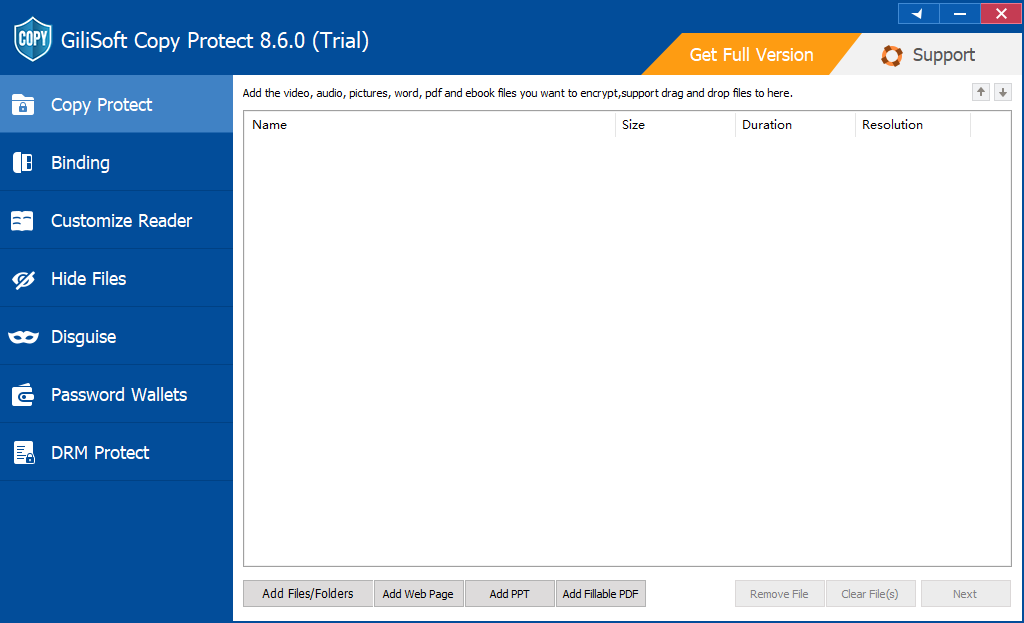
Add mixed content and choose output type
Add files, folders, web pages, PPT files, and fillable PDF documents, then choose GCP Format or EXE output before creating the protected package.
Protected package steps
Additional local tools
Who Is This For?
Content creators selling digital media
Protect paid videos, images, audio, and bundled downloads before sharing them with customers.
Training companies delivering course material
Package lessons, manuals, PDFs, slides, and videos with controlled viewing and anti-copy rules.
Businesses sharing confidential documents
Deliver proposals, reports, manuals, and client files with restrictions beyond ordinary attachments.
Publishers distributing mixed file bundles
Protect video, document, image, and audio libraries in one offline package.
Teams sending review copies to partners
Use watermarking and expiry to reduce leakage from external previews and evaluations.
Organizations needing offline file control
Protect files when delivery happens by USB, disc, external drive, or direct transfer instead of a cloud portal.
Choose the Right GiliSoft Tool
Need video-first copy protection?
Use Video Copy Protect when the main asset is video and the page should focus on protected playback, binding, watermarking, and anti-copy video delivery.
Need USB content delivery?
Use USB Copy Protection when protected files are distributed mainly on USB drives and removable media.
Need video DRM licensing and blacklist control?
Use Video DRM Protection when video delivery needs password generation, blacklist checks, device binding, watermarking, and stronger licensing management.
Common Copy Protection Use Cases
Block people from making copies
When your main request is "I need software to block people from making copies," start with this guide: choose copy blocking software.
Deliver paid courses and support files
Package videos, slides, PDFs, worksheets, and audio into controlled output for students or customers.
Send client documents with print and copy rules
Share proposals, manuals, reports, PDF files, and Office documents with reduced copying, printing, and clipboard reuse.
Create USB or disc-bound offline packages
Bind protected output to USB, external drives, CD/DVD media, or a target device for controlled offline access.
Build limited-time demo packages
Use Demo settings, expiry dates, play counts, viewing time limits, and watermarks for trials, previews, and evaluations.
Prepare partner review copies
Give partners or agencies controlled viewing access without sending ordinary reusable source files.
Need setup steps or a specific protection example?
The Copy Protect guide organizes instructions for documents, videos, USB delivery, training files, and product comparisons.
Copy Protection FAQ
Is copy protection the same as encryption?
No. Encryption protects stored data. Copy protection focuses on what recipients can do with delivered files after they receive them.
What output formats does Copy Protect create?
It supports GCP Format and EXE output. GCP is the standard protected package format, while EXE is useful for self-contained packages and is marked with a 4GB limit in the software.
Can it protect PDF, PPT, web pages, and Office files?
Yes. It supports ordinary files and folders plus web pages, PPT files, fillable PDFs, documents, images, audio, and video.
Can protected packages be bound to USB or disc?
Yes. Output can be bound to USB drives, external drives, CD/DVD media, or a specific device depending on the delivery plan.
Can it restrict print, copy, screenshots, and clipboard use?
Yes. Client settings include controls for copying, pasting, printing, screenshots, clipboard use, virtual machine playback, and other common reuse paths.
When should I choose Video DRM Protection instead?
Choose Video DRM Protection when the project is mainly video and needs password generation, blacklist management, and DRM-style video licensing.


