AES Video and File Encryption
Encrypt videos and supported local files with AES-based protection before sending them as protected packages instead of ordinary open files.

Encrypt MP4, AVI, WMV, MKV, FLV, audio, image, and document files into protected Gfx or EXE packages so recipients open the content only after entering the correct password.

Windows 2000/2003/XP/7/8/10/11 (32 bits &64 bits)
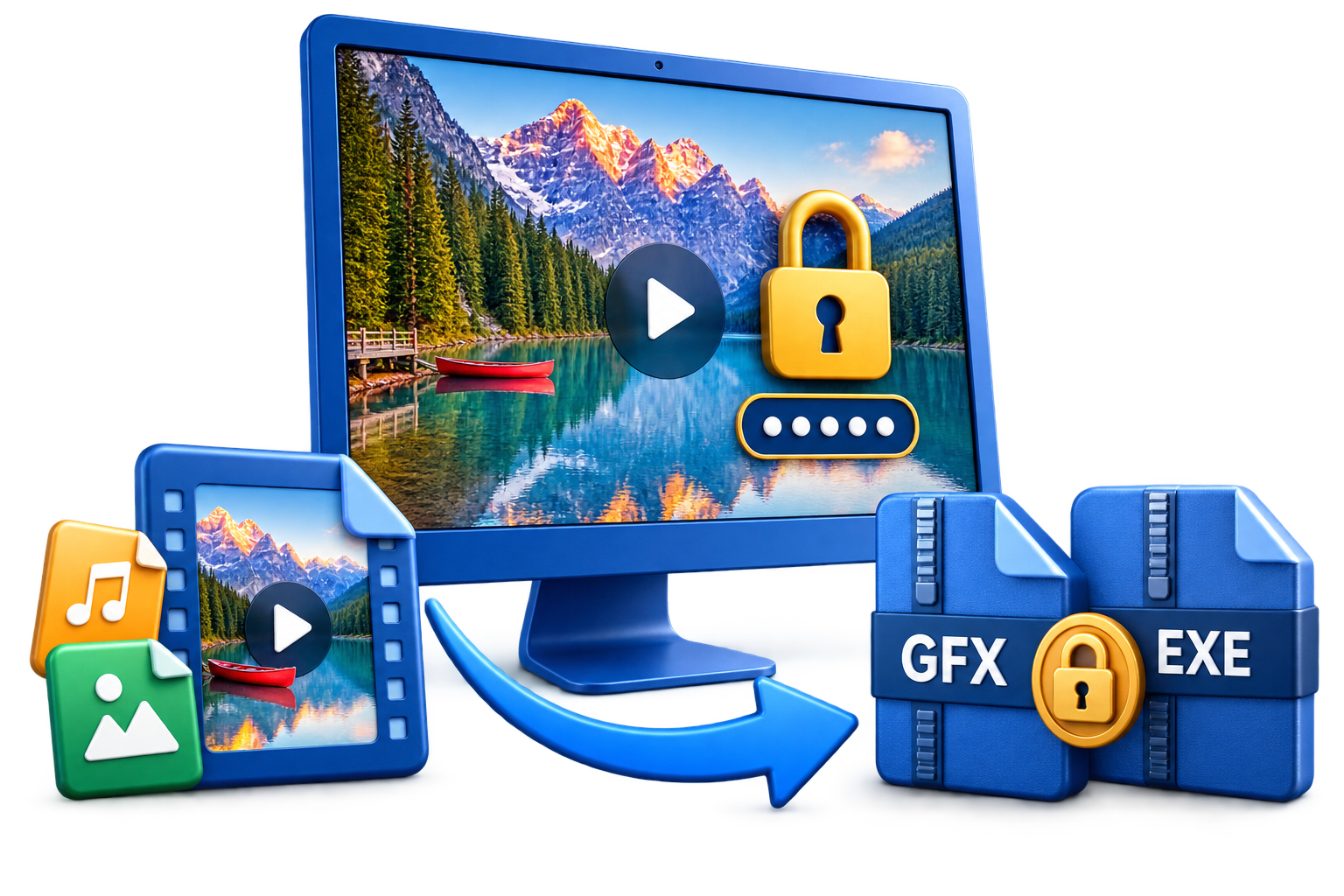
Any Video Encryptor is built for users who want to password protect videos before local sharing, USB delivery, client review, training handoff, or private offline playback. It keeps the original source files from being sent as ordinary open media and creates protected packages that ask for a password before playback.
The product is video-first, but the current workflow also supports common audio, image, document, and ebook files. You can add one file or a group of related files, choose Gfx or EXE output, set a playback password, and save the protected package to a local folder, removable drive, or delivery workspace.
Use it when file-level encryption and password-gated local playback are the main requirement. For device binding, online revocation, dynamic watermarking, and stronger post-delivery control, compare GiliSoft Video DRM Protection.
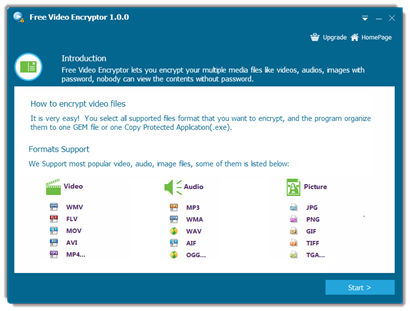

Encrypt videos and supported local files with AES-based protection before sending them as protected packages instead of ordinary open files.
Protect MP4, AVI, MKV, WMV, FLV, MP3, WAV, JPG, PNG, PDF, DOC, XLS, PPT, ebook, and other supported file types from one workflow.
Add one video or a batch of related files, review the file list, then move through a guided process to create the encrypted output package.
Group videos, images, audio, and documents into one protected delivery when a course pack, client preview, or offline media bundle needs to stay together.
Create a Gfx encrypted file for playback through the protected player, or create an EXE package when a portable protected application is more convenient for local delivery.
Enable password protection during output setup so the protected file cannot be opened casually by someone who receives or finds the package.
Open encrypted videos through the included player experience so recipients can watch approved content without handling the original source video directly.
Save encrypted output to a local folder, USB drive, external disk, or portable delivery location when the content needs to travel outside your computer.
When protected files are opened in the controlled viewer, viewing can be restricted so recipients cannot casually capture screenshots or save protected content as an ordinary open file.
Create EXE output that is bound to the selected USB drive, so the protected package opens from that USB delivery and cannot be moved away and opened normally elsewhere.

Any Video Encryptor helped us share premium training videos with better access control and less unauthorized forwarding.
AES-based encryption and password playback controls have been stable in daily content delivery.
Multi-format protection reduced tool switching when we distribute mixed video and image packages.
High-speed encryption let us protect large media libraries quickly before publishing deadlines.
Bundling multiple files into one protected package made client delivery simpler and easier to manage.
Preview the protected media workflow: confirm supported file types, add files, choose Gfx or EXE output, set a password, and open encrypted video in the protected player. Click the large screenshot to inspect it in detail.
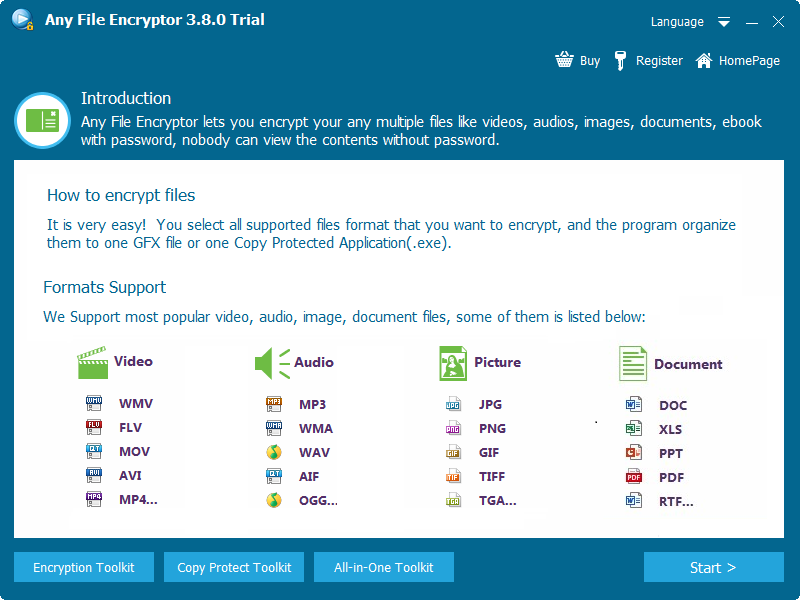
Start from a guided screen that explains supported video, audio, picture, document, and ebook file types before creating a protected package.
Protect local video files with AES encryption and password playback before sending them to clients, partners, or internal teams.
Use protected Gfx or EXE packages when recipients need practical local playback without receiving ordinary, unprotected source files. EXE output can also be tied to USB delivery when content should not be moved away and opened elsewhere.
Bundle related video, audio, picture, document, and ebook files into one encrypted package when local delivery convenience matters as much as protection.
This product fits password-gated encrypted playback and local file delivery when a simpler protected package is the right job.
Protect course videos, demo clips, tutorials, and offline training packages before sending them to students, clients, or internal teams.
Use encrypted packages for review copies, client previews, draft cuts, and confidential media before public release, with controlled viewing that helps reduce screenshot and save-as misuse.
Choose Any Video Encryptor when your main goal is encrypting videos or related media files into Gfx or EXE packages that open after password verification.
Choose Video DRM Protection when you also need device binding, watermark traceability, blacklist management, and stronger control after the file has been delivered.
Choose Video Copy Protection when the focus is preventing casual copying from a delivery package rather than building an encrypted playback file.
This page is most relevant for USB delivery, EXE or Gfx output, client previews, training files, password-gated local playback, and protected viewing where screenshot and save-as controls matter.
Encrypt MP4 and other video files before local delivery when ordinary open files would be too exposed.
How to encrypt video files with a password | How to password protect video files | How to encrypt MP4 files
Export protected packages for USB drives and external media when recipients need practical offline viewing. Use USB-bound EXE output when the protected package should open from the selected USB drive only.
Encrypt video for USB delivery | Protect video files for USB sharing | Encrypted video player
Group related local media files into one protected deliverable when release management and playback simplicity both matter.
Package videos as EXE files | Package videos as GFX files | Best video file encryption software
Use the same local encryption workflow when a delivery includes video plus audio, images, documents, or ebooks that should stay inside a password-protected package.
Use controlled playback when the viewer should be able to watch approved content without easily saving it as a normal file or taking casual screen captures.
Yes. It is designed to encrypt video files and require playback passwords before protected packages can be opened.
How to password protect video files | How to password protect MP4 files
Yes. You can save protected Gfx or EXE packages to USB drives, external disks, or other offline delivery locations.
Protect video files for USB sharing | Encrypted video player
Yes. The output settings support Gfx encrypted files and EXE protected packages, so you can choose the format that best matches local playback or portable delivery.
Offline video encryption software | AES video encryption software | Best video file encryption software
Yes. EXE output can be created for USB-bound delivery so the protected package is tied to the selected USB drive and cannot be opened normally after being copied away.
Any Video Encryptor focuses on encrypted video files and password playback. Video DRM Protection is stronger for blacklist-based revocation, access policies, and broader protected-distribution control.
Use Any Video Encryptor when you need to encrypt video files, package them as Gfx or EXE files, and open them through password-protected local playback.
Use Video DRM Protection when you need device binding, blacklist-based revocation, access rules, or stronger protected-distribution control after delivery.
Use Video Copy Protection when your main goal is simple anti-copy packaging rather than encrypted local playback and password-based file access.
Use Encryption Toolkit when video encryption is only one part of the job and you also need file, USB, disc, private-disk, or full-disk encryption tools.
Editors highlighted the value of turning ordinary local files into protected packages for password-based delivery and playback.
Review notes called out the simple choice between a protected encrypted file and a portable EXE package for local sharing.
The product is easiest to understand as a local encrypted delivery tool for training videos, client previews, and mixed media bundles.


Enter your email address to get our latest newsletter