
Create Branded Videos for Publishing
Use this workflow to add controlled text, image, or video branding to an approved master before publication. Keep the source, test the most difficult section, and verify the exported result.
Quick answer
Finish the editorial master first, duplicate it for delivery, then add the current logo or text watermark with deliberate size, position, transparency, and timing. Preview the branding over bright, dark, and moving scenes, export a new file, and check the published copy rather than assuming the editor preview is enough.
Choose the Right Workflow
| Situation | Recommended approach | What to verify |
|---|---|---|
| Add current branding | Use approved text, picture, or video watermark | Position, opacity, timing, crop, and readability |
| Replace obsolete branding | Clean the old mark first, then add the approved replacement | No old edges remain and the new mark is consistent |
| Create a delivery variant | Export from the approved master | File name, destination playback, and publishing version |
Step-by-Step Workflow
- Preserve the approved master
Keep the clean editorial master unchanged and create a separate delivery version for branding.
- Confirm the current brand specification
Use the approved logo, wording, colors, placement, opacity, and visibility period for this destination.
- Add or replace the mark
If necessary, clean an authorized obsolete mark first; then add the new text, picture, or video watermark.
- Preview representative scenes
Check bright, dark, detailed, and moving backgrounds as well as captions, controls, and crop-prone edges.
- Export and test the published copy
Use a clear version name, play the export outside the editor, and verify the actual destination after upload.
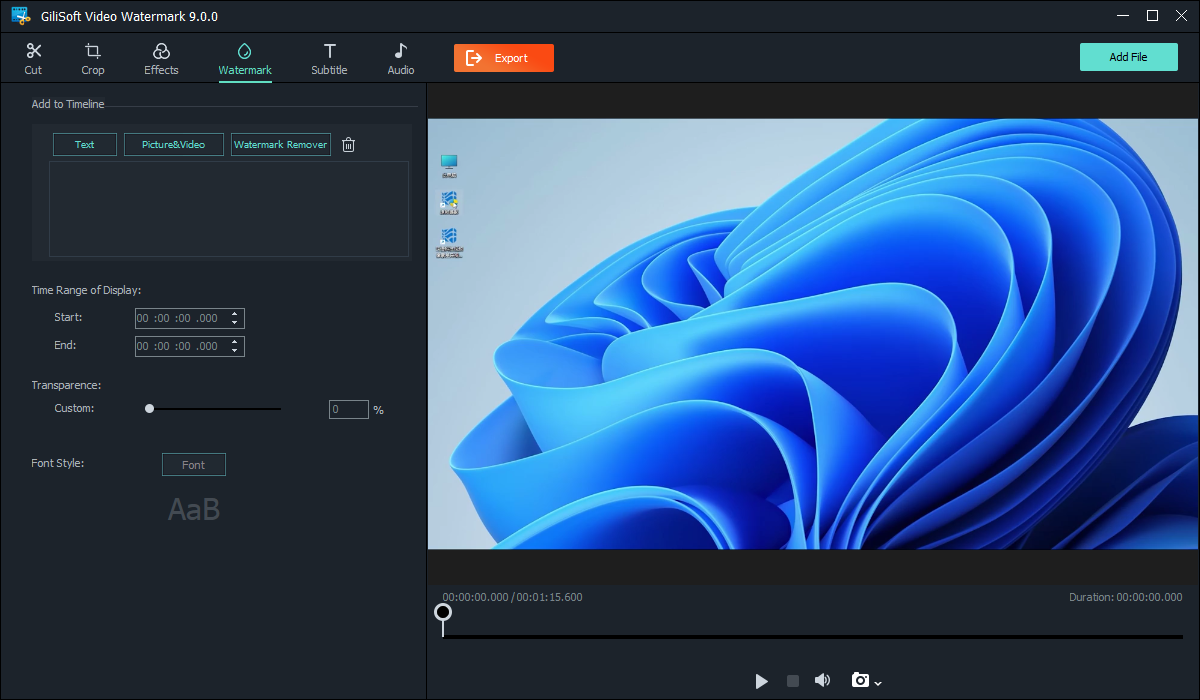
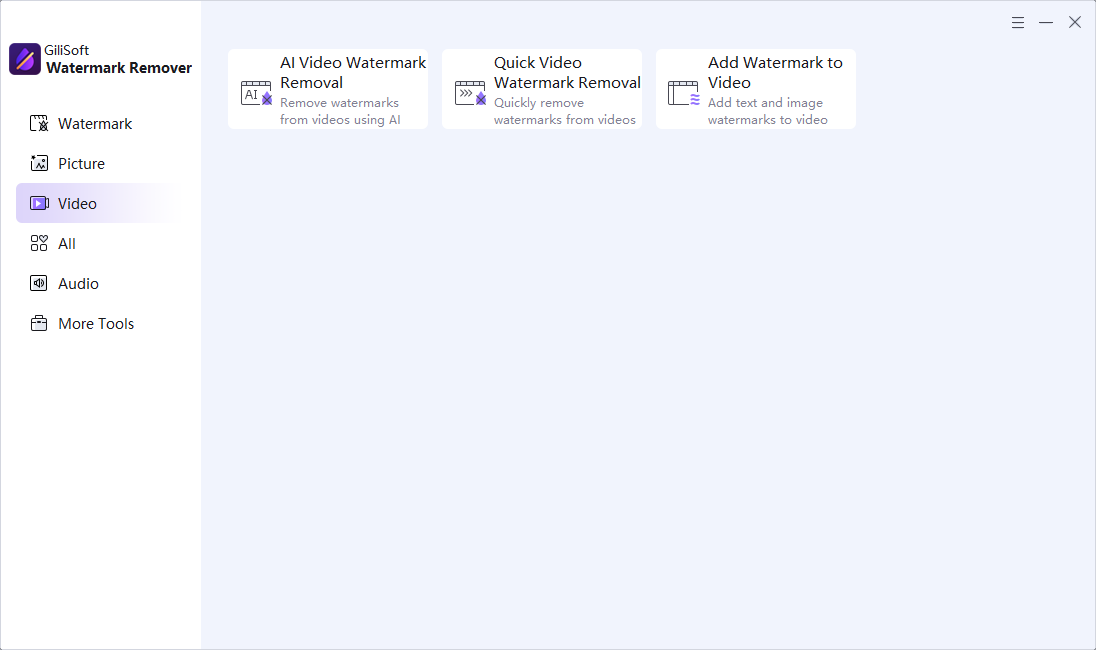
Use the GiliSoft Watermark Remover Workspace
These are real product interfaces. Controls can change by release, so follow the task logic and preview your own source rather than assuming one setting fits every scene.
Review the Result Before Publishing
| Consistent brand placement | Inspect the complete affected interval at normal speed and on representative paused frames. |
|---|---|
| Complete video | Check transitions, repeated appearances, captions, audio, duration, and the ending rather than only the first scene. |
| Delivery file | Play the exported file outside the application and verify the actual publishing or client-delivery asset. |
Frequently Asked Questions
Should branding be added before or after the main edit?
Usually after the editorial master is approved, so timing and placement are not broken by later cuts or reframing.
Can I add text and image watermarks?
GiliSoft Watermark Remover supports adding text, picture, or video marks with appearance and timing controls.
Where should a logo be placed?
Use the approved brand specification and test platform cropping, captions, controls, and important content rather than assuming one corner always works.
Should I overwrite the source video?
No. Keep the original and export a separate edited result so quality, rights, and provenance can be reviewed.
Why must I check the exported file?
A preview does not prove the final codec, timing, mask, captions, cache, or publishing asset is correct.