
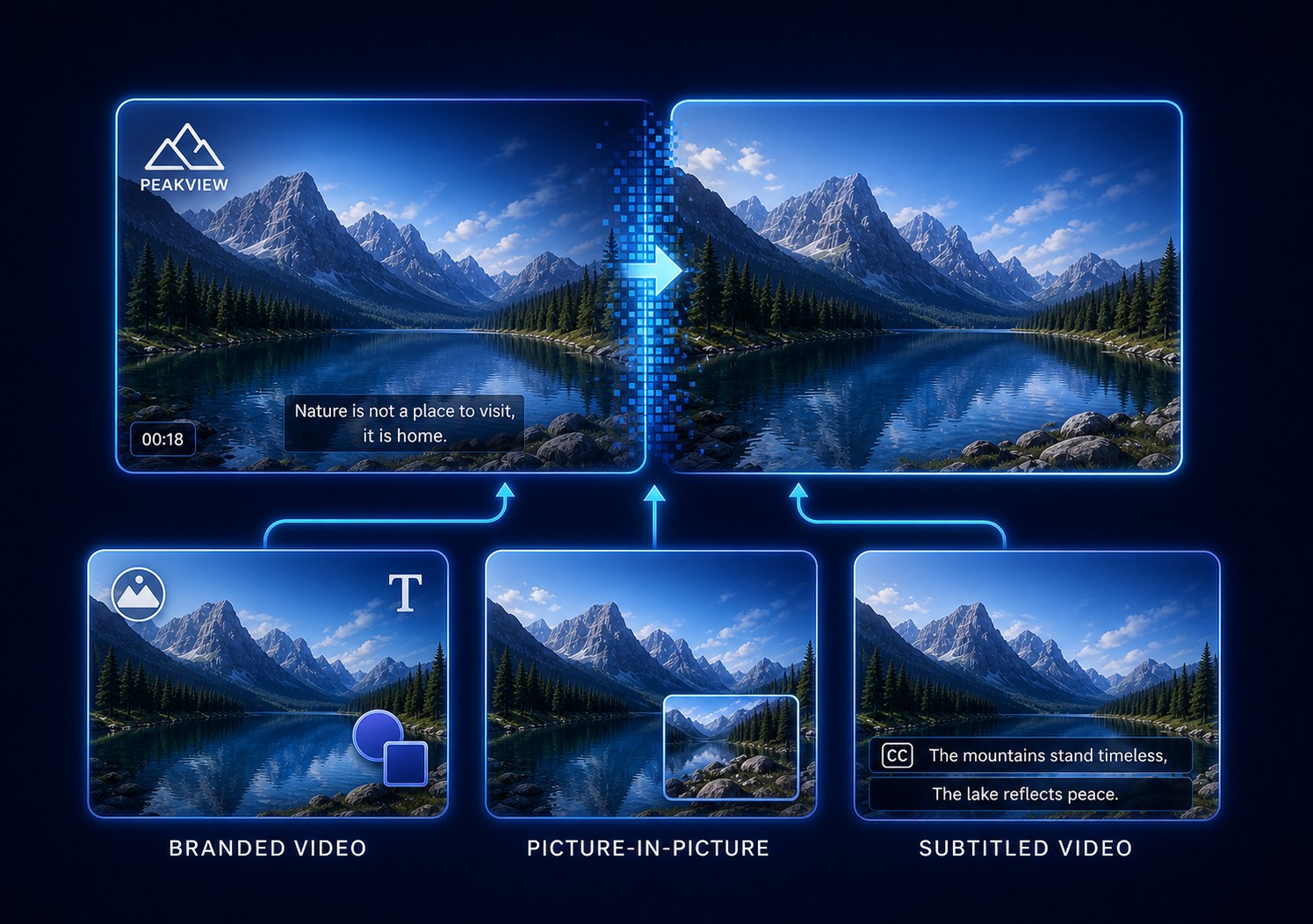
Start Here: Is the Watermark Actually in the Video File?
A watermark that appears on screen is not always part of the video. Identify its source before trying to erase pixels; otherwise, cleanup software may be pointed at something it cannot change.
| What it is | How to recognize it | What to do |
|---|---|---|
| Editable logo or title layer | It can be selected in the original editing project or changes when that project is opened. | Hide or remove the layer and export a new copy. This preserves the pixels underneath. |
| Player or app overlay | It disappears when playback controls, a recording overlay, or the viewing app is closed. | Change the player, capture, or application setting; do not edit the video itself. |
| Burned-in watermark | It remains in the same frames when the file is opened in another player or editor. | For content you are authorized to edit, use cleanup or a deliberate crop/cover. The hidden picture must be estimated. |
If the watermark is definitely burned in and a cleanup task still leaves a ghost, smear, flicker, or unchanged export, use the symptom table and workflow below. For problems specifically caused by mask, timing, preview, or export setup, see the focused video watermark removal troubleshooting guide.
Match the Failed Result to Its Likely Cause
| What you see | Most likely cause | First correction |
|---|---|---|
| Part of the logo remains | Selection missed outline, shadow, glow, transparency, or one edge | Expand slightly around every visible pixel |
| Watermark returns later | Time range ended early or the mark reappears after a cut | Scan the full timeline and add another timed region |
| Mark moves outside the box | Position, scale, rotation, or animation changes | Split stable positions or use tracked-mask restoration |
| Soft rectangle or smudge | Blur/interpolation replaces too much detailed background | Tighten the region and try reconstruction instead of blur |
| Patch flickers | One task spans scene cuts, lighting changes, or unrelated textures | Divide the work at each major visual change |
| Faces, hands, or text bend | The watermark hides unique moving detail | Use a clean source, reference repair, cover, crop, or manual work |
| Looks fine in preview but bad after export | Low bitrate, scaling, codec loss, or a different output aspect ratio | Match source dimensions and test stronger output quality |
Small fixed corner mark
This is the best starting case when the area behind it is plain or repeats across neighboring frames.
Semi-transparent logo
Blended edges cover a wider area than the visible solid center and can leave a recognizable ghost.
Large centered watermark
It may cross faces, clothing, products, and motion simultaneously, leaving too little evidence for one automatic repair.
Scrolling or animated mark
A fixed rectangle cannot follow changing coordinates. Treat movement as separate ranges or use tracking.
Six Checks to Improve the Result in GiliSoft ClipMark
Do not process the complete file repeatedly while guessing. Test a short segment that contains the hardest background, motion, and watermark transition.
- Return to the best authorized sourceA social download or repeatedly encoded copy contains fewer clean details than the original export.
- Inspect the watermark frame by frameNote its full outline, shadow, glow, transparency, start, end, fades, movement, size changes, and later appearances.
- Draw the smallest complete regionCover every watermark pixel without including avoidable faces, captions, straight lines, or background texture.
- Split at movement and scene cutsCreate a new region or time range when the mark changes position or the shot, lighting, or background changes.
- Compare fast and AI-assisted cleanupUse fast cleanup for simple fixed marks; test AI assistance for gradients, moderate motion, faces, or detailed surfaces.
- Export one representative sampleReview it at 100% size and compare against the source for ghost edges, blur, flicker, warping, and compression loss.
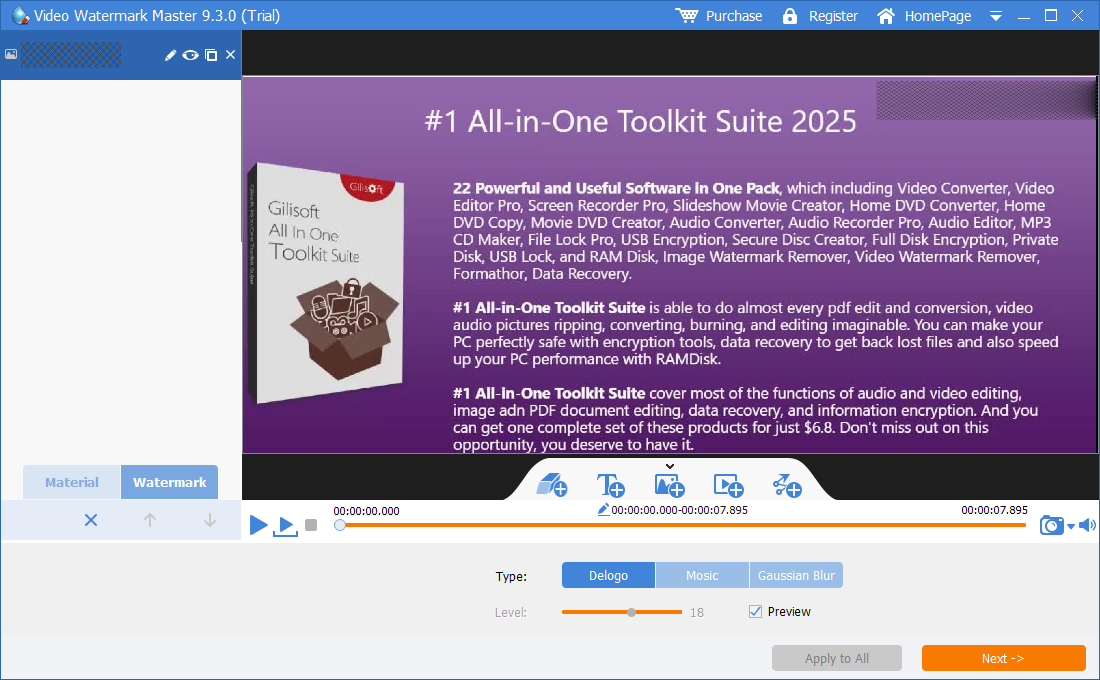

Retest the failed section in GiliSoft ClipMark
Use the Windows trial to compare fast and AI-assisted cleanup on one difficult authorized segment before repeating the workflow across the full video.
Download ClipMark TrialChoose Fast Cleanup, AI Cleanup, or Another Method
| Video condition | Best first choice | Why |
|---|---|---|
| Small fixed logo over sky, wall, or flat color | ClipMark fast cleanup | Surrounding pixels are predictable and the region stays stable |
| Fixed mark over moderate texture or motion | ClipMark AI-assisted cleanup | More temporal and visual context may improve reconstruction |
| Watermark moves, scales, rotates, or fades | Separate stable ranges or tracked mask | One fixed rectangle cannot follow the complete path |
| Large mark over faces, hands, product text, or unique action | Clean source, reference frame, or manual restoration | The exact hidden detail may not exist elsewhere |
| Corner watermark with expendable edge content | Compare no-crop cleanup with a careful crop | Cropping can be cleaner when it does not damage composition or resolution |
| Old branding can be replaced | Designed cover or new branding layer | A stable intentional graphic may look better than an uncertain repair |
| Many changing burned-in subtitle lines | GiliSoft Subtitle Remover | A subtitle-focused repeated-band workflow fits that pattern better |
Why a simple blur or interpolation often looks obvious
FFmpeg's delogo filter interpolates surrounding pixels within a rectangle, which can suit simple regions but may create an unattractive patch. Blackmagic's documentation distinguishes a Patch Replacer that samples the current frame from Object Removal that uses surrounding frames for moving objects. The underlying lesson is the same: the method must match the background and motion, not just the watermark shape.
When Perfect Watermark Removal Is Not Realistic
Use a reference or clean plate when automatic cleanup reaches its limit
Adobe recommends reference frames for complex backgrounds and notes that multiple references may be needed when lighting or camera angle changes. A clean still, alternate take, project layer, or manually painted frame can provide information automatic cleanup does not have. When none exists, a crop or intentional replacement graphic may be the more honest result.
Why Preview and Export Can Look Different
| Export symptom | What to check | Correction |
|---|---|---|
| Patch becomes blocky | Output bitrate or codec compression is too aggressive | Raise quality and compare a short export at source dimensions |
| Repair is stretched | Output aspect ratio or resolution differs from the source | Match frame size and avoid unintended stretch or crop |
| Edge appears after upload | The platform transcodes the video more heavily | Upload a stronger master and inspect the platform-processed copy |
| Flicker appears only during motion | Static previews did not test temporal consistency | Watch the difficult range at normal and frame-by-frame speed |
| Watermark remains in some clips | Batch sources use different coordinates, scales, or durations | Test representative layouts and separate incompatible groups |
| Audio changes or loses sync | Full export settings or source timestamps differ | Verify duration, audio track, sample rate, and synchronization in the test |
Video Watermark Removal FAQ
Why is part of the watermark still visible?
The selection may miss translucent edges, a shadow, glow, animation, or a later appearance. Inspect the full mark and timeline frame by frame.
Why does the watermark come back halfway through the video?
The original time range may end early, or the watermark may return in another position after a scene cut. Add a separate region and range for that occurrence.
Why does removal leave a blurry box?
Blur or simple interpolation cannot recreate detailed pixels hidden by the watermark. Tighten the region and compare fast cleanup, AI assistance, a clean source, or an intentional cover.
Can AI remove every watermark perfectly?
No. AI can produce a more plausible estimate, but it cannot guarantee the exact original face, text, hand, reflection, or motion that was never present in the delivered frames.
Can ClipMark remove a moving watermark?
Use separate timed regions for stable positions. Continuous movement, scaling, rotation, and opacity changes can require tracked masks or more advanced manual restoration.
Should I crop the watermark instead?
Compare both results when the mark sits near an expendable edge. Cropping is unsuitable if it damages framing, subtitles, aspect ratio, or required resolution.
Technical Reference and Related Troubleshooting Guides
For an example of the limits of simple surrounding-pixel interpolation, see FFmpeg's official delogo filter documentation. Results depend on the mark, motion, background, and source quality.