

AI Video Watermark Remover for Windows
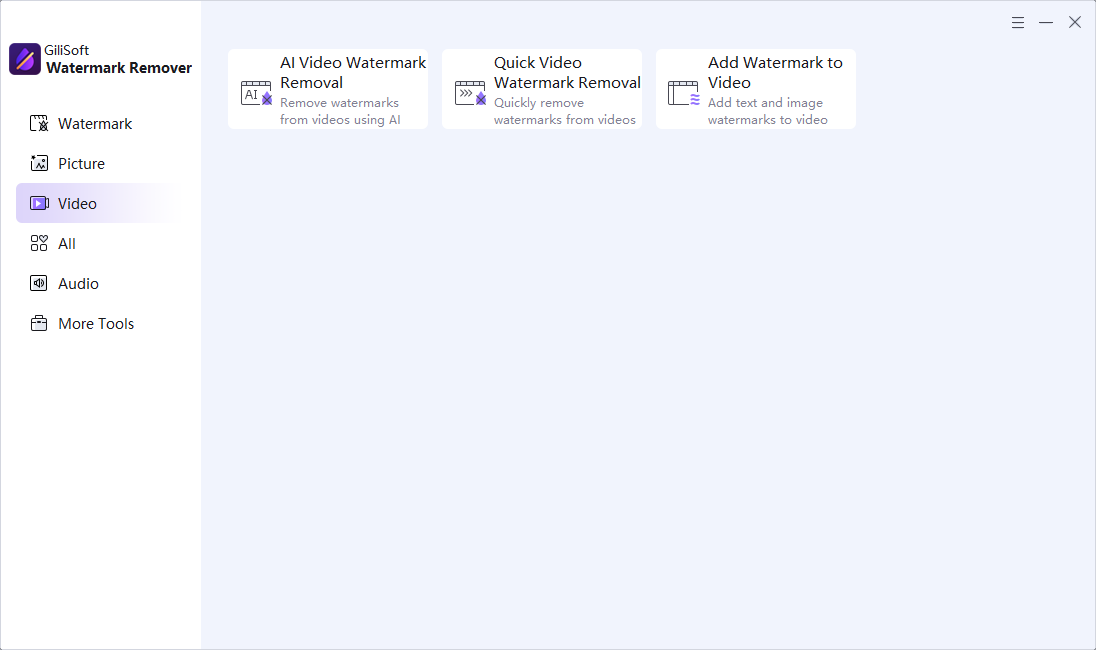
A fixed corner logo may need only a timed quick-removal region. AI video cleanup is more appropriate for difficult motion or backgrounds, but it has different processing and credit requirements.
Quick answer
In GiliSoft Watermark Remover, first test a tight region and the quick video options. For harder authorized marks, use its AI video workflow, review credit and connectivity requirements, process a short sample, and inspect multiple frames before exporting the full clip.
Before You Start
- Confirm ownership or editing permission and preserve the original video.
- Identify when the mark appears, whether it moves, and what lies behind it.
- Check the current AI-video credit and connectivity terms before starting a long job.
Choose the Right Approach
| Situation | Approach | Check |
|---|---|---|
| Fixed corner mark | Timed quick video removal with Delogo, Mosaic, or Blur | Selected region and time range are precise |
| Text or subtitle band | Dedicated text or subtitle task | Longest line and shadows are covered |
| Complex moving background | Test AI video cleanup on a short segment | No flicker or damaged moving subjects |
AI Video Watermark Remover for Windows: Step by Step
- Load the authorized clip
Choose the video task in Watermark Remover and identify the full visible time span.
- Try a focused quick pass
Mark the smallest complete region, choose the suitable treatment, and preview the first, middle, and last affected frames.
- Escalate when needed
If conventional cleanup looks unnatural, check AI credit requirements and run a short representative AI test.
- Inspect before full export
Look for smearing, ghosting, repeated textures, scene changes, subtitles, and preserved audio.
- Save a separate result
Play the complete export in a normal video player and compare duration and quality to the source.
Review the Result
- Does the watermark disappear across its entire time range?
- Did motion behind the selected region remain plausible?
- Are frame rate, resolution, audio, and sync intact?
Limits and Common Mistakes
AI video cleanup is credit-based and is not a guaranteed offline, unlimited feature. A large or moving overlay over a face may remain difficult even with AI; do not promise lossless restoration.
Frequently Asked Questions
Is AI video removal offline?
Do not assume so. The product distinguishes routine local cleanup from credit-based AI video processing; check the current terms.
Should I use AI for a fixed corner logo?
Start with a short quick-removal test; escalate only if the result is unsuitable.
Will the output always preserve detail?
No. Review affected frames over different backgrounds and compare the exported clip.