

Fast Video Watermark Removal on Windows
Use this workflow to clean a small fixed mark with a tightly controlled region and time range. Keep the source, test the most difficult section, and verify the exported result.
Quick answer
Use fast removal for a fixed logo or timestamp over a simple background. Draw the smallest region that includes the complete mark, include its border and shadow, limit processing to the frames where it appears, and preview several points before export. Switch methods when the background moves or the mark changes.
Choose the Right Workflow
| Situation | Recommended approach | What to verify |
|---|---|---|
| Fixed mark, simple background | Tight timed region with quick cleanup | Edges, shadow, start and end frames |
| Text or timestamp | Text region with complete character extent | Changing digits, punctuation, and contrast |
| Irregular or detailed mark | Freehand or AI-assisted reconstruction | Flicker, texture, motion, and invented detail |
| Clean source available | Replace the marked source instead of reconstructing it | Correct version, rights, and quality |
Step-by-Step Workflow
- Confirm authorization and preserve the source
Work only with video you own, created, licensed, or may edit. Keep the untouched file as the reference.
- Inspect the complete mark
Watch the full clip for changes in position, size, opacity, shadow, animation, and appearance intervals.
- Choose and mark the smallest complete region
Select quick, text, subtitle, freehand, or AI-assisted treatment and include every visible edge without covering unnecessary content.
- Test the hardest section first
Process a short segment with motion, texture, transitions, or maximum opacity and inspect it frame by frame and at normal speed.
- Export a separate result
Review the beginning, every active interval, scene transitions, the ending, audio, duration, and playback outside the application.
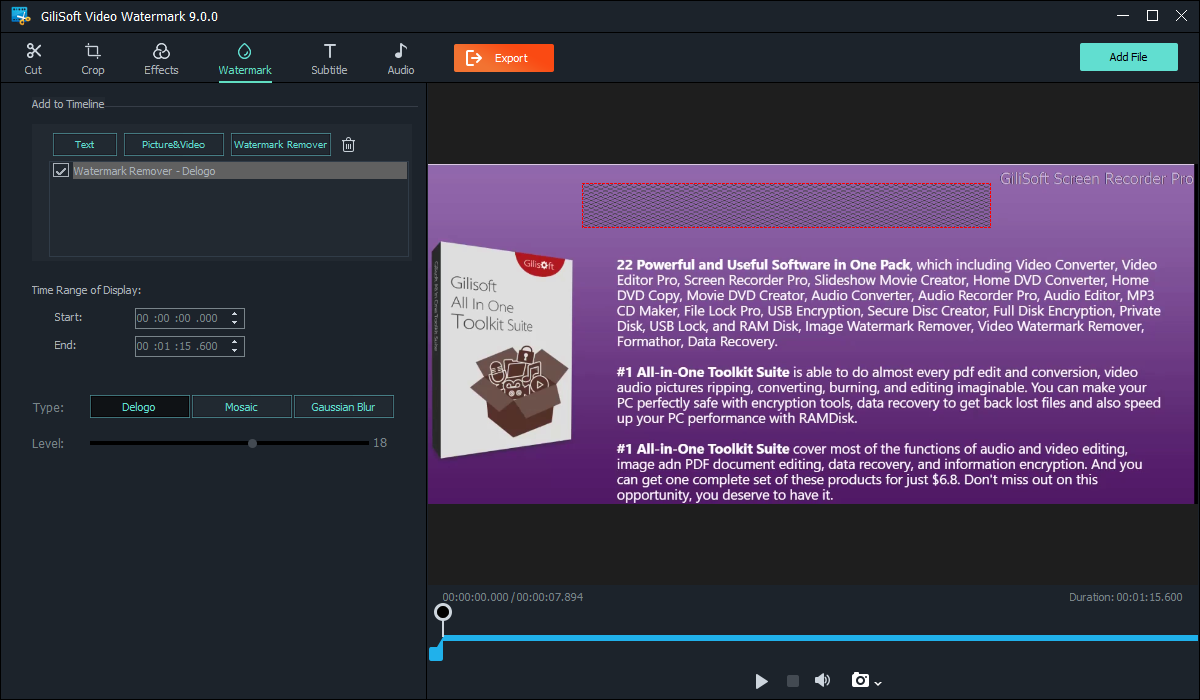
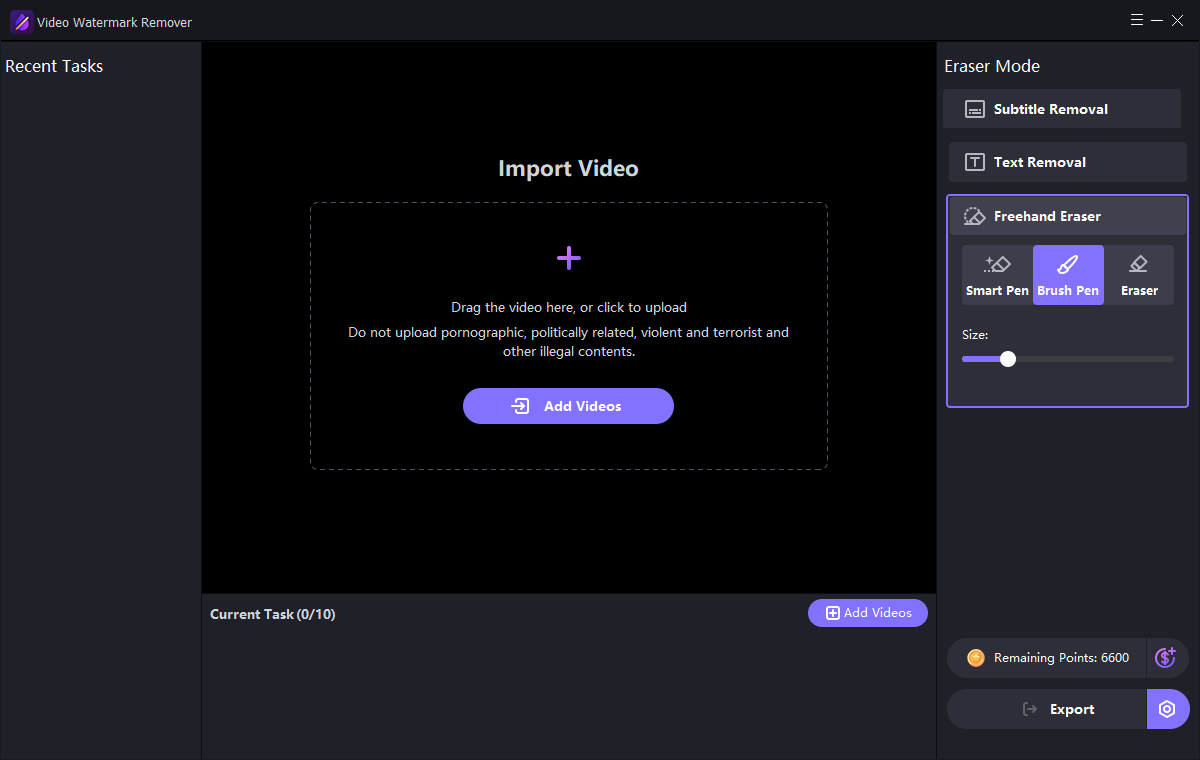
Use the GiliSoft Watermark Remover Workspace
These are real product interfaces. Controls can change by release, so follow the task logic and preview your own source rather than assuming one setting fits every scene.
Review the Result Before Publishing
| Small fixed region | Inspect the complete affected interval at normal speed and on representative paused frames. |
|---|---|
| Complete video | Check transitions, repeated appearances, captions, audio, duration, and the ending rather than only the first scene. |
| Delivery file | Play the exported file outside the application and verify the actual publishing or client-delivery asset. |
Frequently Asked Questions
Can a watermark be removed without any visual change?
Only a clean source preserves the original hidden pixels. Cleanup methods hide or reconstruct the marked region and may leave visible differences.
Why should the mask stay small?
A larger mask requires more background to be blurred or reconstructed and increases the chance of a visible patch.
When should I use AI-assisted cleanup?
Use it for authorized difficult marks over texture or motion after testing a short representative section.
Should I overwrite the source video?
No. Keep the original and export a separate edited result so quality, rights, and provenance can be reviewed.
Why must I check the exported file?
A preview does not prove the final codec, timing, mask, captions, cache, or publishing asset is correct.