
How to Annotate PDF Documents on Windows
Annotations make feedback visible on the page, but they do not replace changes to the underlying text. Decide whether you are commenting on a draft or actually correcting it before sending it onward.
Quick answer
Open a copy in GiliSoft PDF Editor, add only the review marks your recipient needs, save to a new file, and reopen that file to confirm the comments remain visible. For permanent wording changes, use PDF editing instead.
Before You Start
- Ask for a single reviewer or version owner so overlapping comments can be reconciled.
- Check whether the PDF is secured or already digitally signed; changing it may invalidate a signature.
- Use a descriptive filename such as proposal-review-02.pdf while keeping the unmarked source.
Choose the Right Route
| Situation | Approach | What to verify |
|---|---|---|
| Reviewer wants to suggest wording | Add a precise comment or highlight | A note is visible without changing source text |
| Owner must correct the final copy | Edit the PDF text or return to the source author | The exported wording actually changes |
| A scan has no selectable text | Mark the page visually or run OCR first | The recipient can locate the intended passage |
Annotate PDF Documents on Windows: Step by Step
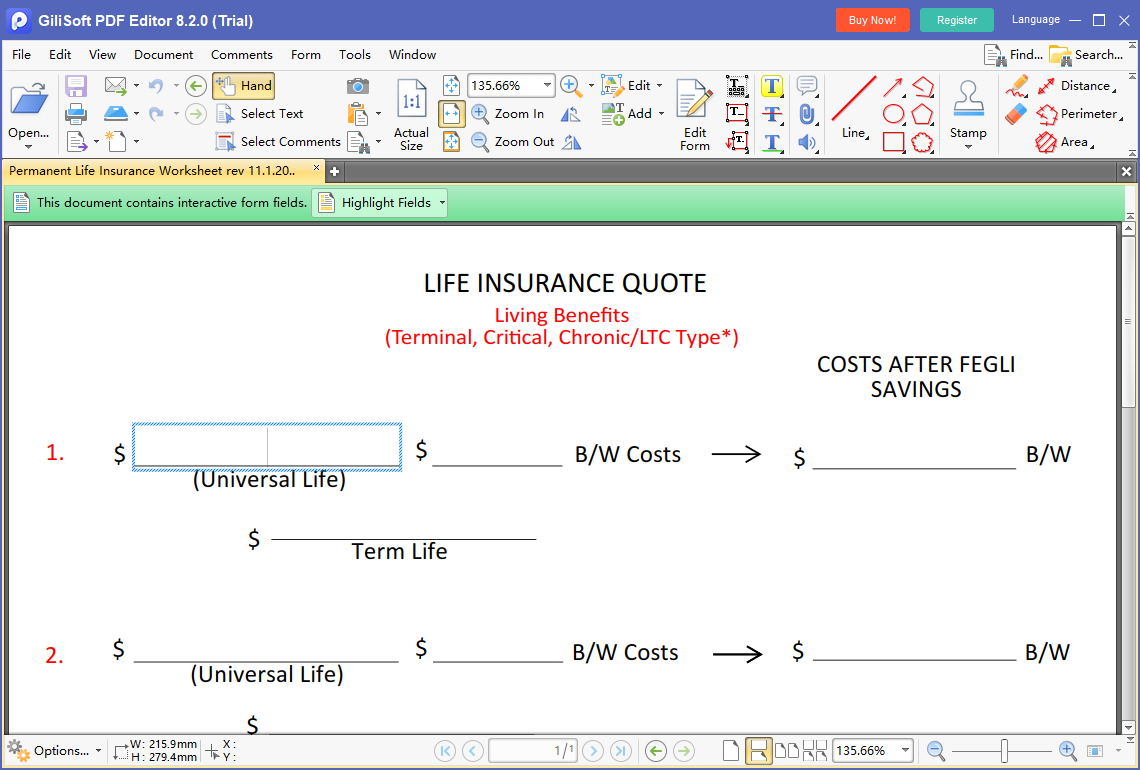
- Open the review copy
Load the PDF in GiliSoft PDF Editor and verify page count, orientation, and the document version.
- Mark the relevant passage
Use the available annotation or comment controls to highlight the exact sentence or area; write an actionable note rather than a vague approval.
- Resolve the intended change
When feedback requires replacing text or images, edit the PDF content or return to the original author instead of treating a highlight as an edit.
- Save and inspect
Export a separate review copy, reopen it, and check comments on the first, middle, and last affected pages.
Check the Result Before Sharing
- Do comments identify the requested change and page clearly?
- Are sensitive notes suitable for every recipient of the review copy?
- Does the recipient need a marked-up PDF or a clean final version?
Limits and Common Mistakes
Annotation support and the exact tools available can differ by PDF type. A flattened scan has no selectable text until OCR; a protected or signed file can restrict edits. Never assume that annotations are redaction.
Frequently Asked Questions
Is highlighting the same as editing PDF text?
No. A highlight or comment is a separate review layer. Edit the actual text when the final document must change.
Can I annotate a scanned PDF?
You may mark the page visually, but text-based selection may require OCR and manual accuracy checks first.
Will annotations protect confidential information?
No. Use a real redaction workflow for removal and review permissions before sharing.