

Free File Repair: What Can Be Fixed and What Cannot
A file that will not open may be incomplete, corrupted, mislabeled, stored on failing media, or blocked by a damaged application. Diagnose the layer before choosing a repair tool.
Quick answer
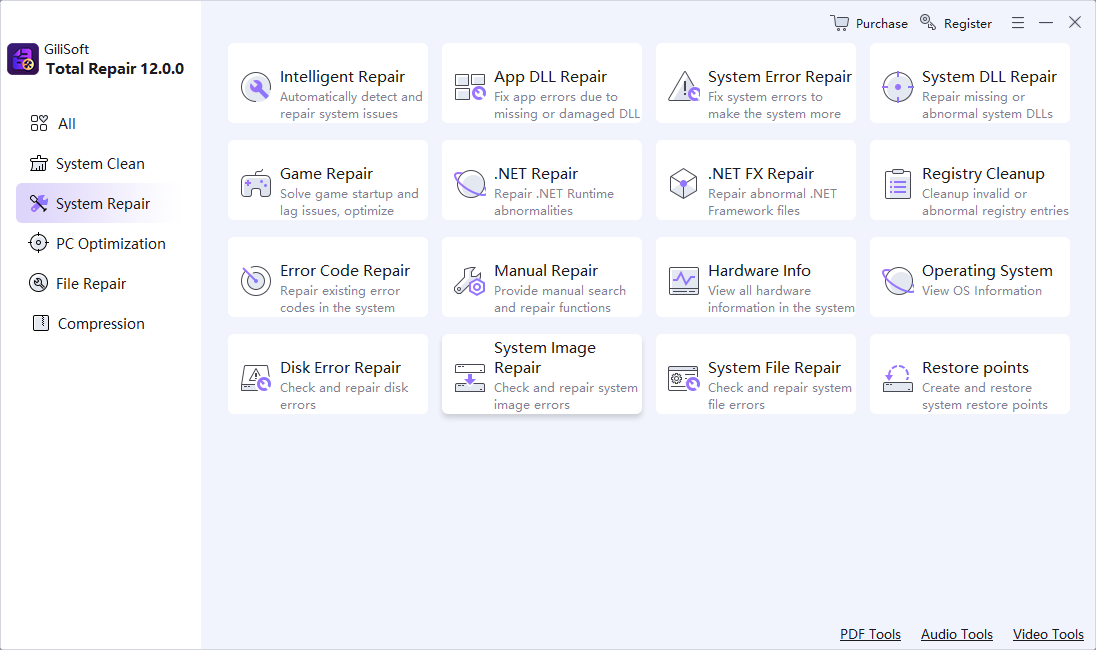
Start with the application that created the file: use its Open and Repair, recovery copy, temporary file, or previous-version feature. Redownload or restore a known-good copy when possible. GiliSoft Total Repair can address Windows components, DLLs, runtimes, and application errors, but it is not a universal repair tool for every damaged Word, PDF, photo, archive, or video file.
Identify what is actually damaged
| Symptom | Likely area | First action |
|---|---|---|
| One document will not open | File content or format | Use the creating application's repair or restore a copy |
| Many files fail on one drive | Storage or file system | Stop writing, check drive health, and protect data |
| One application fails with good files | Application, DLL, or runtime | Repair the app and required Windows components |
| Recovered file has the right name but no content | Overwritten or incomplete recovery | Return to the source media and avoid further writes |
Try the safest free recovery path first
- Make a copy of the damaged file.
Work on the copy and preserve the original for another recovery attempt.
- Confirm the extension and source.
Check whether the file finished downloading, copying, exporting, or recovering.
- Open it in the creating application.
Use any built-in Open and Repair, recovery, import, or safe-mode option.
- Restore an earlier copy.
Check backup, version history, temporary files, email attachments, or the original device.
- Diagnose the application separately.
If known-good files also fail, repair the program, runtime, or Windows component.
Use Total Repair for Windows and application errors
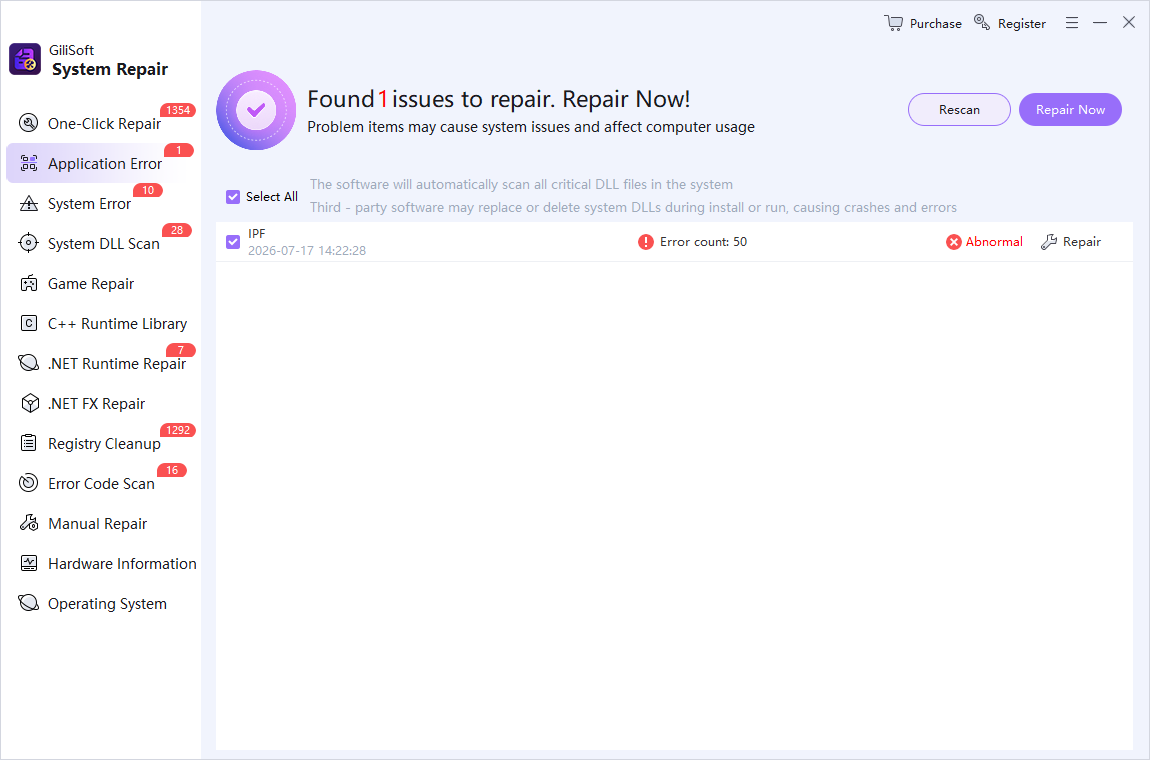
Total Repair is relevant when the failure involves missing DLLs, Visual C++ or .NET runtime components, Windows error codes, or an application that will not start. It should not be presented as a guaranteed document or media reconstruction tool.
Avoid destructive file-repair mistakes
- Do not overwrite the only copy with a repaired export.
- Do not run repeated write-heavy repairs on a failing drive.
- Do not rename an extension and assume the internal format changed.
- Do not confuse file-system repair with reconstruction of file contents.
- Do not promise recovery when the needed sectors were overwritten.
Frequently asked questions
Can corrupted files always be repaired?
No. Repair depends on the format, the damaged region, available redundancy, and whether a known-good copy or recovery data exists.
Is file repair the same as file recovery?
No. Recovery retrieves deleted or inaccessible data. Repair attempts to make an existing damaged file usable.
Does CHKDSK repair Word, PDF, photo, or video contents?
CHKDSK addresses file-system structures. It does not reliably reconstruct the internal content of every damaged file.
Can Total Repair repair any corrupted file?
No. It focuses on Windows, DLL, runtime, error-code, and application problems. Use format-specific tools or backups for damaged documents and media.
What should I do with a failing storage drive?
Stop unnecessary writes, protect accessible data, check hardware health, and work from a clone or professional recovery plan when the data is valuable.