Convert Text Into Voice
Turn scripts, lessons, support text, product notes, and announcements into spoken audio for practical content use.

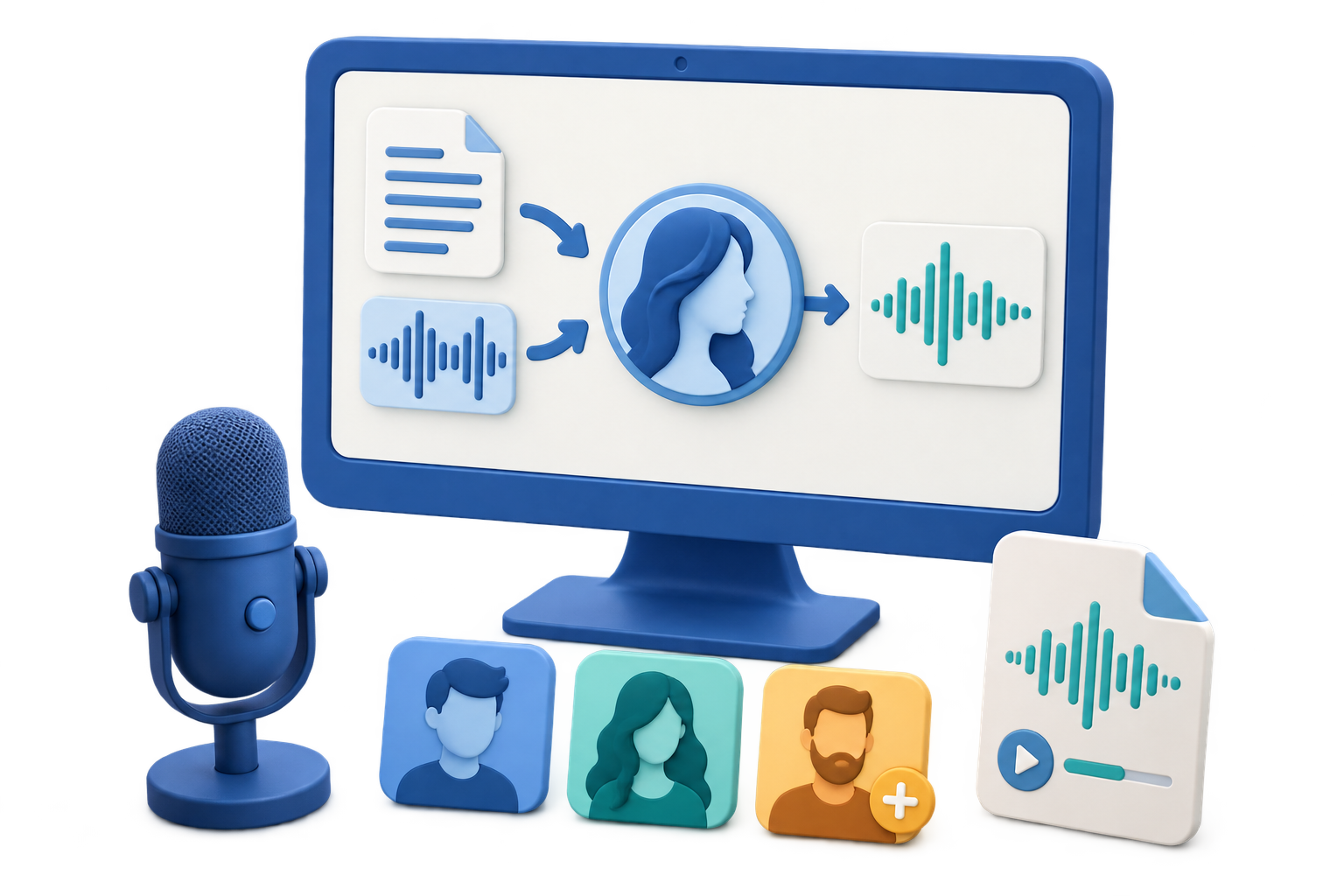
GiliSoft Text to Speech is for users who need spoken audio but do not want to record every line manually. Paste a prepared script, create voice audio, review the result, and prepare output for videos, lessons, demos, help content, or internal communication.
Use it for course narration, explainer video drafts, product walkthroughs, FAQ audio, training prompts, accessibility-friendly content, and repeated announcements where consistent speech is more practical than microphone recording.
When the voice file is ready, Audio Toolkit Suite keeps the next audio tasks nearby: cut pauses, join clips, convert formats, record additional sound, reduce noise, or prepare MP3, WAV, FLAC, AAC, M4A, OGG, and WMA output.

Turn scripts, lessons, support text, product notes, and announcements into spoken audio for practical content use.
Generate voice tracks for tutorials, walkthroughs, demos, training clips, and social videos without setting up a microphone session.
Preview spoken output and adjust prepared text so the final audio is clearer, easier to follow, and better suited to the audience.
Add spoken versions of instructions, help text, training material, and internal documents for users who prefer listening.
After voice generation, cut silent parts, join sections, convert formats, clean noise, or record extra audio in the same suite.
Prepare narration audio for video editors, training portals, podcasts, learning libraries, support systems, and archives.

Text to Speech helps us create draft narration quickly before final video editing.
We use it for help content and short product messages when recording voice every time would slow the team down.
The useful part is that generated voice can be trimmed and converted in the same suite.
It gives our internal lessons a consistent voice track, especially for repeated onboarding material.
Create voice tracks for tutorials, product demos, explainer videos, social clips, and draft video scripts.
Turn course notes, lesson scripts, instructions, and onboarding material into consistent spoken audio.
Produce spoken help messages, FAQ audio, internal prompts, and repeatable customer education content.
Use it when a microphone session is inconvenient, inconsistent, noisy, or too slow for repeated content updates.
Use this page when the main job is converting prepared text into spoken audio for content delivery.
Generated audio often needs trimming, joining, format conversion, noise cleanup, or recording support before it is ready to publish.
Text-based voice output is helpful when lessons, support answers, product messages, and internal scripts change often.
For recorded audio editing use Audio Editor. For voice cleanup use Noise Remover.
Turn written scripts into audio for tutorials, explainers, product walkthroughs, and internal videos.
Create spoken versions of course notes, onboarding steps, learning modules, and classroom support material.
Make repeated help text easier to listen to for product guidance, customer education, and internal reference.
Trim generated voice, convert formats, join parts, clean recordings, or add related audio tasks with Audio Toolkit Suite.
Get script-to-voice conversion plus practical tools for cutting, joining, conversion, recording, noise reduction, vocal tools, speech tools, and final export in one Windows package.
Buy Audio Toolkit Suite 


Enter your email address to get our latest newsletter