
A Windows sign-in password does not prevent every person using the same PC from opening your private documents, photos, project folders, or files stored on removable drives. File locker software adds protection directly to the data you choose.
This guide compares five established approaches for locking or hiding files on a Windows PC. The goal is to show what each option is best at and help you choose between full file-protection software, a simpler folder hider, and archive-based encryption.
1. GiliSoft File Lock Pro: Best Overall File Locker for PC
GiliSoft File Lock Pro is the strongest overall choice in this comparison for users who need more than one protected folder. It combines password locking, hiding, read-only protection, portable encryption, drive hiding, shared-folder control, folder monitoring, secure deletion, and local privacy in one Windows application.
Why it ranks first
It covers local disks, external storage, USB drives, memory cards, and LAN shared folders without requiring private files to be uploaded to a cloud service.

Main File Lock Pro capabilities
- Lock files, folders, and drives: keep protected content visible while requiring the File Lock Pro password before access.
- Hide private data: remove selected files, folders, or drives from ordinary browsing and Windows search results.
- Protect files from changes: help prevent editing, renaming, moving, deleting, or unauthorized modification.
- Protect external and shared folders: apply locking or hiding to USB storage, external disks, and LAN shared folders.
- Create portable encrypted output: encrypt selected content into GFL or password-protected EXE packages.
- Monitor and securely delete: review folder activity and permanently shred files that should not be recoverable.
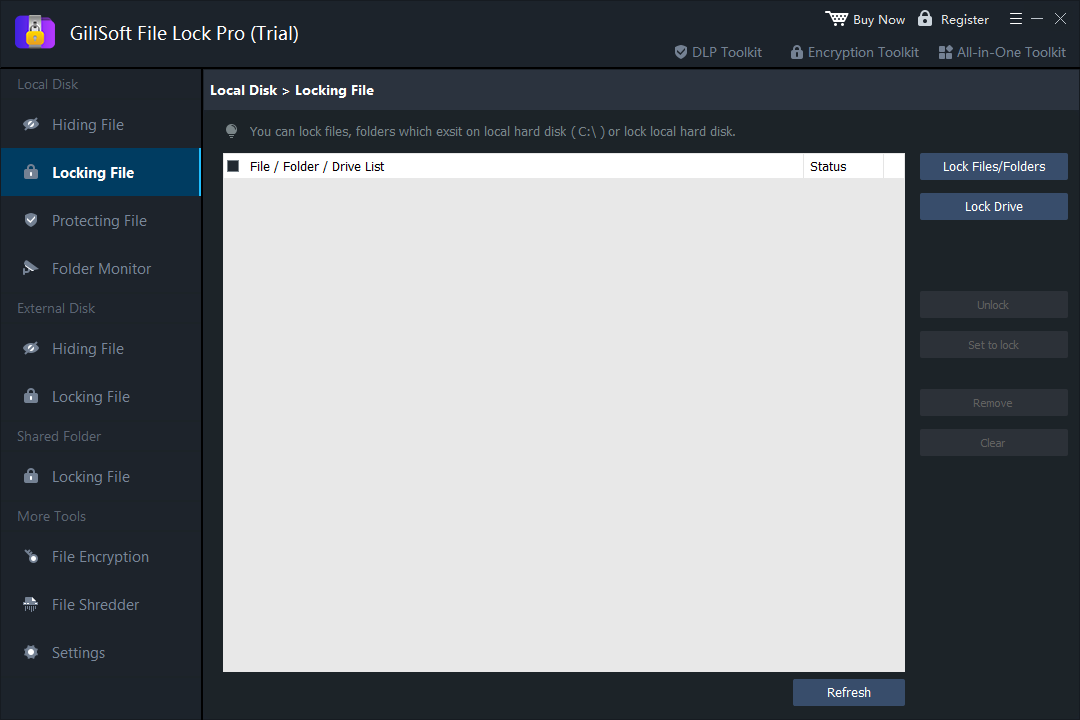 Choose local files, folders, or drives and apply password-controlled locking.
How to lock a folder with GiliSoft File Lock Pro
Step 1. Open File Lock Pro and enter the master password.
Step 2. Choose Local Disk, then select Locking File.
Step 3. Add the file, folder, or drive that should be protected.
Step 4. Click Set to lock or Lock Files/Folders, then verify the result in Windows Explorer.
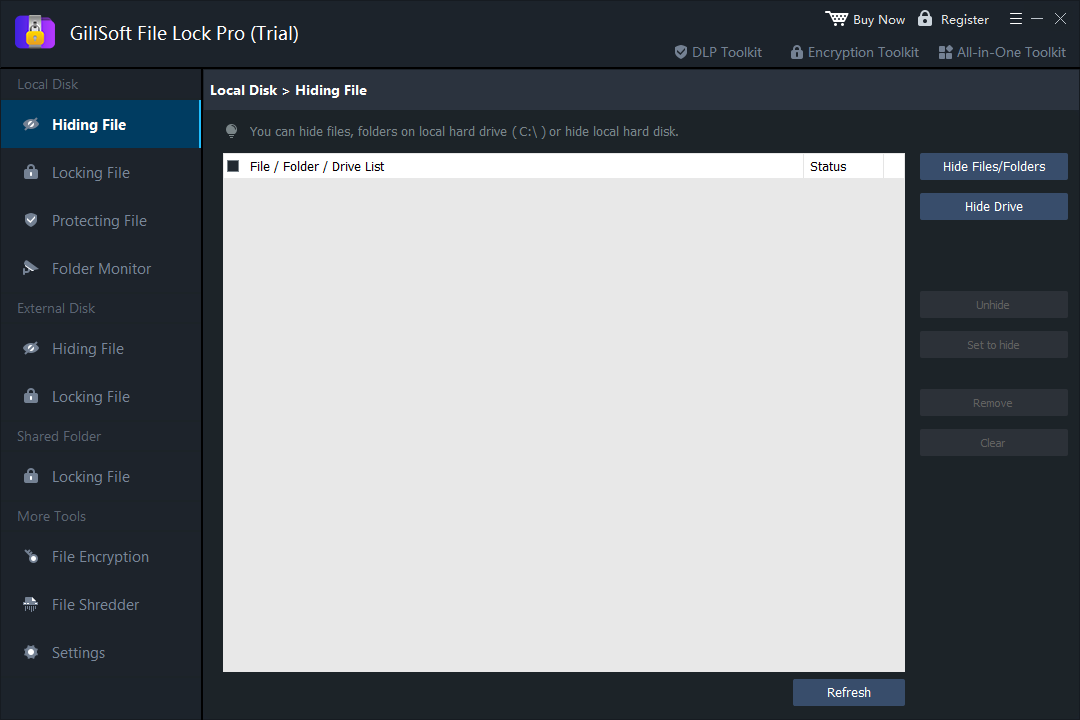 Hide sensitive content when it should disappear from ordinary browsing instead of remaining visibly locked.
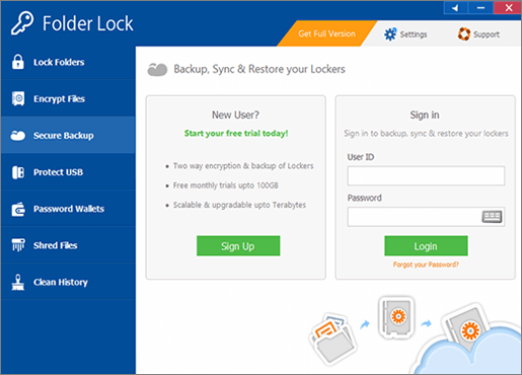
2. Folder Lock: Locker and Backup-Oriented Protection
Folder Lock focuses on encrypted lockers and includes tools for locking files, protecting portable storage, and organizing sensitive records. It can suit users who want an encrypted-vault model and optional backup-oriented features.
3. WinZip: Best for Password-Protected Archive Copies
WinZip is primarily a compression and archive utility. Its encryption tools are useful when you need to create a smaller password-protected copy for transfer, email, or storage.
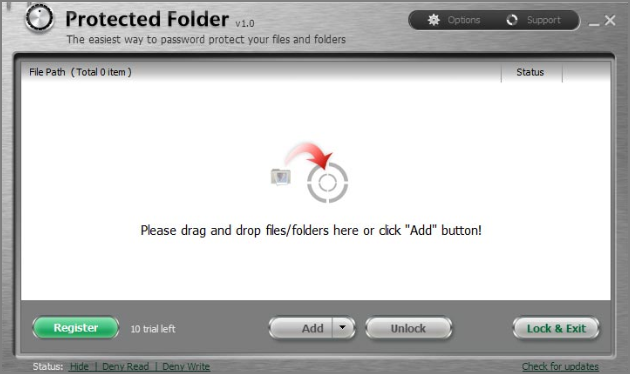
4. IObit Protected Folder: Simple Protected-Folder Access
IObit Protected Folder provides a focused password-protection experience for selected files and folders. Its narrower interface may appeal to users with straightforward folder privacy needs.
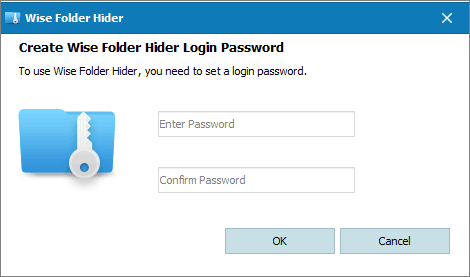
5. Wise Folder Hider: Best for Basic File and Folder Hiding
Wise Folder Hider is a familiar option for users whose first priority is concealing selected files, folders, or USB content from ordinary browsing.
Quick Comparison of the 5 File Locker Options
| Software | Best for | Protection style |
|---|---|---|
| GiliSoft File Lock Pro | Broad Windows file, folder, drive, USB, and shared-folder protection | Lock, hide, protect, encrypt, monitor, and shred |
| Folder Lock | Encrypted locker and backup-oriented use | Vault-style storage and privacy tools |
| WinZip | Protected archive copies | Compression plus archive encryption |
| IObit Protected Folder | Simple protected-folder access | Password-controlled folder protection |
| Wise Folder Hider | Basic hiding tasks | Hide files, folders, and USB content |
How to Choose the Right File Locker for Your PC
Choose based on the data you protect and how often you use it. Archive encryption is practical for copies that are stored or sent. A folder hider is enough when concealment is the only goal. For regularly used files, USB folders, shared folders, and local drives, a broader desktop file locker is easier to manage.
- Choose a product downloaded from its official vendor website.
- Confirm support for your Windows edition and the storage devices you use.
- Decide whether you need locking, hiding, read-only protection, encryption, or several modes.
- Test recovery settings and keep your master password in a secure place.
Try GiliSoft File Lock Pro on Windows 11/10
Lock folders, hide private files, protect USB and shared folders, and keep sensitive data under local control.
Download the Official Trial