
The short answer
The distinction is recognized beyond individual products. The U.S. Copyright Office separates technological measures that control access from measures protecting rights such as reproduction. Modern DRM systems typically combine encrypted media with licenses that decide whether playback is authorized, while copy-protection tools focus more directly on recipient actions around the delivered content.
Start with the control target
Video copy protection
Controls the behavior of a protected delivery package and the files inside it.
- Block ordinary copying and Save As
- Restrict print, clipboard, and screenshots
- Bind a package to USB, CD/DVD, or a device
- Protect videos together with documents and other files
Video DRM
Controls the playback entitlement associated with a viewer, password, or approved endpoint.
- Issue managed playback passwords
- Bind access to a PC or USB drive
- Set expiration and allowed play count
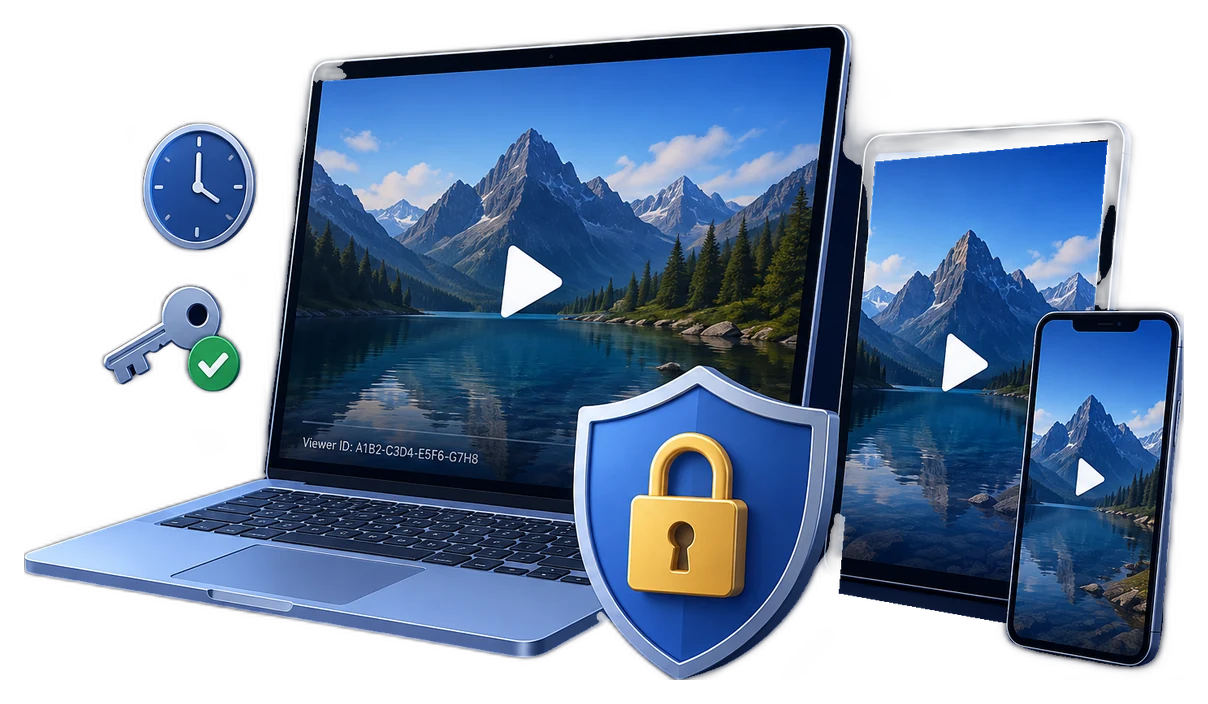
- Apply dynamic watermarks and revoke leaked access
Microsoft PlayReady illustrates the DRM model clearly: encrypted content and licenses are separate, and each license carries rights and restrictions such as play permission, expiration, output protection, and client binding. Google Widevine similarly treats DRM as a premium-media protection and license system rather than a simple 鈥渄isable copy鈥?switch.
Video DRM vs video copy protection
| Decision point | Video copy protection | Video DRM |
|---|---|---|
| Primary control | What recipients can do with files in a protected package | Who can play the video and under which policy |
| Content scope | Video, documents, PDFs, PPT, images, audio, web pages, and mixed packages | Video-first protected playback |
| Output | Protected GCP or EXE package | Protected video package with managed playback credentials |
| Copy and reuse restrictions | Copy, paste, print, clipboard, Save As, screenshot, and related client rules | Playback protection and anti-capture settings |
| Device binding | USB, CD/DVD, and device-bound delivery options | PC machine-code or USB-bound viewer access |
| Viewer identity | Client/admin access modes and package password | Separate generated password or license-style credential |
| Expiration | Package expiry options | Password validity and play-count policy |
| Traceability | Package watermarking | Dynamic viewer or machine watermark |
| After-delivery response | Usually redistribute or replace the package/rules | Blacklist compromised playback passwords |
| Best fit | USB kits, disc delivery, document/video bundles, offline client handoff | Paid courses, training libraries, premium videos, partner previews |
Where the two approaches overlap
Both approaches can use encrypted packaging, password access, device binding, watermarking, and protected players. The overlap is why feature lists alone can be misleading. The deciding question is who or what owns the policy.
| Policy belongs mainly to... | What that means | Better starting point |
|---|---|---|
| The delivered package | Every recipient receives substantially the same rules for copying, printing, opening, or device use. | Copy Protect |
| The individual viewer | Each viewer can receive a different password, device binding, expiry, watermark, or revocation status. | Video DRM Protection |
Choose by delivery scenario
Choose the GiliSoft product
GiliSoft Copy Protect
For protected offline delivery packages containing video or mixed file types.
- Protected GCP or EXE output
- Video, PDF, Office, PPT, image, audio, and web content
- Copy, print, screenshot, clipboard, and Save As controls
- USB, disc, and device binding
- Client and administrator settings
GiliSoft Video DRM Protection
For video-first distribution where viewer access must remain manageable.
- Generated playback passwords
- PC and USB binding
- Dynamic viewer watermarks
- Expiration and play-count limits
- Password blacklist and revocation
Make the decision before packaging
- 1List every delivered file type.If the project includes documents, PDFs, presentations, images, and video, start by evaluating Copy Protect.
- 2Define the restricted actions.Write down whether the concern is copying, printing, screenshots, clipboard use, playback eligibility, or all of them.
- 3Decide whether viewers need individual rules.If credentials, devices, validity, or watermarks differ by viewer, DRM is the cleaner model.
- 4Plan the response to a leak.If a compromised password must be revoked without rebuilding every package, use managed DRM access.
- 5Test the real delivery environment.Verify approved and unapproved devices, offline behavior, capture settings, printing, expiry, and recovery before release.
Frequently asked questions
Is video copy protection the same as video DRM?
No. Copy protection mainly governs actions inside a delivered package. DRM manages who can play protected video and under which viewer-specific rules.
Which is better for paid training videos?
Video DRM is usually better when learners need separate passwords, device binding, dynamic watermarking, expiration, play limits, or revocation.
Which is better for USB or disc delivery?
Copy Protect is often simpler for fixed offline packages containing videos and supporting files. DRM is preferable when video access must remain viewer-specific.
Can copy protection stop every possible copy?
No desktop control can stop a separate camera. Protected playback, copy restrictions, device binding, and watermarking reduce common reuse paths and discourage redistribution.
Does DRM also encrypt the video?
Yes. DRM systems normally protect encrypted media, but add licenses or playback policies so authorized clients can decrypt and render it under defined conditions.
Sources and further reading
- U.S. Copyright Office: access controls and copy controls
- Google for Developers: Widevine DRM overview
- Microsoft Learn: PlayReady overview
- Microsoft Learn: licenses, rights, and device binding
- Microsoft Learn: license policies and output restrictions
- W3C: Encrypted Media Extensions
Protect the package or manage the viewer
Choose Copy Protect for broad offline file-delivery controls, or Video DRM Protection for viewer-specific video access and revocation.