
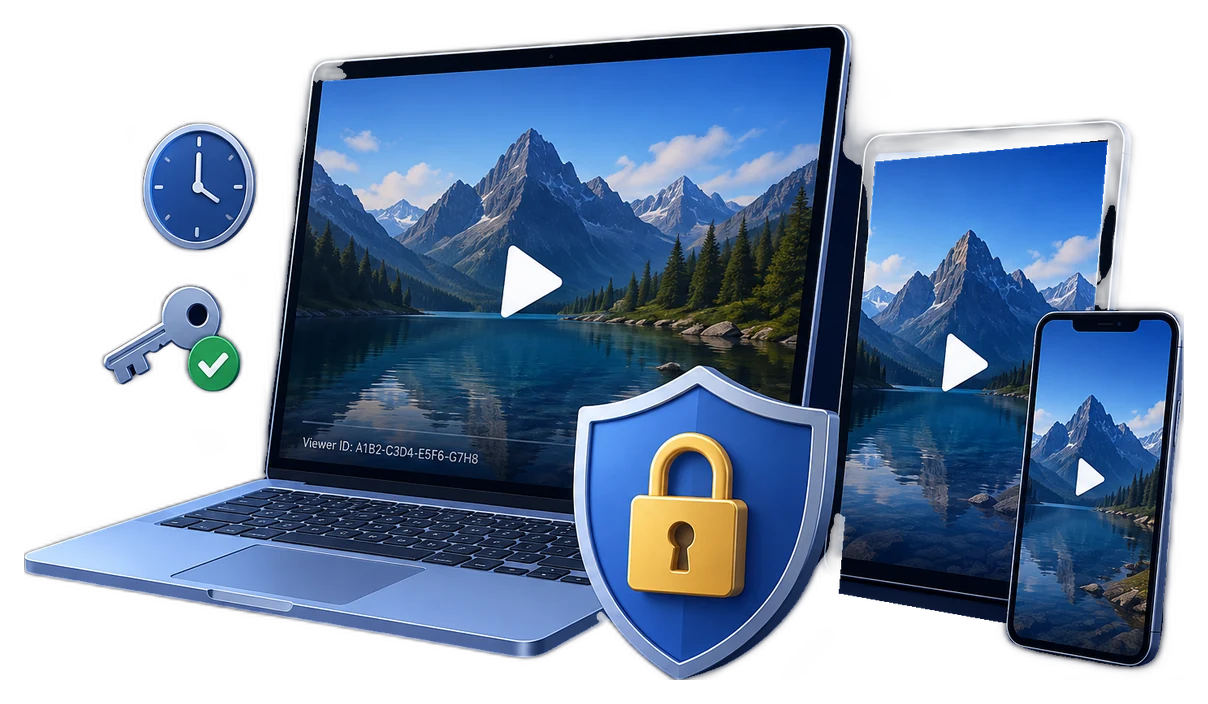
The short answer
NIST defines encryption as the cryptographic transformation of readable data into ciphertext. DRM does not replace encryption. It adds a license or playback-policy layer around encrypted content. Microsoft PlayReady, for example, places play rights, expiration, security level, output restrictions, and other conditions in the license rather than in the media file alone.
Two protection models
Encrypted video package
The publisher exports a protected GFX or EXE package with a password and fixed playback settings.
- Simple offline handoff
- No viewer account system required
- Good for private previews and controlled local delivery
- Rules are normally decided before export
DRM-controlled playback
The protected video is paired with a password or license policy that the authorized player evaluates.
- Viewer or device-specific access
- Expiration and play-count rules
- Dynamic watermark traceability
- Password blacklist and revocation
That distinction mirrors established DRM systems. Google Widevine describes DRM as premium-media content protection, while Microsoft PlayReady separates encrypted content from licenses carrying rights and restrictions. W3C Encrypted Media Extensions likewise provides a playback interface for encrypted content and external key systems rather than defining encryption alone as DRM.
Video DRM vs video encryption comparison
| Decision point | Video encryption | Video DRM |
|---|---|---|
| Primary job | Keep the delivered file unreadable without the required password or player | Control authorized playback according to a policy |
| Access model | Usually one fixed password or package rule | Generated credentials, viewer rules, or licenses |
| Device control | Optional USB binding for supported EXE delivery | PC or USB binding as part of the playback policy |
| After-delivery changes | Usually requires re-exporting or redistributing the package | Supports blacklist revocation and managed password status |
| Validity | Commonly fixed at export | Expiration date and allowed play-count options |
| Leak traceability | Basic package protection | Dynamic viewer or machine watermark |
| Capture deterrence | Protected player can restrict screenshots and Save As | Anti-capture settings combined with identity watermarking |
| Deployment effort | Lower | Higher because access rules must be planned and administered |
| Best fit | Private offline sharing, demos, archives, simple USB delivery | Paid training, premium downloads, partner libraries, controlled course delivery |
What DRM adds after delivery
Device-bound playback
A generated credential can be tied to a PC machine code or an approved USB drive. Microsoft documents the same general concept in client-bound licenses: the license is encrypted for a client certificate so only that client can use the protected information.
Expiration and play-count limits
DRM policies can decide not only whether playback is allowed, but also when the right ends or how many times it may be used. PlayReady documentation explicitly lists expiration after first play and other right restrictions as license policy.
Dynamic watermarking and revocation
A viewer-specific watermark can make redistributed footage attributable. If a generated password is leaked, blacklist control gives the publisher a response path that a permanently fixed offline password does not provide.
Offline does not automatically mean unmanaged
DRM playback can be offline after a valid policy has been provisioned. Microsoft describes proactive license acquisition for content that may be played days later without a new license request. The publisher still needs to decide how credentials are issued, updated, and recovered.
Choose by delivery scenario
Choose the GiliSoft option
GiliSoft Any Video Encryptor
Best for straightforward password-protected offline delivery.
- Export protected GFX or EXE packages
- Use GFX for larger protected video packages
- EXE output has a 4 GB package limit
- Bind supported EXE output to an authorized USB drive
- Restrict screenshots and Save As during protected viewing
GiliSoft Video DRM Protection
Best when playback access must remain controllable after distribution.
- Generate playback passwords
- Bind access to a PC or USB drive
- Add dynamic viewer watermarks
- Set expiration and play-count rules
- Blacklist compromised passwords
Plan the rollout before export
- 1Classify the video and audience.Identify whether the content is private, paid, confidential, replaceable, or costly to leak.
- 2Map the delivery route.Decide whether viewers receive a download, USB drive, offline package, or managed library.
- 3Decide whether rules must change later.If access may expire or be revoked, choose DRM before packaging.
- 4Test authorized and unauthorized playback.Verify passwords, device binding, watermarks, expiration, capture behavior, and recovery.
- 5Document credential administration.Record who issues passwords, handles machine-code requests, and blacklists compromised access.
Frequently asked questions
Is DRM the same as video encryption?
No. Encryption conceals the content. DRM combines encrypted content with rights, restrictions, and a player or key system that enforces them.
Can encrypted video access be revoked after delivery?
A fixed offline password package normally keeps its original rules. A DRM deployment can support managed credentials and blacklist revocation.
Which option is better for paid training videos?
DRM is usually better when each learner needs separate access, endpoint binding, a visible identity watermark, expiration, or revocation.
Does DRM require the internet every time?
Not necessarily. Offline playback is possible after a valid password or license policy has been provisioned. The exact process depends on the deployment.
Can DRM prevent every screen recording method?
No. It can deter common capture paths and watermark playback, but cannot prevent a separate physical camera. Test the actual Windows and playback environment before deployment.
Sources and further reading
- NIST CSRC: encryption definition
- Google for Developers: Widevine DRM overview
- Microsoft Learn: PlayReady overview
- Microsoft Learn: PlayReady licenses and policies
- Microsoft Learn: license acquisition and offline playback
- W3C: Encrypted Media Extensions
Protect the file or control playback after delivery
Choose Any Video Encryptor for simpler password-protected packages, or Video DRM Protection for device rules, dynamic watermarks, expiration, and revocation.