

Safe Download 100% Clean and Virus Free

Secure Online Payment

30 Days Money-back Guarantee

Free Customer Service within 24 hours
$289.99$79.99
The suite is organized around practical media jobs: convert source videos, edit finished clips, record the screen, turn photos into videos, and keep DVD content usable.
Convert common video and audio formats, prepare files for devices and websites, process batches, compress large media, and keep subtitle or audio tracks when needed.
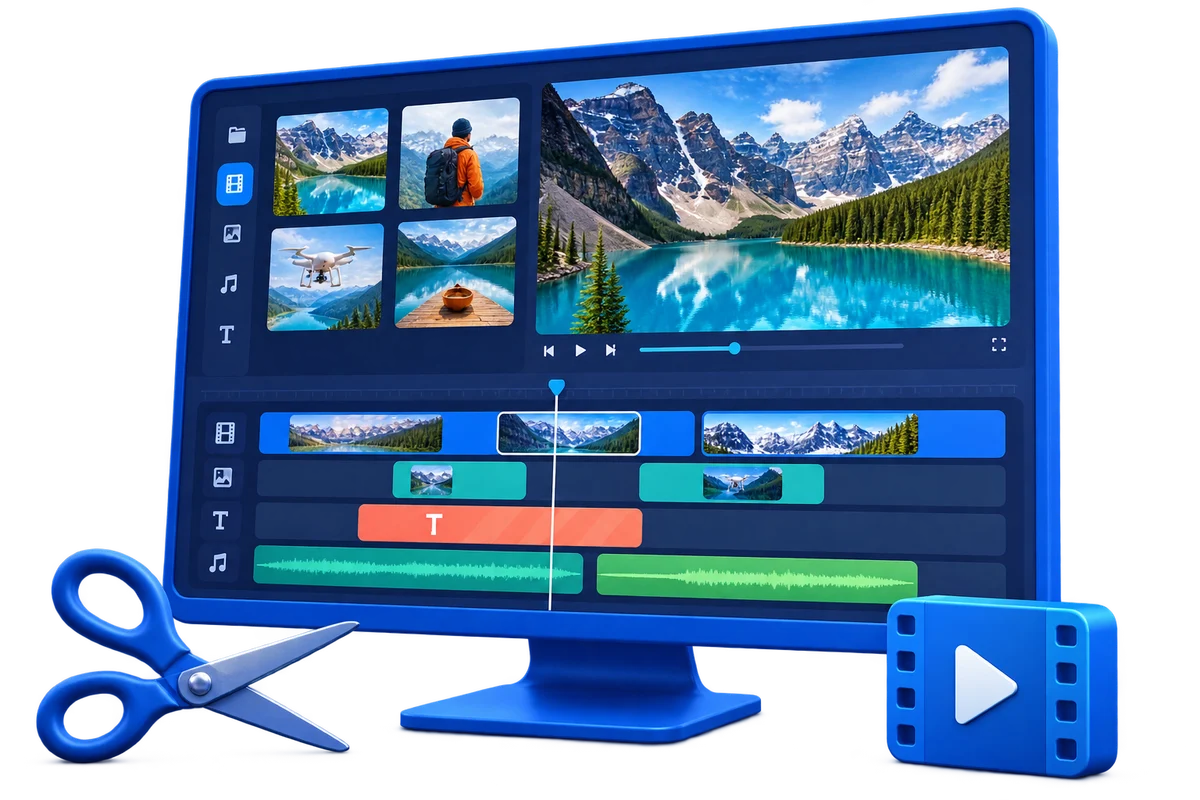
Cut, join, split, crop, rotate, add subtitles, add watermarks, adjust color, add music, create GIFs, and export videos for tutorials, demos, social posts, and business delivery.
Record Windows screen activity, webcam, system sound, and microphone audio with H.264 output, scheduled capture, cursor effects, auto stop, and auto split options.
Turn photos and short clips into HD slideshow videos with music, titles, captions, transitions, pan-and-zoom motion, and device-ready export.
Create DVD projects with menus, chapters, ISO or folder output, and convert DVD discs, ISO images, or VIDEO_TS folders to practical video and audio files.
Copy DVD movies to ISO files, DVD folders, or blank discs, and keep disc collections easier to archive, duplicate, or verify with common DVD backup paths.
Preview representative tools in the suite: convert source media, edit clips, record the screen, create photo slideshows, build DVD projects, and convert or copy DVD content.
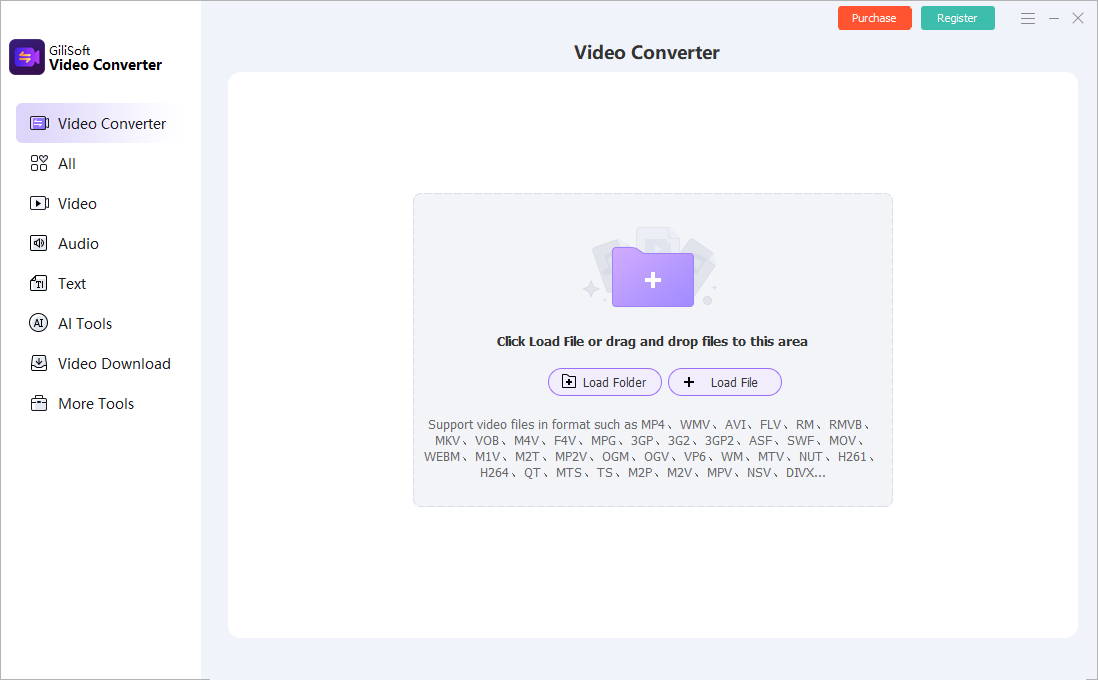
Use Video Converter when the project starts with source files that need format conversion, batch output, compression, subtitle handling, or device-ready export.
For format conversion, batch export, compression, online video download, subtitle handling, and device-ready output.
For cutting, joining, splitting, cropping, subtitles, watermarks, effects, music, color adjustment, GIF output, and final video preparation.
For recording screen, webcam, system sound, microphone input, meetings, tutorials, demos, and scheduled capture sessions.
For photo-to-video projects with music, titles, captions, transition effects, timeline arrangement, and HD export.
For burning videos to DVD discs, ISO images, or DVD folders with menus, chapters, subtitles, and basic video preparation tools.
For converting DVD discs, ISO images, and VIDEO_TS folders into video or audio files for playback, archive, and device delivery.
For copying DVD movies to ISO, DVD folder, or blank disc output when you need routine disc backup and duplication paths.
Choose Video Toolkit Suite when your projects move between conversion, editing, recording, photo slideshows, and DVD output instead of staying inside one narrow tool.
Record walkthroughs, edit lessons, convert final files, create recap slideshows, and prepare DVD or archive copies from one video-focused software bundle.
Convert DVD content, copy discs, create menu-based DVDs, and turn photo folders into videos for easier playback and long-term storage.
Create product clips, event recaps, screen demos, promotional videos, and presentation media without buying each video utility separately.
The suite is strongest when users need multiple video jobs covered: conversion, editing, recording, slideshow creation, DVD authoring, DVD conversion, and DVD copy.
Each included tool has a focused job, but the bundle keeps common video tasks under the same GiliSoft product family and support path.
Many video bundles stop at editing and conversion. This suite also covers DVD creation, DVD conversion, and DVD copy tasks for users who still manage disc content.
It is built for practical Windows work: local files, screen recordings, photo projects, DVD sources, and everyday output files that need to be edited or delivered.
Yes. It includes GiliSoft Video Converter for video and audio conversion, batch processing, compression, download, subtitle handling, and device-ready output.
Yes. The suite includes a Windows screen recorder for capturing screen activity, webcam, system audio, microphone narration, tutorials, and demos.
Yes. It includes tools for creating DVD projects from videos and for converting DVD discs, ISO images, or DVD folders into usable video and audio files.
If you only need one exact job, a single product may be enough. Video Toolkit Suite makes more sense when several video, slideshow, recording, or DVD tasks are needed together.
Buy Video Toolkit Suite when your work crosses video conversion, editing, recording, slideshow creation, and DVD projects.
Buy Video Toolkit Suite 


Enter your email address to get our latest newsletter