
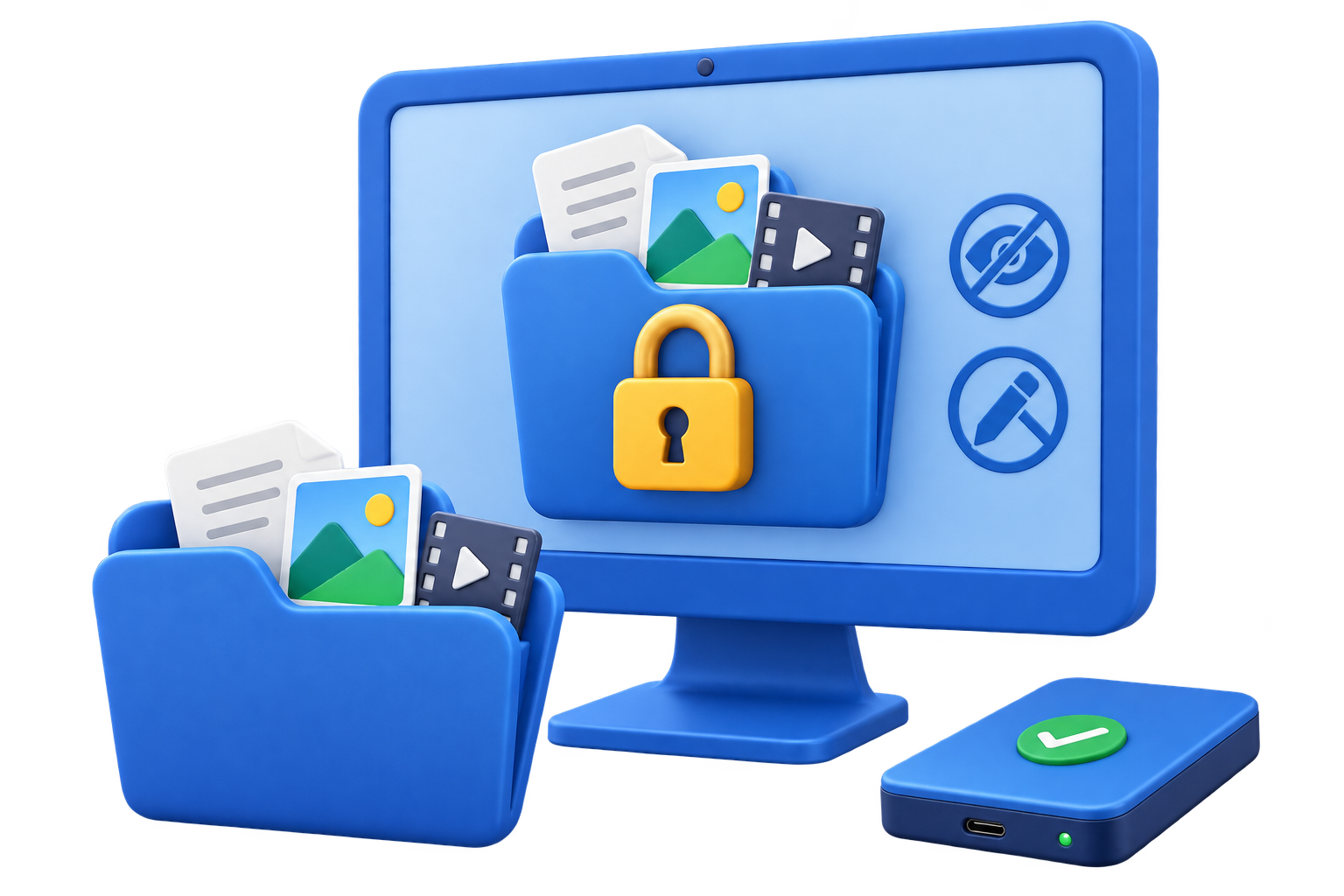
What to check before choosing folder lock software
Start with the data, devices, and people involved. A clear boundary makes the security setting easier to test and maintain.
Step-by-step workflow
Define the protection goal
Decide whether the folder should be inaccessible, hidden from ordinary browsing, protected from edits, or encrypted for transfer.
Check local and external coverage
Confirm whether the software protects local folders, USB drives, shared folders, and the locations your workflow actually uses.
Review password and recovery behavior
Set a strong master password and document recovery before protecting production files.
Test the lock on a copy
Try opening, renaming, moving, and deleting a test folder from Windows Explorer after the rule is active.
Choose a repeatable tool
GiliSoft File Lock Pro combines locking, hiding, protecting, and file encryption in one Windows workflow.
Make the policy easier to manage
Keep recovery separate
Store passwords, recovery keys, and backup information away from the protected device or image.
Test before rollout
Use a non-critical device and verify both the permitted path and the blocked path before applying the rule broadly.
Review exceptions
Give temporary approvals an owner and review date so old exceptions do not become permanent access.
Common problems to check
- Confirm the Windows edition and administrator permissions required by the selected control.
- Test the exact USB device, file system, or target PC instead of relying on a similar model.
- Keep an independent backup before encrypting, blocking, formatting, or creating an image.
- Do not store passwords or recovery keys beside the protected media.
Frequently Asked Questions
Is folder hiding the same as folder encryption?
No. Hiding reduces ordinary visibility, while encryption protects the contents when the storage is accessed elsewhere.
Can folder lock software protect USB folders?
Some tools can. Confirm external-drive support and test the exact USB format and Windows environment.
What is the most useful feature for shared PCs?
A combination of password access, hidden folders, and protection against editing or deletion is usually more useful than hiding alone.
Should I test recovery before protecting important data?
Yes. Confirm the password and recovery process with non-critical files first.