
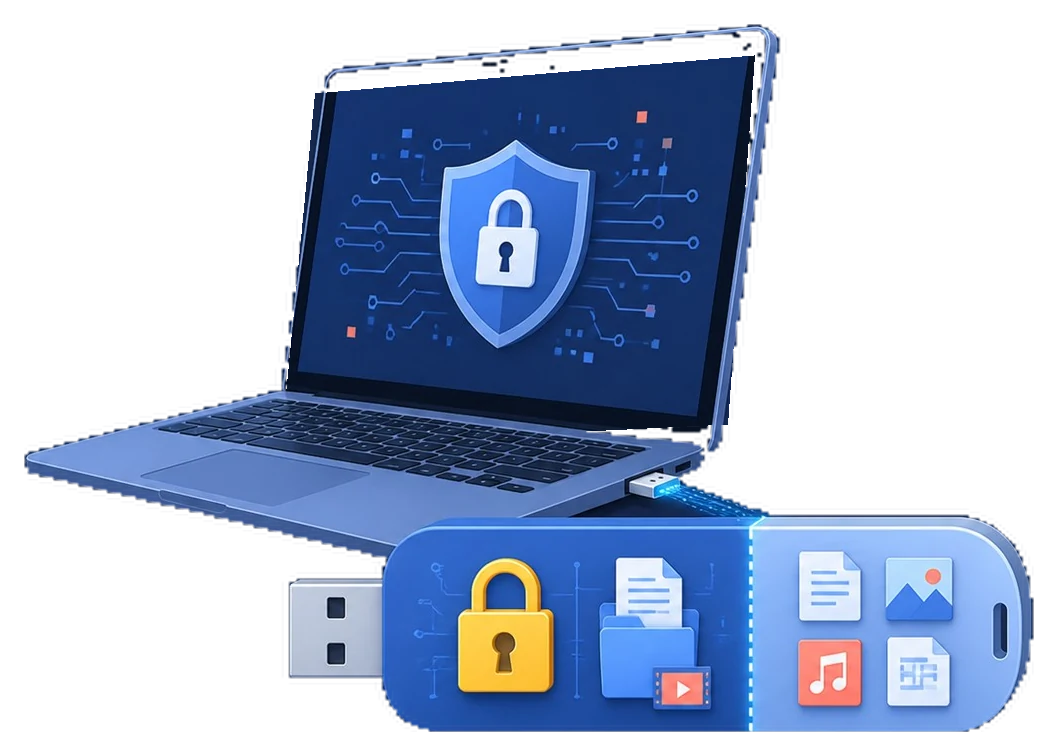
USB encryption features that matter
Start with the data, devices, and people involved. A clear boundary makes the security setting easier to test and maintain.
Step-by-step workflow
Identify the device and users
List the removable drives that need protection and whether they move between managed and unmanaged PCs.
Compare full-drive and file-level options
Full-drive encryption protects the complete device; file-level encryption is more selective for handoffs.
Check password and recovery handling
A useful tool makes the unlock workflow clear and does not leave recovery material on the same drive.
Run a test cycle
Encrypt a spare drive, safely eject it, reconnect it, and verify read, write, and recovery behavior.
Deploy the selected workflow
Use GiliSoft USB Stick Encryption when a focused Windows tool for password-protected USB drives is the better fit.
Make the policy easier to manage
Keep recovery separate
Store passwords, recovery keys, and backup information away from the protected device or image.
Test before rollout
Use a non-critical device and verify both the permitted path and the blocked path before applying the rule broadly.
Review exceptions
Give temporary approvals an owner and review date so old exceptions do not become permanent access.
Common problems to check
- Confirm the Windows edition and administrator permissions required by the selected control.
- Test the exact USB device, file system, or target PC instead of relying on a similar model.
- Keep an independent backup before encrypting, blocking, formatting, or creating an image.
- Do not store passwords or recovery keys beside the protected media.
Frequently Asked Questions
Does USB encryption slow down every file operation?
Encryption can add processing overhead, especially on older drives. Test the actual hardware and workload.
Can I encrypt a USB drive without formatting it?
The answer depends on the tool and method. Back up important files and follow the product workflow before changing a drive.
Where should the recovery key be kept?
Keep it in a separate, access-controlled location with an owner and a recovery procedure.
Is a password alone enough?
Use a strong unique password, keep the device physically controlled, and maintain an independent backup.