
EBook to PDF Converter for Windows
PDF is useful when recipients need consistent fixed pages, but many eBooks are designed to reflow around screen size and reader settings. Converting to PDF therefore creates a new pagination rather than preserving a universal original page count.
Quick answer
Use PDF when fixed review, predictable page sharing, or print preparation matters more than adjustable reading text. Keep EPUB or another reflowable source for normal eBook reading. Convert only authorized content, save a separate PDF, and inspect page breaks, margins, images, chapter order, and links before delivery.
Choose PDF Only When Fixed Pages Help
| Requirement | Keep eBook | Convert to PDF |
|---|---|---|
| Adjust font size and line flow | Best fit for reflowable reading | Fixed page may be less flexible |
| Share exact page references | Reader pagination can vary | Fixed pages provide stable references |
| Print a review copy | May depend on the reader | Better suited to page-based output |
| Preserve reader features | More likely in the source format | Some features may be lost |
| Archive a visual review copy | Keep the source as master | Useful as a secondary fixed copy |
Prepare the EBook Source
- Confirm permission and access.
Use DRM-free or authorized eBooks that open normally in a compatible reader.
- Keep the original.
PDF should be a secondary output, not the only remaining copy.
- Inspect structure.
Check the cover, metadata, table of contents, chapters, images, footnotes, and links.
- Identify reflowable or fixed layout.
Illustrated and fixed-layout books usually need closer page-by-page review.
- Decide the PDF purpose.
Set expectations for screen review, printing, sharing, or archive reference.
Convert an EBook to PDF with Formathor
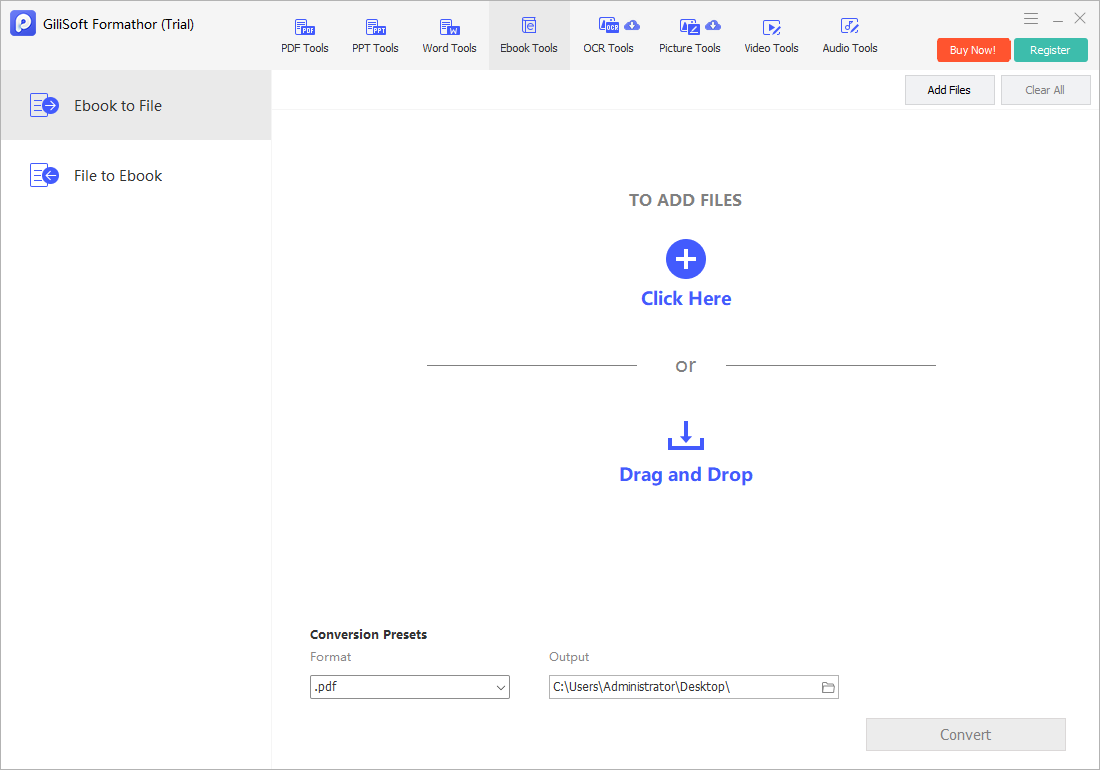
Open EBook to File, add the eBook, choose PDF where supported, select a separate output folder, and run one representative conversion.
- Add the eBook.
Confirm the correct title and source format.
- Choose PDF output.
Review any available page or destination options.
- Name the output clearly.
Distinguish the fixed PDF from the reflowable source.
- Run the conversion.
Do not interrupt the process or overwrite the original.
- Open the PDF separately.
Use the recipient reader and inspect actual page rendering.
Review the New Fixed-Layout PDF
Check cover placement, blank pages, margins, chapter starts, headings, paragraphs, widows and orphans, images, captions, tables, footnotes, special characters, links, and the final page. Compare the PDF with the source reader rather than trusting page count alone.
Prepare the PDF for Delivery
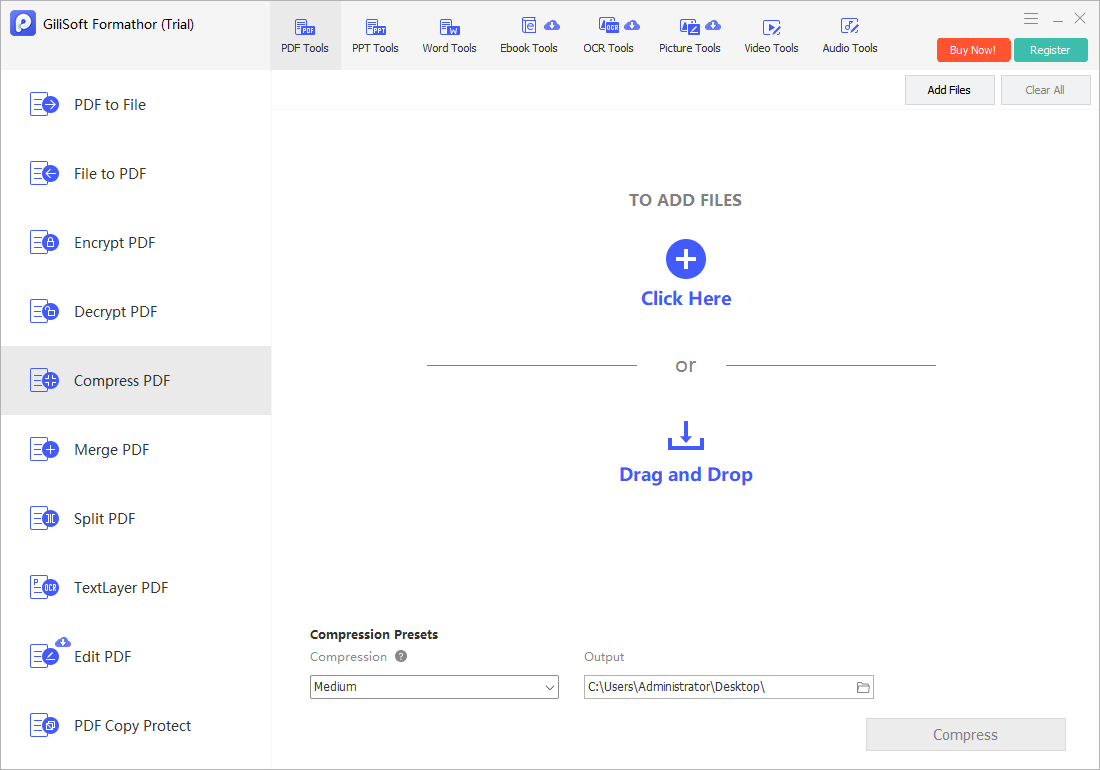
After content review, use Merge PDF only if related outputs belong in one packet, Split PDF when recipients need separate sections, Compress PDF on a delivery copy, and Encrypt PDF after every content and quality check is complete.
EBook to PDF Converter FAQ
Why convert an eBook to PDF?
PDF is useful for fixed-page review, consistent page references, printing preparation, or document delivery. Keep the reflowable source when adjustable reading remains important.
Will the PDF have the same page count as the eBook?
Not necessarily. Reflowable eBooks paginate according to reader, screen, font, and settings. PDF conversion creates new fixed pages.
Can Formathor convert protected eBooks to PDF?
Use DRM-free or otherwise authorized files. This page does not describe bypassing DRM or access controls.
Will images and the table of contents be preserved?
They may transfer, but their size, placement, page breaks, and links must be checked in the finished PDF. Complex fixed-layout titles need closer review.
Is PDF better than EPUB for reading?
Not universally. EPUB is often better for adjustable, reflowable reading; PDF is better when fixed appearance and stable page references are required.
Should I compress the PDF immediately?
Review the uncompressed conversion first. Compress a separate delivery copy and compare text, illustrations, links, and searchability before sharing.