

How to Password Protect a Folder in Windows 11
Folder privacy, encryption, and protection against deletion are different goals. Choose the least restrictive Windows or File Lock Pro method that produces the result you actually need.
Quick answer
Windows 11 does not include one universal command that adds an independent password to any ordinary folder. Use account permissions for another local user, an encrypted archive for a fixed file set, EFS on supported editions, or BitLocker for an entire drive. Use GiliSoft File Lock Pro when one selected folder needs locking, hiding, change prevention, or encryption without moving it into an archive.
Choose a Windows 11 folder-protection method
| Method | Best use | Important limit |
|---|---|---|
| Separate account and NTFS permissions | Restrict another standard user on the same PC | Administrators can change permissions |
| Encrypted archive | Send or store a fixed collection of files | Content must be repacked after changes |
| EFS | Per-account encryption on Pro or higher editions | Certificate recovery is essential; unavailable on Home |
| BitLocker | Encrypt an entire supported drive | Not a separate password for one ordinary folder |
| File Lock Pro | Lock, hide, protect, or encrypt selected items | Test recovery and keep an independent backup |
Use a built-in Windows method when it fits
Account permissions
Useful when another standard account should not access a folder on the same NTFS drive.
Encrypted archive
Practical for a group of files that does not need constant editing in place.
EFS
Encrypts files for the Windows account on supported editions; back up the certificate and key.
BitLocker
Protects a complete supported drive against offline access rather than one folder with a separate password.
Password protect a folder with File Lock Pro
- Back up the folder.
Keep a verified copy outside the location that will be protected.
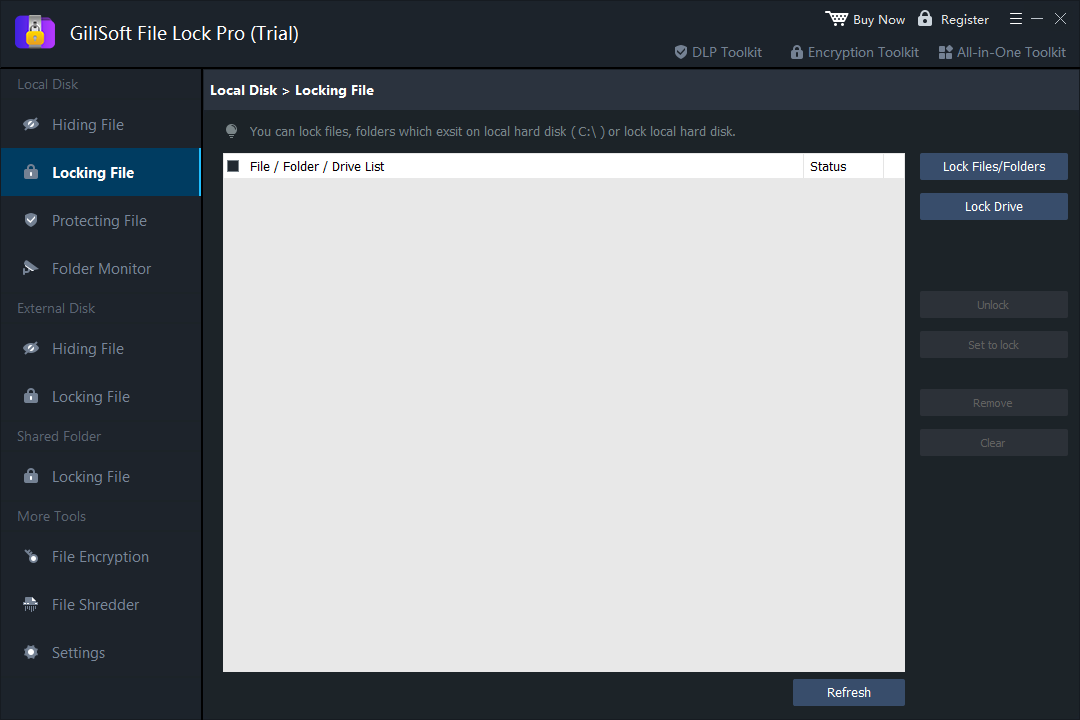
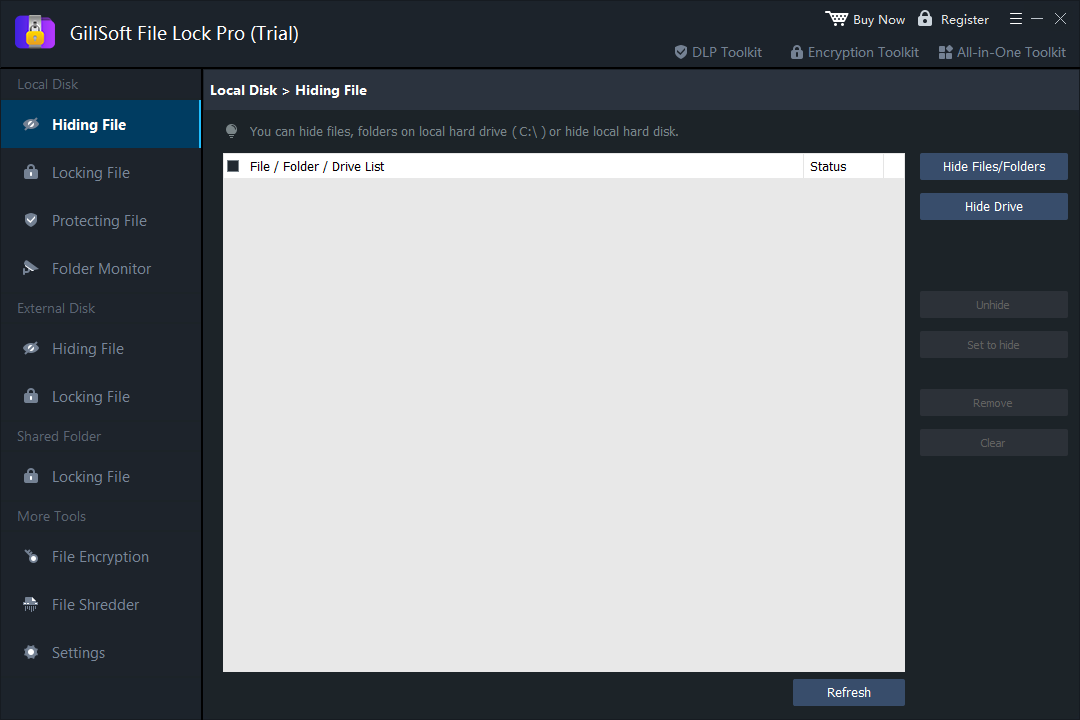
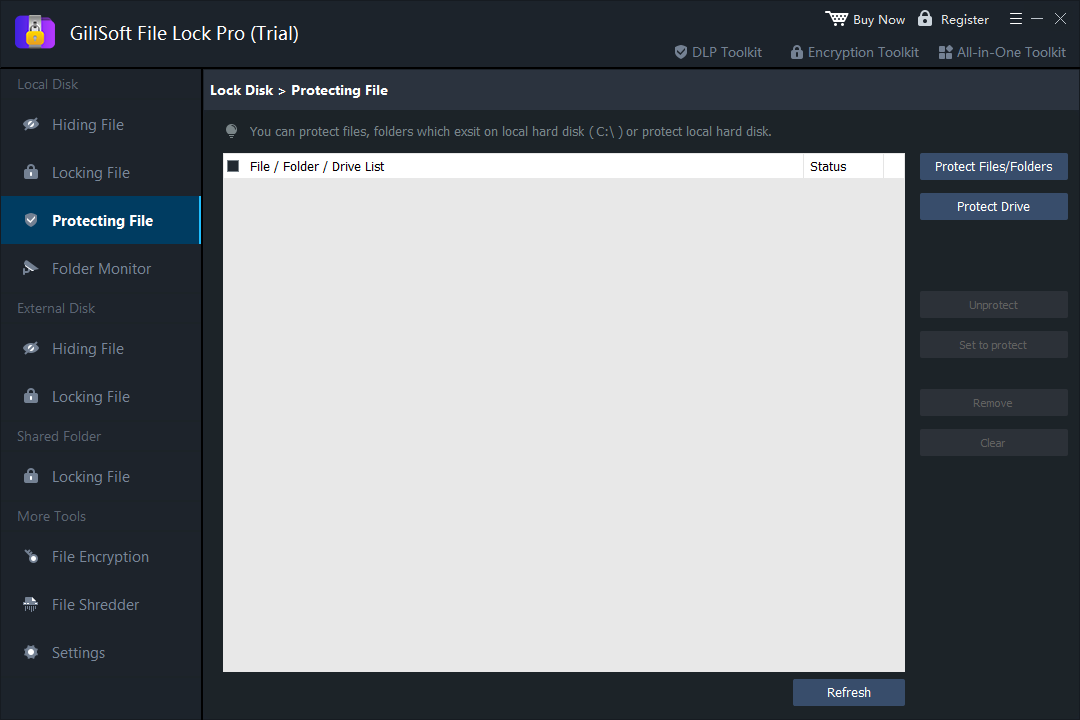
- Choose the correct mode.
Use Locking File for access, Hiding File for visibility, Protecting File for change prevention, or File Encryption for encrypted content.
- Add the exact folder path.
Avoid Windows, application, synchronization, and backup folders.
- Apply the rule.
Close File Lock Pro and test the expected behavior in File Explorer.
- Test authorized recovery.
Return to the product, remove the rule, and confirm the original files remain usable.
Before protecting an important folder
- Maintain a separate backup that is not governed by the same rule.
- Store recovery information outside the protected folder.
- Test the method with noncritical files first.
- Use the least restrictive mode that solves the problem.
- Confirm behavior after Windows, drive, or account changes.
Frequently asked questions
Can Windows 11 password protect one folder by itself?
Not with one universal folder-password command. Windows offers account permissions, encrypted archives, EFS on supported editions, and BitLocker for drives.
Can Windows 11 Home use EFS?
No. EFS is not available in Windows 11 Home. Use another method and maintain a separate backup.
Is hiding a folder the same as encryption?
No. Hiding affects visibility, while encryption protects file contents against unauthorized reading.
Can File Lock Pro protect a folder on an external drive?
It supports selected folders on supported external data drives. Test the exact device and recovery workflow first.
What if I only need to prevent deletion?
Use a protection rule that blocks deletion or changes while allowing the folder to remain visible, instead of hiding or encrypting it unnecessarily.