
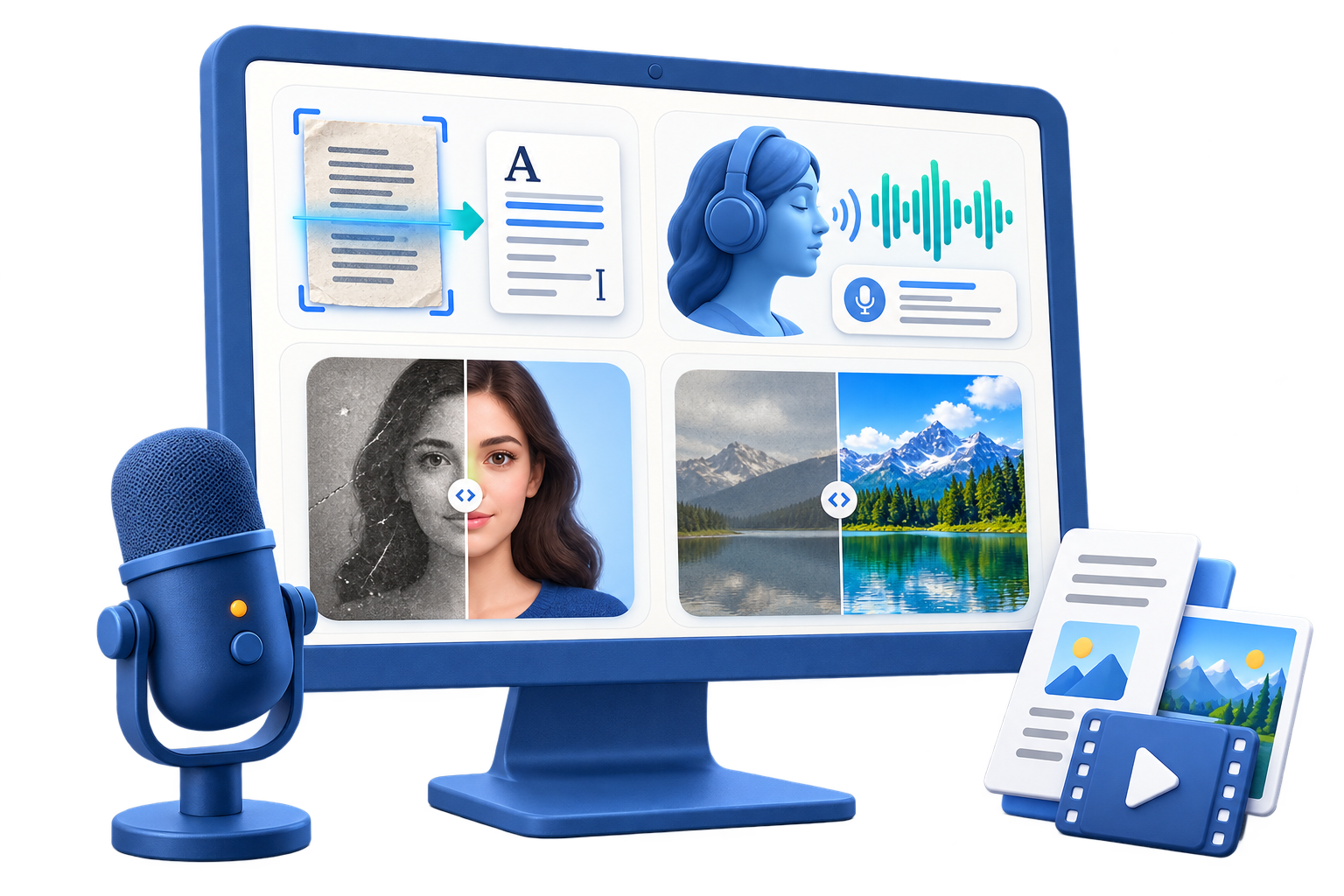
Picture to Text Software for Windows
Use this workflow to extract editable text from screenshots, scans, and document photos. OCR accuracy depends heavily on the image and must be verified against it.
Quick answer
Crop to the relevant text, correct rotation and perspective, improve legibility without destroying characters, and run OCR with the expected language. Compare the result line by line with the image before searching, translating, quoting, or reusing it.
Choose the Right AI Workflow
| Input or situation | Recommended approach | Review requirement |
|---|---|---|
| Clean printed text | Run OCR after cropping and orientation correction | Names, numbers, punctuation, and line order |
| Photo with glare or perspective | Retake or correct the image before OCR | Missing lines and substituted characters |
| Form or complex layout | Extract text, then rebuild structure manually | Fields, columns, checkboxes, and totals |
| Handwriting or damaged text | Treat output as a tentative draft | Mark every uncertain word or character |
Step-by-Step Workflow
- Preserve the source
Keep the original image unchanged and work on a duplicate. Confirm that you are allowed to process its contents.
- Prepare the image
Crop unrelated areas, rotate upright, correct perspective when possible, and use a clear source with even contrast.
- Extract a text draft
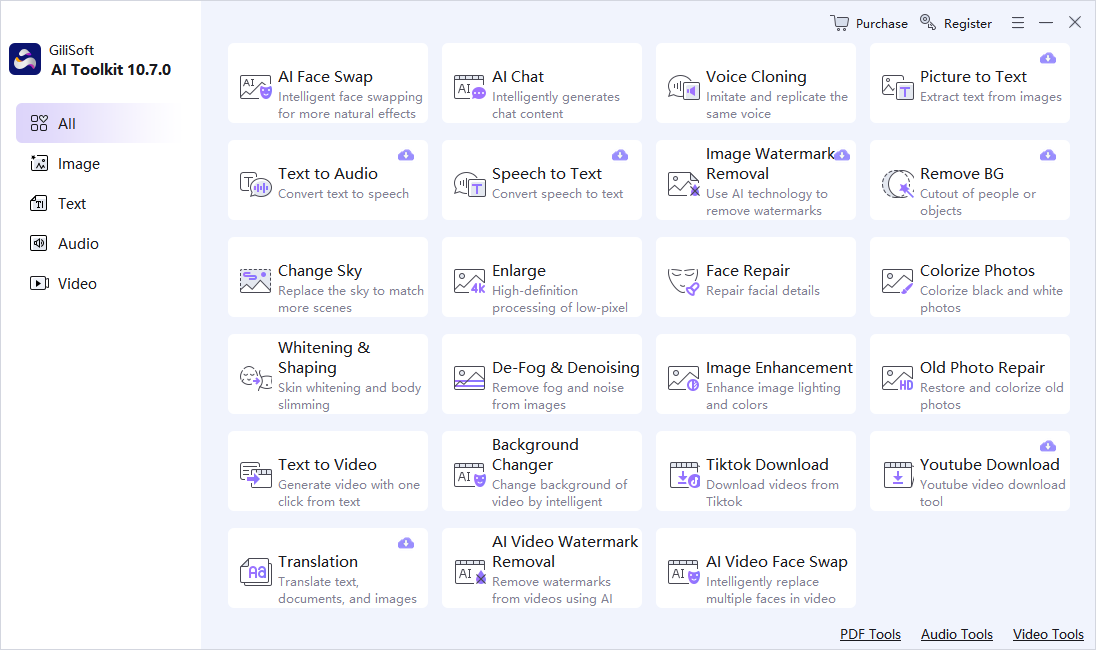
Open OCR in GiliSoft AI Toolkit, add the image, select the expected language, and run recognition.
- Compare with the pixels
Review names, numbers, punctuation, columns, line order, and ambiguous characters at high zoom.
- Export with context
Save the corrected text and retain the source image or reference so later users can verify important details.
Use the GiliSoft AI Toolkit Workspace
These screenshots show the real dashboard and task workspace. Interface details can change by release, so verify the current controls and processing behavior before using sensitive or important material.

Review Before You Reuse the Result
| Readable source and exact text | Compare the complete result with the source instead of reviewing only the easiest section. |
|---|---|
| Names and numbers | Check proper names, dates, quantities, abbreviations, identifiers, and claims manually. |
| Privacy and rights | Confirm permission, remove unnecessary personal data, and understand the current module’s processing path before sensitive use. |
Frequently Asked Questions
Why does OCR miss text that I can read?
Blur, glare, rotation, perspective, small characters, decorative fonts, damage, mixed languages, and complex layouts can reduce recognition accuracy.
Can OCR understand form fields automatically?
It may extract visible text, but field relationships, checkboxes, signatures, and totals still require human verification.
Should I enhance an image before OCR?
Correcting orientation, perspective, contrast, and crop can help, but keep the original because aggressive processing can alter character shapes.
Should I keep the source file?
Yes. AI output should be a separate derivative so errors can be checked and the task can be repeated.
Can generated output be used without review?
No. Review requirements depend on risk, but important names, numbers, claims, instructions, and visual details should always be checked.