
How to Extract Subtitles from MP4 and MKV Files
MP4 and MKV are containers: they may hold video, audio, and one or more subtitle streams, but a filename alone does not prove subtitles exist. Text permanently visible in the picture is not an extractable subtitle stream.
Quick answer
Inspect the file for an embedded subtitle track first. If one exists and is supported, extract or export it for review. If text is burned into the frames, use subtitle recognition or transcription and proofread the result.
Identify the Subtitle Type
| Source or goal | Editing approach | Check carefully |
|---|---|---|
| Selectable subtitle track in the player | Extract the existing stream when supported | Language, text versus image format, and timing |
| External SRT/ASS beside the video | Edit or copy the sidecar file | Filename matching and character encoding |
| Text always visible in the picture | Use OCR or transcription workflow | Recognition errors and rebuilt timing |
Complete the Task in Video Editor Pro
- Inspect the source file
Open the MP4 or MKV in a player that lists tracks, or use a stream-inspection tool. Record language, track type, and whether subtitles can be switched off.
- Choose extraction or recognition
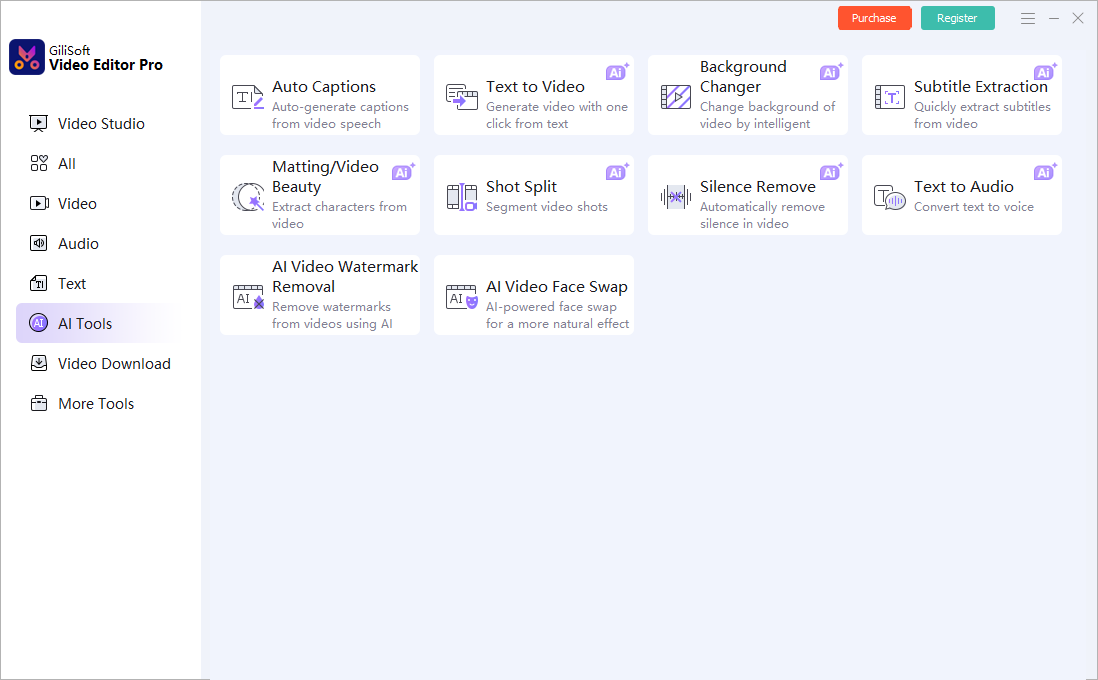
Use an existing subtitle stream when available. In GiliSoft Video Editor Pro, open the subtitle extraction or AI tools only when the file and task match.
- Review text and timing
Proofread names, punctuation, numbers, line breaks, and scene timing. Image-based subtitle streams or burned-in text may need recognition rather than direct text export.
- Save an editable caption file
Export to the supported subtitle format, preserve language labels, and test the result by importing it against the video timeline.
See the Video Editor Pro user guide for timeline, text, audio, effects, AI tools, and export controls.
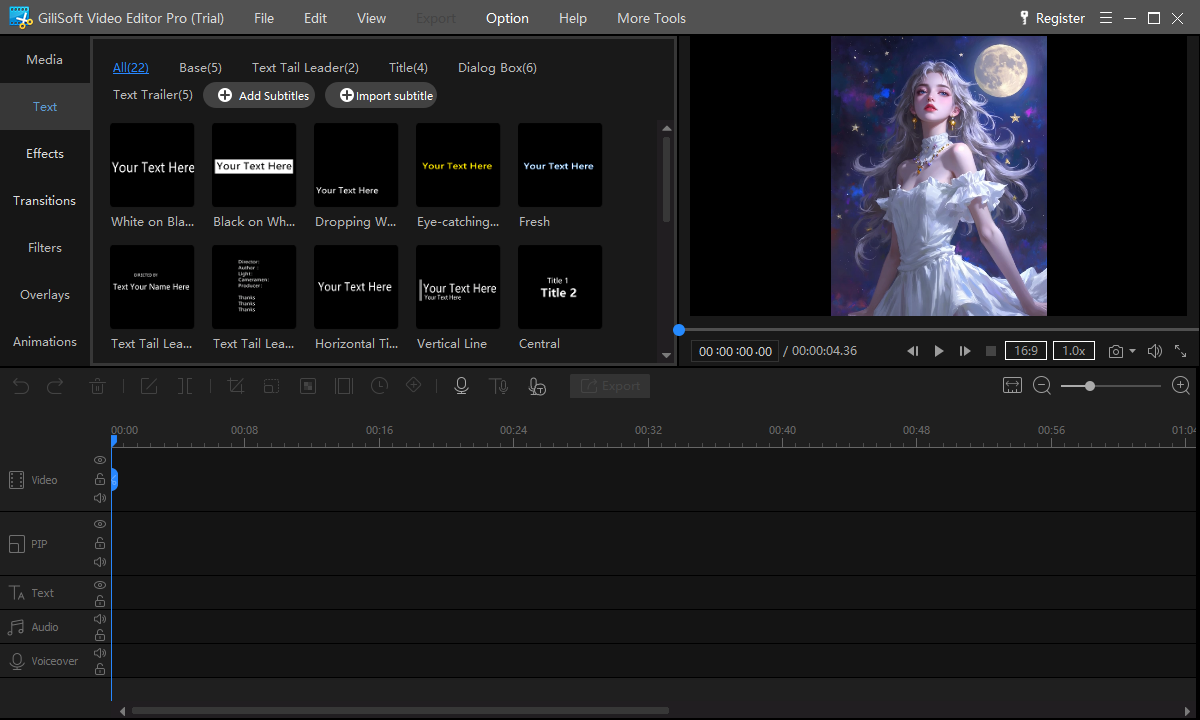
Video Editor Pro Interface
These real screenshots show the relevant multitrack, text, AI, audio, effect, or color workspace.
Review the Export
- Play the generated file outside the editor from beginning to end.
- Check crop, timing, text, audio balance, edges, transitions, and ending frames.
- Compare resolution, frame rate, aspect ratio, and file size with the destination requirements.
- Keep source rights, project files, and final export versions organized.
Frequently Asked Questions
Does every MKV contain subtitles?
No. MKV can contain subtitle tracks, but a specific file may have none. Inspect its streams first.
Can burned-in subtitles be exported as SRT automatically?
They require recognition and timing reconstruction, followed by human proofreading; they are not a separate embedded track.