
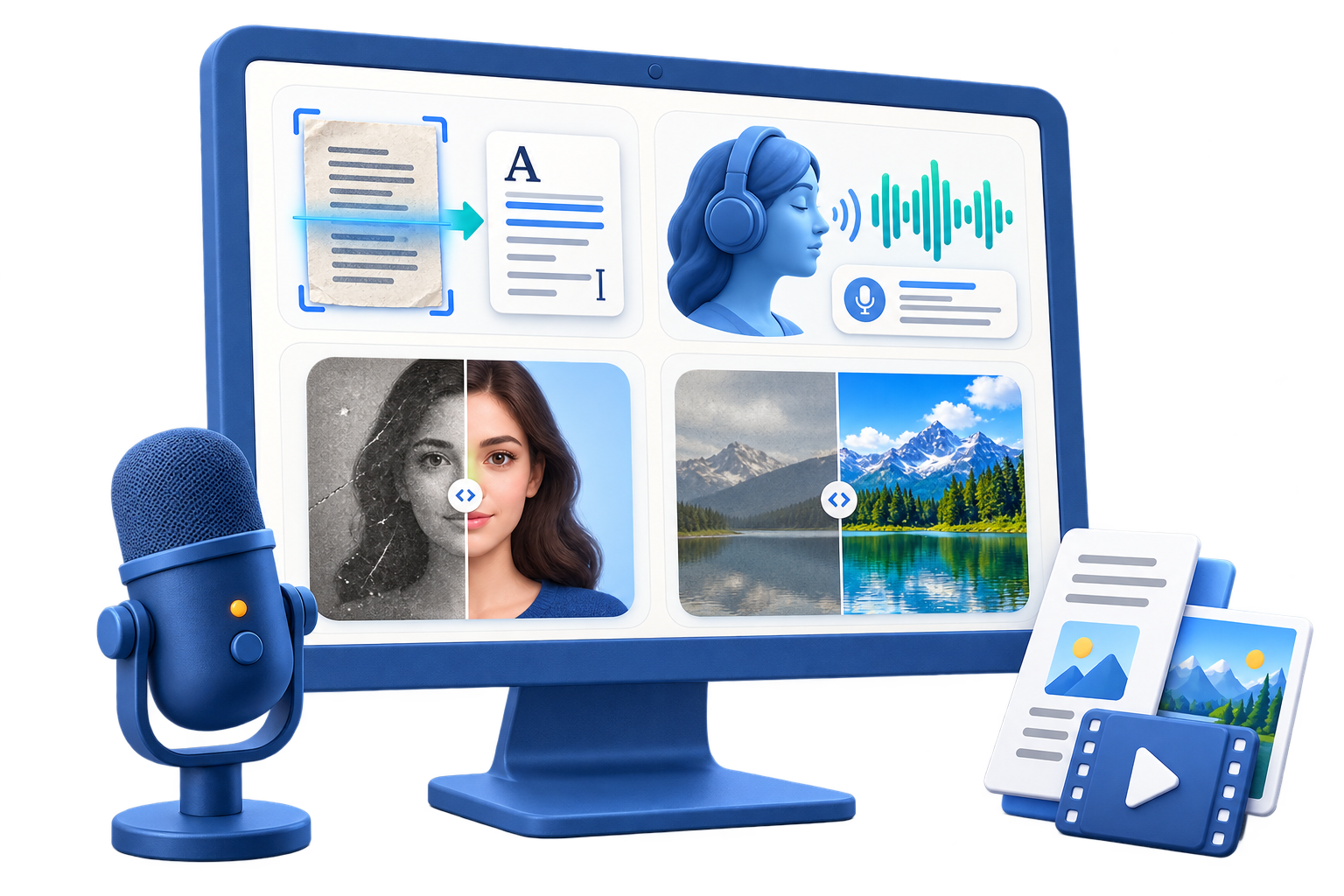
OCR Software for Screenshots on Windows
Screenshot OCR is useful for error messages, interface labels, instructions, tables, and reference captures, but accuracy depends on scale, contrast, language, and layout. The extracted text is a draft, not proof of what the image says.
Quick answer
Crop the screenshot to the relevant text, keep the highest available resolution, and run Picture to Text in GiliSoft AI Toolkit. Compare the output with the image, especially numbers, punctuation, file paths, product keys, tables, and mixed-language text. Remove or redact sensitive information before sharing either file.
Before You Start
- Keep an unchanged source file and work from a copy.
- Confirm permissions, ownership, privacy, and destination requirements before processing.
- Test a short representative sample before a long recording, conversion, or batch.
Match the Source to the Task
| Starting point | Recommended action | Review checkpoint |
|---|---|---|
| Clear UI text or error message | Crop tightly and run OCR | Verify punctuation, code, and line breaks |
| Small or compressed screenshot | Use the highest-resolution source and isolate the text | Check every uncertain character manually |
| Table or multi-column layout | Process logical regions separately when needed | Rebuild row and column relationships after OCR |
Step-by-Step Workflow
- Protect sensitive content
Review the screenshot for account names, email addresses, license keys, paths, financial data, or private messages.
- Crop to the useful region
Remove unrelated interface elements and keep enough context to interpret headings and labels.
- Run Picture to Text
Open the OCR workspace in GiliSoft AI Toolkit, select the image, language, and available recognition options.
- Compare with the screenshot
Check names, numbers, punctuation, file paths, commands, tables, and words split across lines.
- Save text and source together
Keep the reviewed text linked to the original screenshot and label unverified sections before reuse.
Review the Result Before Delivery
- Every copied command, path, number, and identifier matches the screenshot.
- Reading order is correct for columns, tables, forms, and sidebars.
- Sensitive information is removed from both the screenshot and extracted text before sharing.
Know the Limits
OCR accuracy falls with blur, low resolution, decorative fonts, low contrast, compression, overlapping UI, handwriting, and complex tables. Never execute a command or rely on an error code solely because OCR produced plausible text.
Frequently Asked Questions
Can OCR read an error-message screenshot?
Often yes, especially when the text is sharp and high contrast. Verify codes, punctuation, and paths manually.
Should I enlarge a tiny screenshot?
Upscaling can improve visibility but does not recreate missing detail. Look for the original-resolution capture first.
Can OCR preserve a table automatically?
It may recover the words but not the correct row and column structure. Process sections separately and rebuild the layout carefully.
Is screenshot OCR safe for confidential images?
Use a controlled local workflow, but still review temporary files, metadata, backups, and the final sharing destination.