
OCR Software for Windows: Extract Text from Images and Scans
Windows OCR software converts visible characters in an image into machine-readable text. It is useful for screenshots, photographed notes, receipts, printed pages, labels, and image-based documents, but the output quality depends heavily on the source.
Quick answer
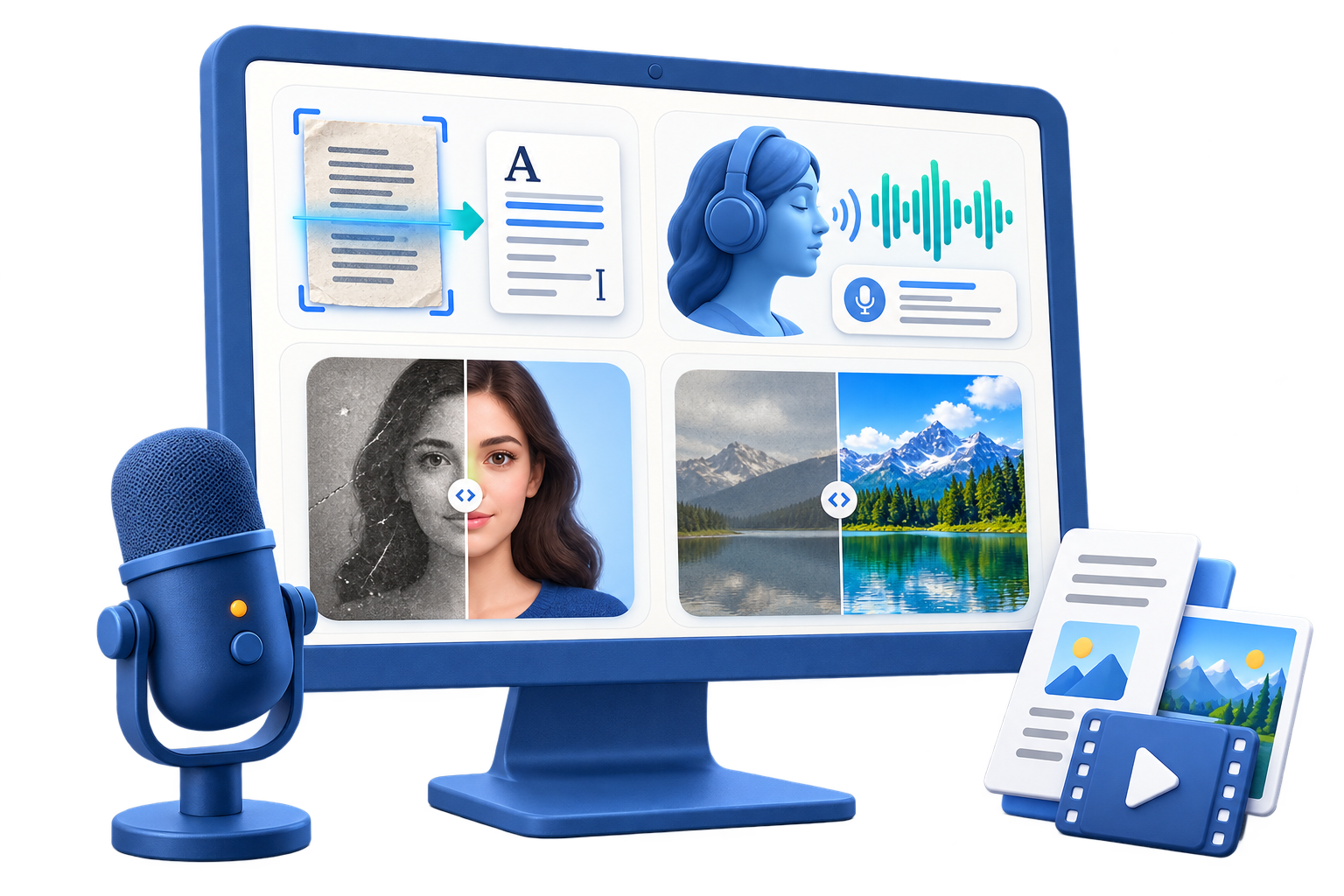
Use OCR when text is visible but cannot be selected or copied. Crop to the useful area, correct rotation and perspective, keep enough resolution for small characters, then run OCR and proofread the result. GiliSoft AI Toolkit provides a focused picture-to-text workspace alongside other voice and image utilities.
Use OCR for the Right Kind of Source
| Source | Good OCR candidate | Extra review |
|---|---|---|
| Software screenshot | Sharp text at normal scale | Buttons, icons, code, and clipped labels |
| Scanned printed page | Flat, straight, high-contrast scan | Columns, footnotes, stamps, and tables |
| Receipt or invoice photo | Even lighting and readable print | Totals, decimals, tax, dates, and vendor names |
| Phone photo of a document | Camera parallel to the page | Perspective, shadows, folds, and curved pages |
| Handwriting | Clear separated characters | Expect more correction and possible unsupported text |
Prepare the Image Before Recognition
- Use the clearest available source.
Avoid repeated screenshots and heavily compressed social-media copies.
- Crop unrelated content.
Keep enough margin to avoid clipping the first or last character.
- Correct rotation and perspective.
Text lines should be horizontal and the camera should not distort the page into a trapezoid.
- Improve readability conservatively.
Increase contrast only when it clarifies letters without erasing thin strokes.
- Separate very different layouts.
Dense documents, sparse labels, handwriting, and decorative text may need different passes.
Extract Text with GiliSoft AI Toolkit
Open AI Toolkit and choose the OCR or picture-to-text tool. Add the image, run recognition, and keep the source visible while reviewing the extracted result.

- Add a representative image.
Start with one clear source before processing more material.
- Confirm orientation and readable scale.
Zoom in and make sure small characters remain distinguishable.
- Run OCR.
Wait for recognition to finish before editing or copying the result.
- Compare source and output side by side.
Check line order, punctuation, capitalization, and symbols.
- Copy the verified text.
Paste it into the destination application and preserve the original image for reference.
Proofread the Text That Matters Most
Review names, email addresses, URLs, serial numbers, dates, prices, decimal points, minus signs, units, and table columns character by character. Common confusions include zero and O, one and I, five and S, and punctuation lost near image edges.
Know What OCR Does Not Automatically Preserve
Plain extracted text may not retain original fonts, columns, tables, checkboxes, reading order, equations, or images. When page appearance and searchability both matter, use a searchable text-layer PDF workflow. When the next step is document editing, use a suitable conversion tool and expect layout cleanup.
OCR Software for Windows FAQ
What can OCR software for Windows read?
It can recognize printed text in clear screenshots, scans, receipts, photos, labels, and image-based documents. Results vary by language, resolution, contrast, layout, perspective, handwriting, and image damage.
Why is OCR missing or confusing characters?
The source may be too small, blurred, skewed, compressed, shadowed, decorative, or low contrast. Use a clearer original, correct orientation, crop carefully, and proofread ambiguous characters.
Can OCR preserve tables and columns perfectly?
Not always. Text recognition and layout reconstruction are different problems. Verify column order, headers, merged cells, totals, and reading sequence before reuse.
Is OCR accurate enough for receipts and invoices?
It can reduce manual typing, but every total, tax value, date, account number, and vendor detail should be checked against the image before accounting or payment.
Does GiliSoft AI Toolkit only provide OCR?
No. It combines OCR and picture-to-text with speech, voice, face, image enhancement, background, restoration, and other AI-oriented tools. Choose it when that wider toolkit fits your work.
Should I use OCR or a text-layer PDF tool?
Use OCR when you mainly need extracted text. Use a text-layer PDF when the scanned page should remain visible while the document becomes searchable and selectable.