
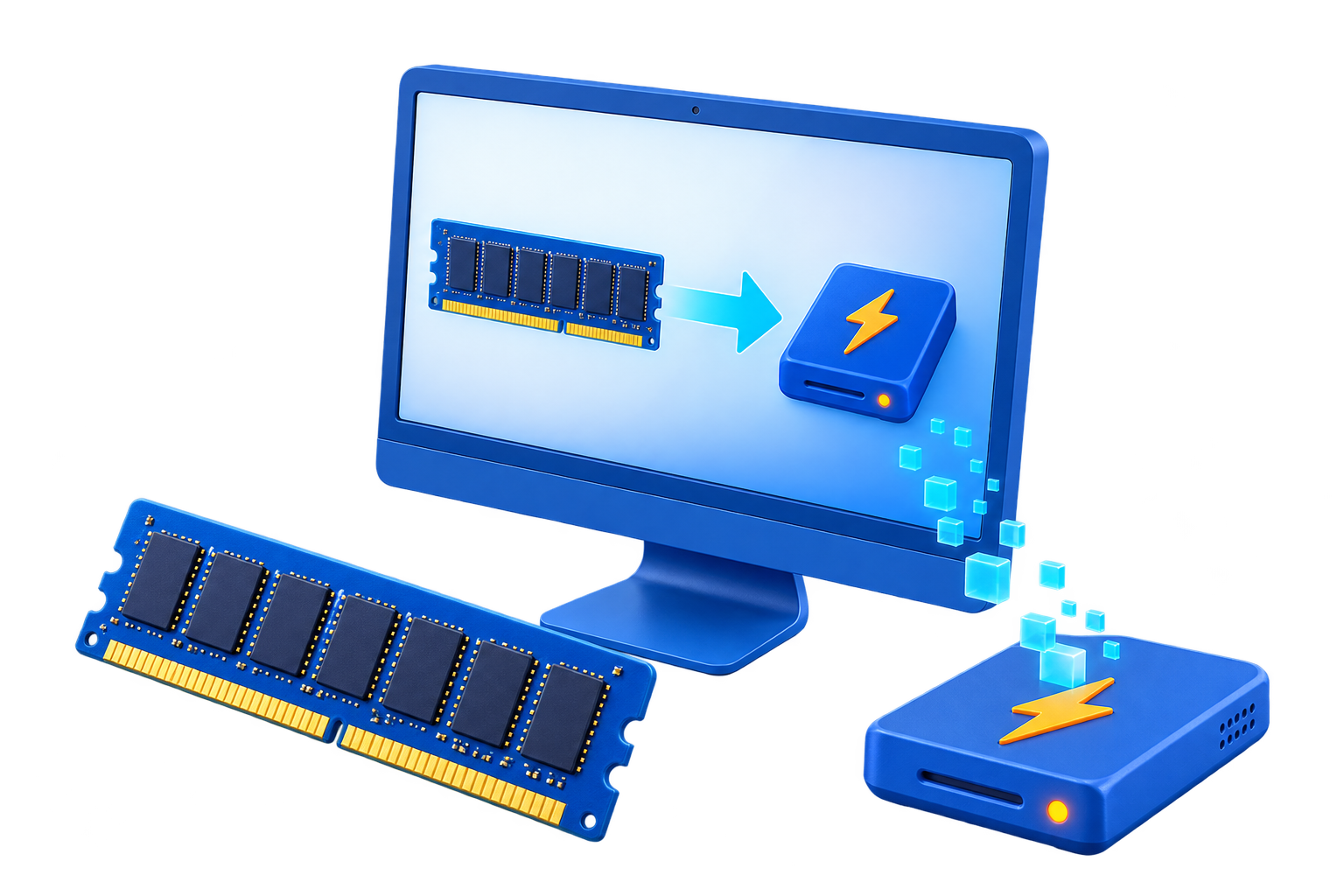
RAM Disk for Build Cache
Compiler, package, and test caches can contain many small files, but their working sets and persistence needs vary. A volatile RAM drive is useful only when the cache can be recreated and fits without causing memory pressure during the build itself.
Quick answer
Choose one rebuildable cache with a documented custom path, measure a representative clean and incremental build, and allocate only spare memory. Keep source code, package lockfiles, credentials, and build artifacts required for delivery on persistent storage.
Decide Whether a RAM Disk Fits
| Situation | Recommendation |
|---|---|
| Good candidate | Small incremental cache with heavy repeated I/O |
| Poor candidate | Cache larger than spare RAM or needed across restarts |
| Never place here | Source repositories, signing keys, secrets, or release artifacts |
Step-by-Step Setup
- Record a baseline
Measure clean build, incremental build, peak memory, cache size, and SSD activity.
- Select one cache
Use a tool-supported cache path rather than moving an entire workspace.
- Create a conservatively sized RAM drive
Leave enough memory for the compiler, linker, IDE, containers, tests, and Windows.
- Redirect and rebuild
Point the chosen cache to the RAM drive and allow the tool to rebuild it normally.
- Compare repeatable results
Run the same builds, inspect failures and memory pressure, and document how to restore the original cache path.
Protect Data and System Stability
- Keep important originals, credentials, recovery files, and final outputs on persistent storage.
- Leave enough physical memory for Windows and the real application workload so the system does not increase paging.
- Record the original path, test restart behavior, and keep a working rollback before expanding the setup.
Limits to Understand
A faster cache can be offset by reduced memory for compilers, containers, or parallel jobs. Cold builds after restart may also be slower because a volatile cache starts empty.
Frequently Asked Questions
Will a RAM disk always make Windows faster?
No. It helps only when storage I/O is the measured bottleneck and enough memory remains for Windows and applications.
Does data survive a restart?
A volatile RAM disk does not. Image-backed settings can load and save data, but they add startup and shutdown overhead and do not replace backups.
How large should the RAM disk be?
Start small and size it from measured peak use after reserving ample memory for the real workload and the operating system.
What belongs on a RAM disk?
Temporary, disposable, or rebuildable data. Keep authoritative files, recovery data, credentials, and important outputs on persistent storage.