
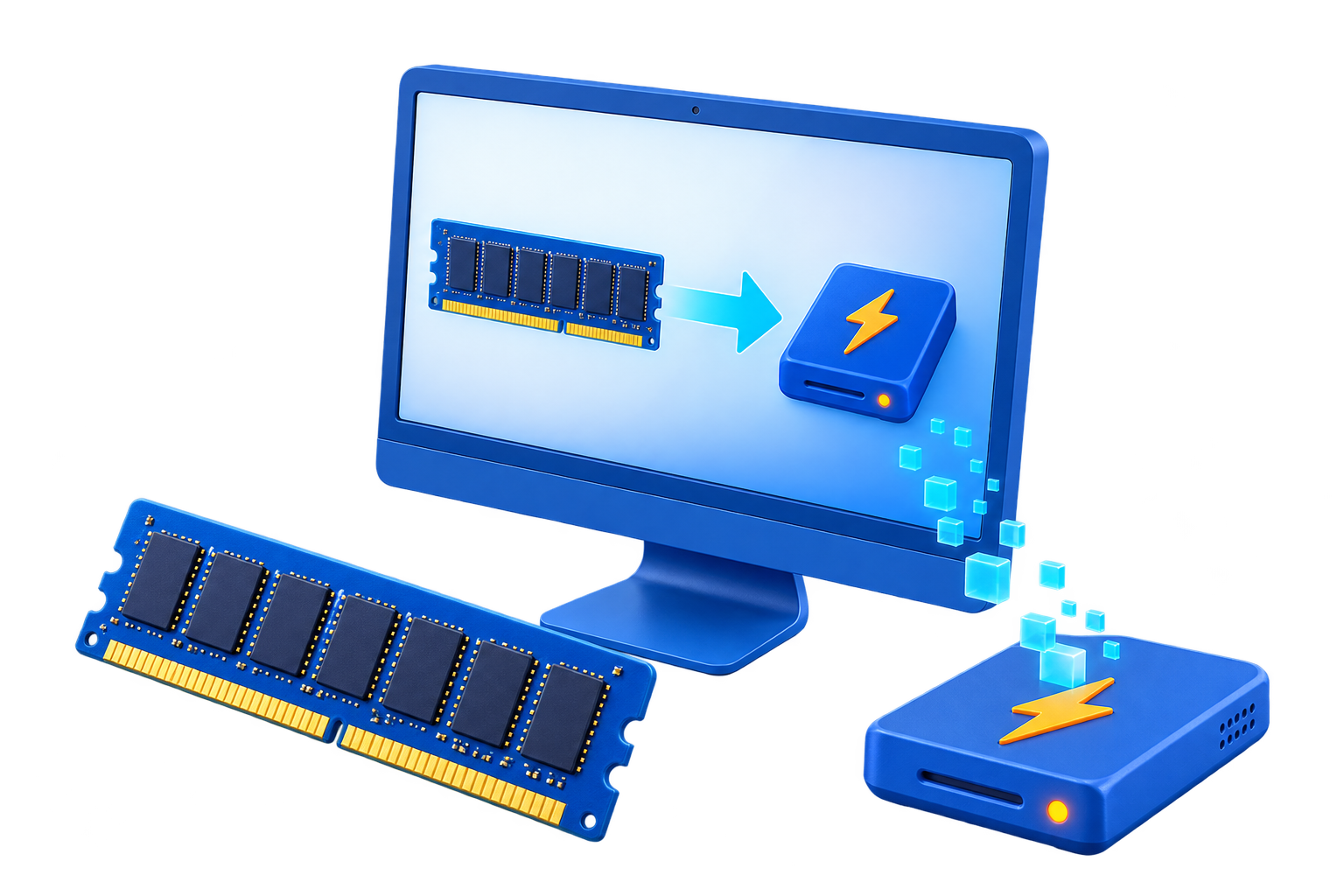
RAM Disk for Temporary Files
Windows and applications use temporary folders for many purposes, including installers, updates, crash recovery, exports, and active work. Redirecting every TEMP path at once can cause startup or update failures.
Quick answer
Start with an application-specific disposable temp folder. If you later test the Windows user TEMP and TMP variables, create the folder at startup, keep enough capacity, and verify installers, updates, printing, exports, and crash recovery before making the change permanent.
Decide Whether a RAM Disk Fits
| Situation | Recommendation |
|---|---|
| Safer first target | One application cache or temp folder with a supported path |
| Higher-risk target | User TEMP and TMP used by many unrelated applications |
| Keep persistent | Recovery files, unfinished exports, installers, and work you may need after a crash |
Step-by-Step Setup
- Audit current temp usage
Measure size and identify which applications write files that matter after a restart.
- Create a dedicated RAM drive folder
Use a stable drive letter and create the expected folder before applications start.
- Redirect one application first
Prefer a documented application setting over a system-wide environment change.
- Test failure and restart behavior
Run updates, exports, printing, and a normal reboot, then confirm no application expects missing files.
- Expand only with a rollback plan
Record the original variables and paths before changing user TEMP or TMP.
Protect Data and System Stability
- Keep important originals, credentials, recovery files, and final outputs on persistent storage.
- Leave enough physical memory for Windows and the real application workload so the system does not increase paging.
- Record the original path, test restart behavior, and keep a working rollback before expanding the setup.
Limits to Understand
A small RAM drive can fill unexpectedly. System-wide redirection affects many applications, and volatile storage can remove recovery files you expected to survive a crash or restart.
Frequently Asked Questions
Will a RAM disk always make Windows faster?
No. It helps only when storage I/O is the measured bottleneck and enough memory remains for Windows and applications.
Does data survive a restart?
A volatile RAM disk does not. Image-backed settings can load and save data, but they add startup and shutdown overhead and do not replace backups.
How large should the RAM disk be?
Start small and size it from measured peak use after reserving ample memory for the real workload and the operating system.
What belongs on a RAM disk?
Temporary, disposable, or rebuildable data. Keep authoritative files, recovery data, credentials, and important outputs on persistent storage.