

How to Remove a Date Stamp from Video
Camera date stamps are often rendered into the video image. A corner date is usually easier to treat than text moving over faces or detailed scenery, but an oversized mask can still blur more than necessary.
Quick answer
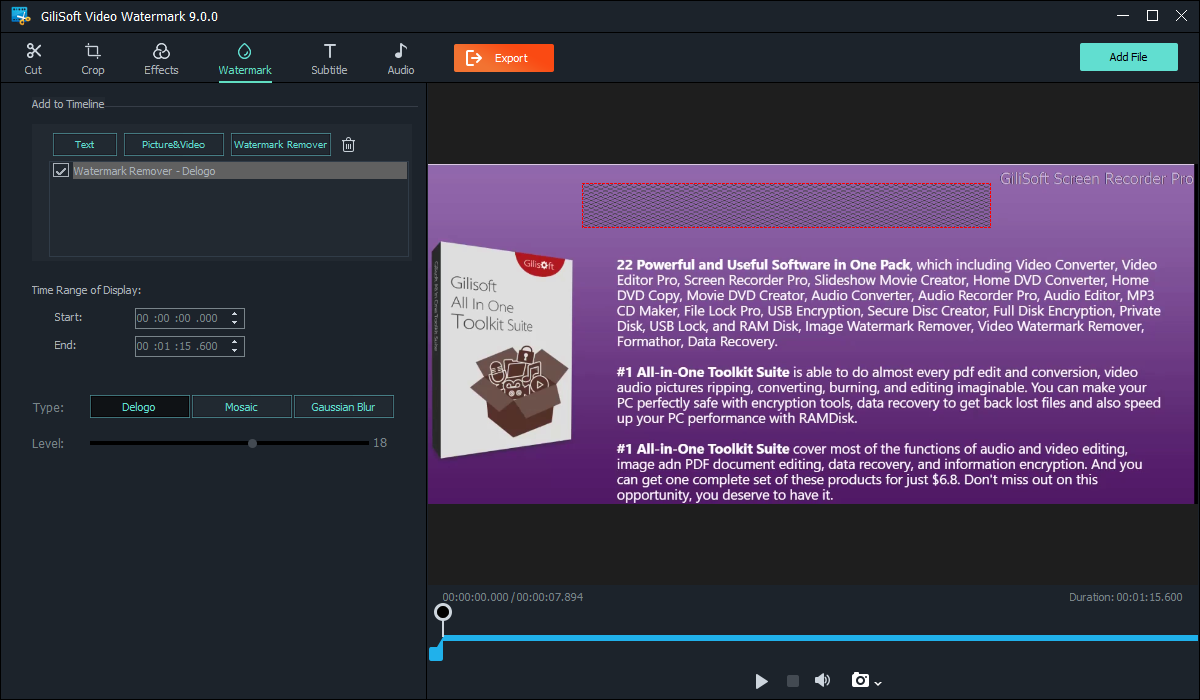
For a fixed baked-in date, use the text or quick video cleanup task in GiliSoft Watermark Remover, select the complete characters and shadows, set the time range, and preview the beginning, middle, and end.
Check How the Date Appears
| What you have | Best next step | What to verify |
|---|---|---|
| Player overlay or separate metadata | Turn off that display or change export settings | Avoid unnecessary frame edits |
| Fixed date in video frames | Use text or quick video cleanup | Full character outline and active time |
| Moving date or changing corner | Use separate regions or tests | Motion and background consistency |
Clean the Authorized Source Step by Step
- Preserve the original
Copy the source and confirm that removing the date is permitted and does not alter evidence, audit, or compliance material.
- Mark the date precisely
Open GiliSoft Watermark Remover, choose the text or quick video task, and include all digits, separators, outline, and shadow.
- Set timing and style
Limit the cleanup to the period when the stamp is visible. Preview Delogo, Mosaic, or Gaussian Blur if using the quick task.
- Inspect the export
Check frames with different backgrounds and the point where the stamp starts or ends. Keep the edited copy distinct from the source.
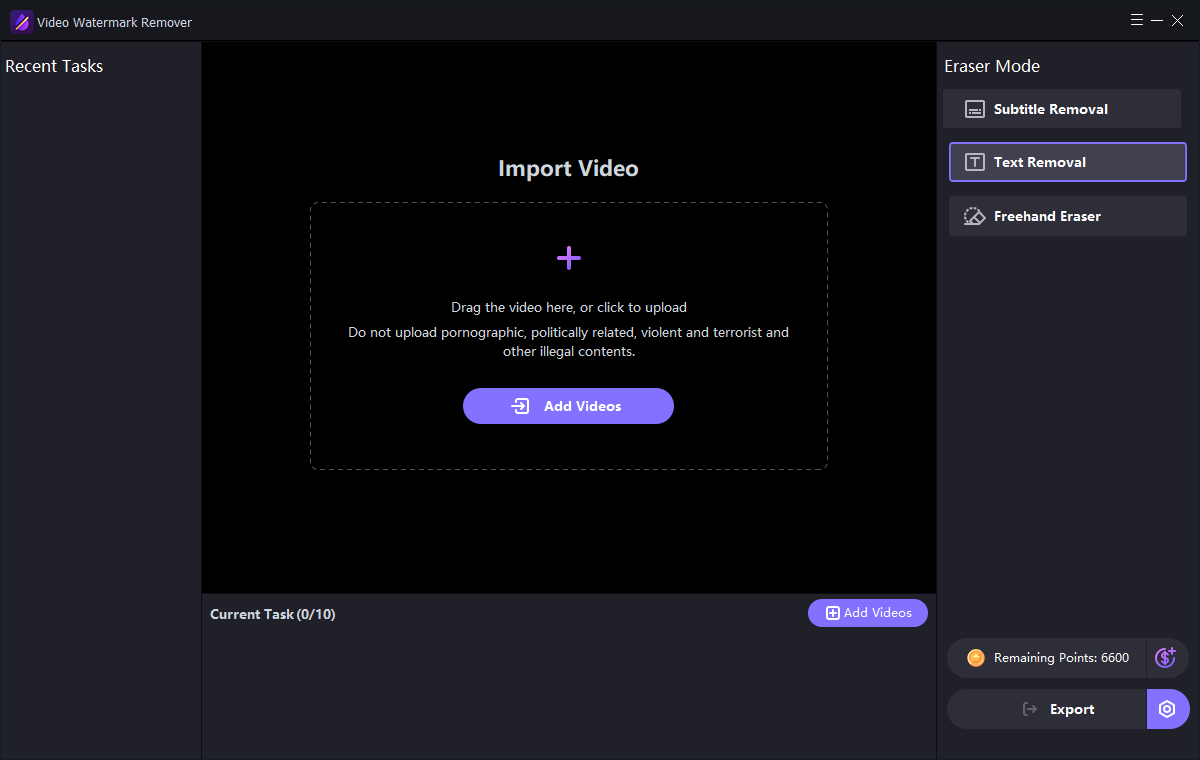
The Watermark Remover user guide shows the matching image, text, subtitle, quick video, and freehand controls.
GiliSoft Watermark Remover Interface
Use the actual task screenshots to locate the selection and preview controls for this workflow.
Review the Export Before Reuse
- Compare the edited result with the untouched source and the current approved version.
- Check edges, shadows, text remnants, and detailed or moving backgrounds.
- For video, inspect the beginning, middle, end, and any scene transition.
- Export a separate copy and keep proof of authorization to edit the source.
Frequently Asked Questions
Is a video date stamp the same as file creation date?
No. A stamp burned into the image is different from file metadata. Editing one does not necessarily change the other.
Can one region handle a date that moves?
A fixed region may fail. Test separate periods or another authorized source when the stamp changes position.