
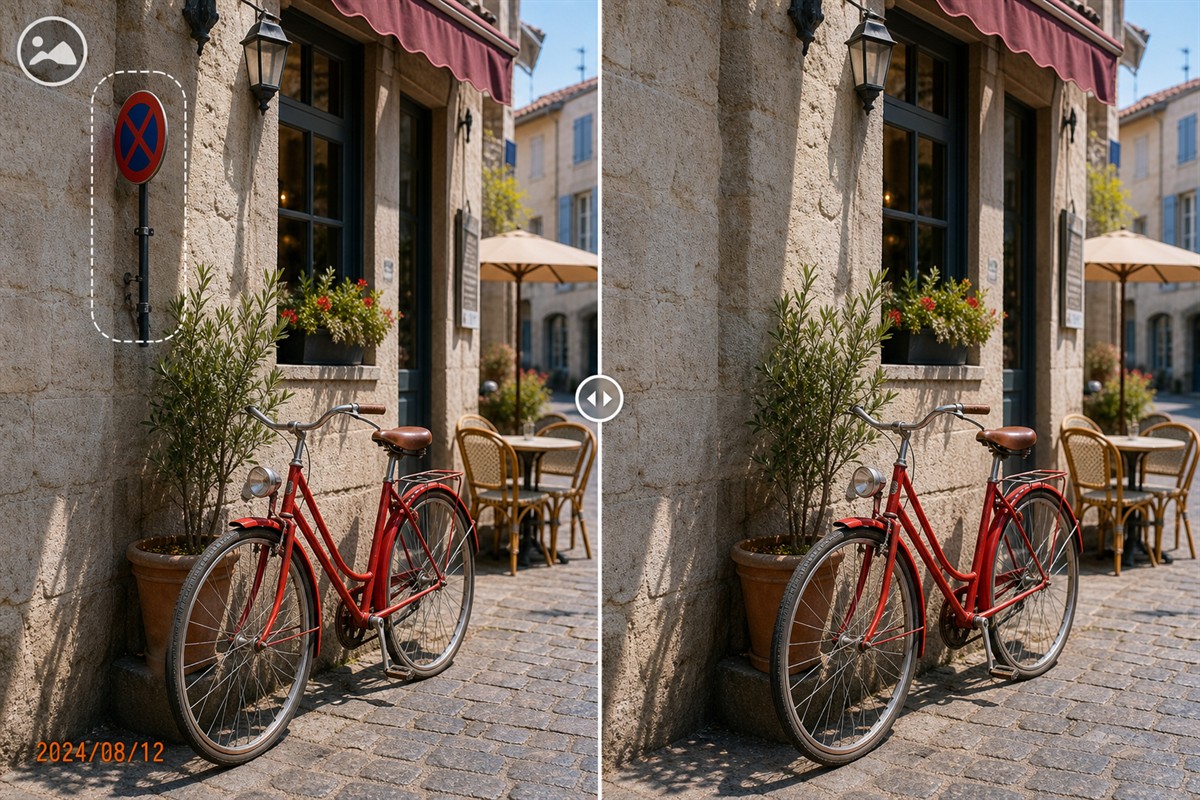
What Is a Secure Photo Cleanup Tool?
A secure photo cleanup tool is one component in a controlled process that protects images from initial access through editing, export, storage, and delivery.
Installing a local editor is useful, but it does not automatically secure the computer, restrict who can open files, encrypt storage, erase backups, remove metadata, or protect the final email attachment. Evaluate the whole path rather than judging security from one feature.
Seven Security Layers Around Photo Cleanup
1. Authorization
Confirm ownership or editing permission and identify whether the image is personal, confidential, regulated, licensed, documentary, or public.
2. Account access
Use approved Windows accounts, strong authentication, screen locking, least-privilege folder permissions, and controlled administrator access.
3. Storage protection
Place originals, working copies, outputs, and backups in approved locations protected by the required encryption and access policies.
4. Processing path
Verify whether the exact cleanup function works locally and check separate requirements for AI-labelled features before using sensitive images.
5. File integrity
Preserve untouched originals, work from copies, use clear file names, and avoid silently replacing archive or client master files.
6. Output inspection
Review repaired pixels, format, resolution, metadata, thumbnails, hidden copies, and the final destination before release.
7. Retention and delivery
Define how long source, working, and output files remain; which backups or recycle bins retain copies; and which encrypted or access-controlled transfer method is approved for delivery.
Where GiliSoft MarkEase Fits in the Security Workflow
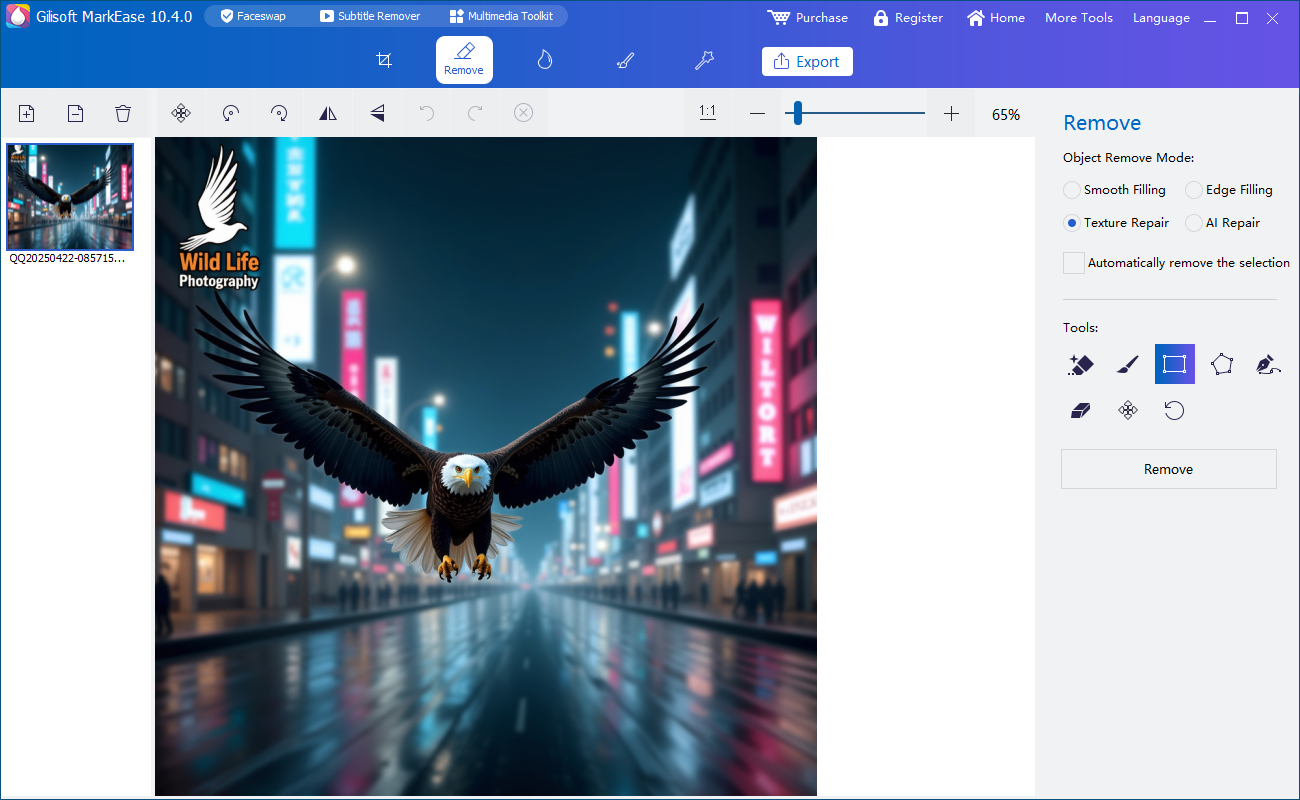
MarkEase is the image-cleanup stage. It can reduce reliance on unknown browser upload services for routine work, while surrounding controls protect the image itself.
| Requirement | MarkEase role | Additional control needed |
|---|---|---|
| Remove an authorized visible distraction | Select, repair, preview, and export watermarks, dates, logos, text, people, or small objects | Confirm editing rights and inspect reconstructed pixels for accuracy |
| Avoid a browser upload | The core cleanup workflow runs in the Windows application | Check cloud-synchronized folders, backups, network storage, support uploads, and exact AI features |
| Restrict who can open photos | No dedicated access-control function | Use Windows accounts, folder permissions, encrypted storage, and organizational policy |
| Preserve original evidence | Can export a separate cleaned result | Maintain immutable or controlled masters, chain-of-custody, hashes, and approved evidence tools where required |
| Remove hidden metadata | Visible pixel cleanup is separate from metadata | Inspect and handle EXIF, location, comments, thumbnails, and file-system information with an appropriate process |
| Securely delete files | Not a sanitization tool | Follow approved retention, backup, recycle-bin, media-sanitization, and disposal procedures |
How to Build a Secure MarkEase Photo Workflow
Document the workflow before processing high-value, confidential, or regulated images. Each output should have a known source, purpose, owner, and destination.
- Authorize and classify the photosConfirm editing rights and record confidentiality, accuracy, retention, publication, and delivery requirements.
- Prepare protected source and working foldersUse approved Windows permissions and storage encryption. Check whether OneDrive, backup clients, or network policies copy the files elsewhere.
- Preserve the untouched masterWork from a clearly named copy and restrict overwrite or deletion of the original according to the project policy.
- Use the required MarkEase cleanup functionSelect only authorized unwanted pixels and process complex backgrounds in smaller regions to reduce damage to valid detail.
- Inspect the exported imageReview at 100% for blur, repeated texture, broken lines, changed faces, incorrect text, format, resolution, color, and compression.
- Review metadata and secondary copiesCheck EXIF, location, comments, thumbnails, temporary exports, downloads, email attachments, recycle bins, caches, and backup copies.
- Deliver through the approved channelApply the required encryption, access expiration, recipient verification, or secure file-sharing control outside MarkEase.
Evaluate MarkEase inside your real security workflow
Download the Windows trial, test representative authorized photos, inspect exported quality, and verify source, working, output, metadata, backup, and delivery controls.
Download MarkEase TrialHow to Evaluate a Secure Photo Cleanup Product
Local processing reduces one risk, not every risk
NIST cloud guidance recommends evaluating privacy and security before outsourcing data or applications, while NIST storage-encryption guidance addresses protecting stored data. Applied here, use local cleanup where appropriate, then protect files at rest and in transit with dedicated controls.
Security and editing principles consulted: NIST cloud privacy guidance, NIST storage encryption guidance, Adobe Content-Aware Fill, and Microsoft Photos editing guidance.
Photo Cleanup Is Not Secure Redaction
Removing an unwanted logo or person tries to create a natural-looking replacement. Secure redaction has a different goal: make sensitive information unavailable in the released file.
Use cleanup for composition
Choose MarkEase for authorized watermarks, dates, logos, text, people, and objects when visual reconstruction is appropriate.
Use opaque redaction for secrets
Cover passwords, API keys, recovery codes, personal identifiers, medical details, addresses, and confidential values with a solid irreversible block.
Flatten and verify outputs
Export a raster result, reopen it in another viewer, zoom in, and confirm no editable layer, comment, hidden object, or alternate frame exposes the data.
Replace exposed credentials
If a password, token, private key, or recovery code was captured or shared, treat it as compromised and rotate it through the relevant system.
Do not alter records that must remain truthful
Do not use cleanup to change legal, journalistic, insurance, scientific, medical, inspection, safety, or evidentiary images. Preserve required originals and use approved annotation or redaction processes instead.
Secure Photo Cleanup Tool FAQ
What makes a photo cleanup workflow secure?
Security comes from the complete path: authorized access, controlled storage, appropriate local processing, preserved originals, metadata review, output inspection, backups, retention, and approved delivery.
Is MarkEase an encryption or access-control tool?
No. MarkEase performs photo cleanup. Use Windows and organizational controls for encryption, user access, backup, retention, secure deletion, and transfer.
Can the core MarkEase workflow avoid browser uploads?
Yes. Its core selection, repair, preview, and export workflow runs in the Windows application. Check synchronization, backups, support, and feature-specific connectivity separately.
Can cleanup securely hide passwords or personal data?
No. Use opaque redaction or a clean source, flatten and verify the output, and rotate exposed credentials.
Does photo cleanup remove EXIF metadata?
Visible pixel repair and metadata are separate. Inspect dates, camera details, comments, copyright, location, and thumbnails with an appropriate metadata process.
Should original photos be preserved?
Yes. Keep untouched originals in the approved location and export edited results separately.


