
Smart Subtitle Workflow for Videos
Use this workflow to create, review, time, and deliver useful subtitles without treating speech recognition as finished copy. Keep the source, test the most difficult section, and verify the exported result.
Quick answer
Start with clear authorized audio, generate a subtitle draft in ClipMark, and review it while watching the video. Fix names, numbers, punctuation, speaker identification, meaningful sounds, timing, and line breaks; then verify the exported or attached captions in the real player.
Choose the Right Workflow
| Situation | Recommended approach | What to verify |
|---|---|---|
| Generated draft | Use as a starting point, not final captions | Every spoken word and meaningful sound |
| Caption timing | Align entries with speech and reading time | No early, late, or overlapping captions |
| Caption formatting | Use readable lines and speaker identification | Punctuation, capitalization, and screen placement |
| Publishing check | Test the actual player and delivery method | Captions are available, synchronized, and selectable when intended |
Step-by-Step Workflow
- Confirm permission and the publishing target
Use audio and video you may process, then identify the required language, caption type, and destination player.
- Generate a subtitle draft
Open the ClipMark subtitle workflow and create draft text and timing from the clearest available audio.
- Correct the words
Review while listening and fix names, numbers, punctuation, capitalization, speaker changes, and meaningful sounds.
- Correct timing and layout
Adjust entry boundaries, reading duration, line breaks, and placement so captions remain synchronized and readable.
- Test the final publication
Check captions from beginning to end in the actual player, including whether they are selectable or burned in as intended.
Use the GiliSoft ClipMark Workspace
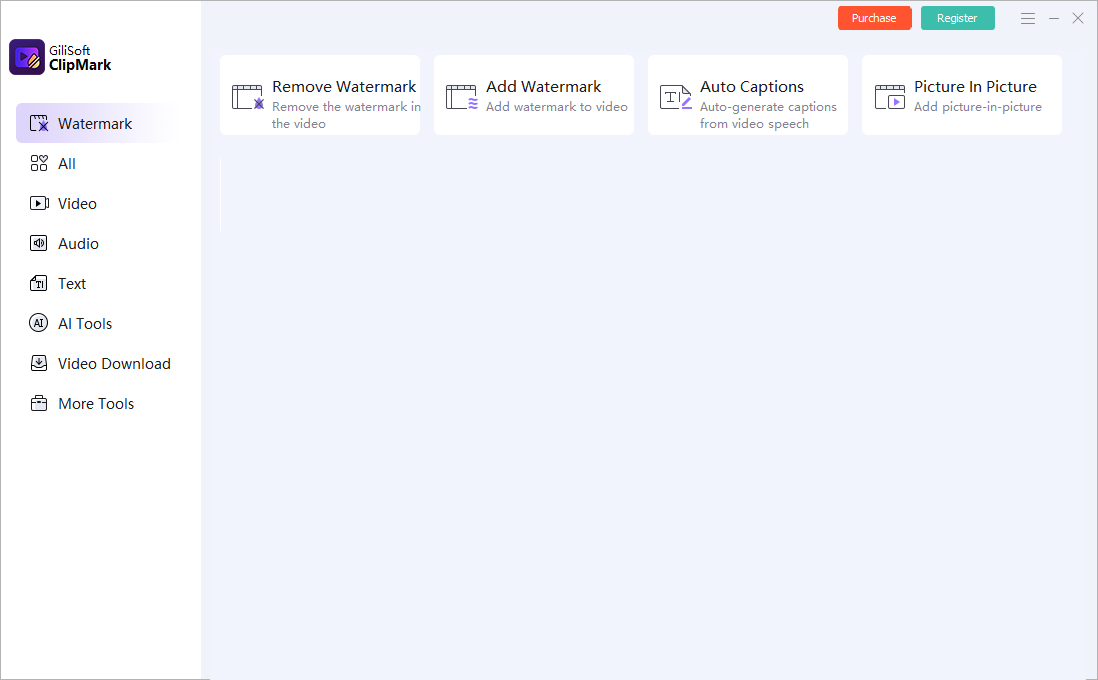
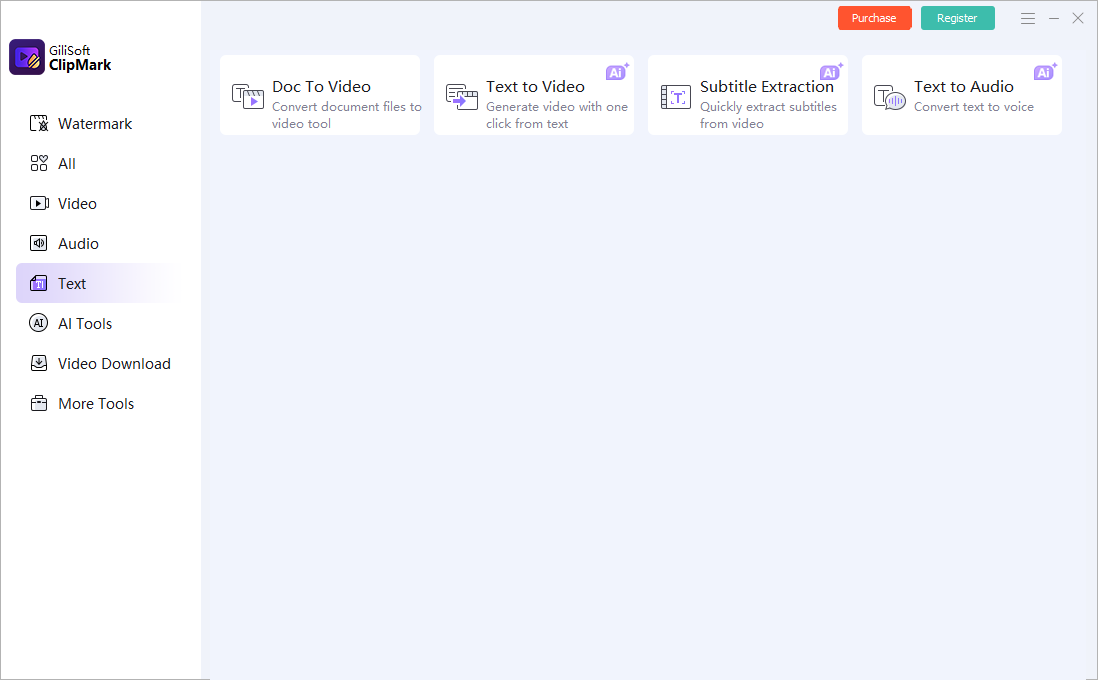
These are real product interfaces. Controls can change by release, so follow the task logic and preview your own source rather than assuming one setting fits every scene.
Review the Result Before Publishing
| Accuracy and synchronization | Inspect the complete affected interval at normal speed and on representative paused frames. |
|---|---|
| Complete video | Check transitions, repeated appearances, captions, audio, duration, and the ending rather than only the first scene. |
| Delivery file | Play the exported file outside the application and verify the actual publishing or client-delivery asset. |
Frequently Asked Questions
Are automatically generated subtitles ready to publish?
No. Review wording, punctuation, speakers, meaningful sounds, timing, line breaks, and placement against the complete video.
Are subtitles and captions the same?
Usage varies by region. Accessibility captions include speech plus relevant non-speech audio; translated subtitles may focus mainly on dialogue.
Should captions be burned into the video?
Use closed captions when the destination supports selectable tracks and open captions when always-visible text is required. Test the actual player.
Should I overwrite the source video?
No. Keep the original and export a separate edited result so quality, rights, and provenance can be reviewed.
Why must I check the exported file?
A preview does not prove the final codec, timing, mask, captions, cache, or publishing asset is correct.