
AI Tools for Voice and Images on Windows
Voice and image tasks fail in different ways. Speech can lose names or timing; restored photos can gain false texture; generated voices can mispronounce key terms. Treat each output as a draft that must be compared with its source.
Quick answer
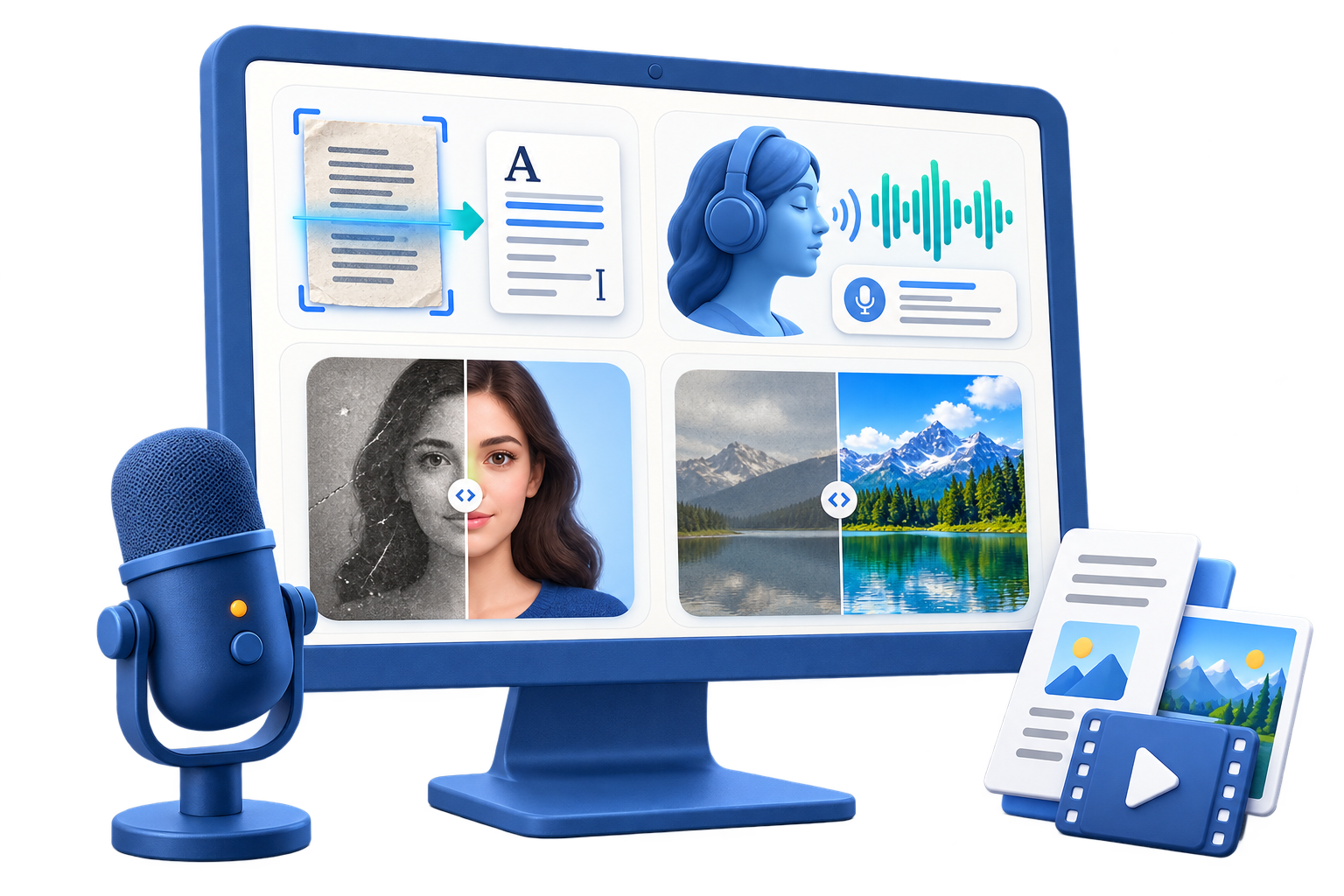
Choose the workspace by source: speech-to-text or text-to-speech for voice material, and enhancement, restoration, background, portrait, or cleanup tools for images. Use GiliSoft AI Toolkit for focused processing, then inspect the details most likely to be wrong.
Before You Start
- Keep an unchanged source file and work from a copy.
- Confirm permissions, ownership, privacy, and destination requirements before processing.
- Test a short representative sample before a long recording, conversion, or batch.
Match the Source to the Task
| Starting point | Recommended action | Review checkpoint |
|---|---|---|
| Voice recording | Transcribe or prepare authorized voice output | Verify names, timing, tone, and consent |
| Damaged or low-quality image | Repair or enhance a copy | Compare texture and identity with the original |
| Image prepared for reuse | Clean, crop, or adjust the visual | Inspect edges and export dimensions |
Step-by-Step Workflow
- Separate the voice and image goals
Do not process everything by default. List the exact transcript, narration, repair, or enhancement output required.
- Confirm rights and consent
Use only recordings, voices, portraits, and images you are authorized to process.
- Test a representative sample
Use a short speech segment or one image before committing a complete batch.
- Review the sensitive details
Check pronunciation, names, facial identity, text inside images, edges, and reconstructed areas.
- Export a clearly labeled result
Keep the original and save reviewed outputs separately from AI drafts.
Review the Result Before Delivery
- Voice content remains accurate and clearly identified as generated when appropriate.
- Image edits do not imply that reconstructed details are historical fact.
- The exported media opens correctly and retains the intended dimensions or duration.
Know the Limits
Voice cloning and portrait manipulation require permission and careful disclosure. Restoration can create plausible-looking detail that was not present in the source, so it should not be treated as documentary evidence.
Frequently Asked Questions
Can I process voice and images in the same application?
Yes. AI Toolkit provides separate workspaces for speech, voice, portrait, restoration, and image tasks.
Why does restored detail look artificial?
The source may not contain enough real detail. Reduce the effect and compare closely with the original.
How can I improve transcription?
Use clear speech, reduce background noise, and review names and specialist vocabulary manually.
Is voice cloning appropriate for any recording?
No. Use it only with authorization and do not use it to impersonate or mislead.