
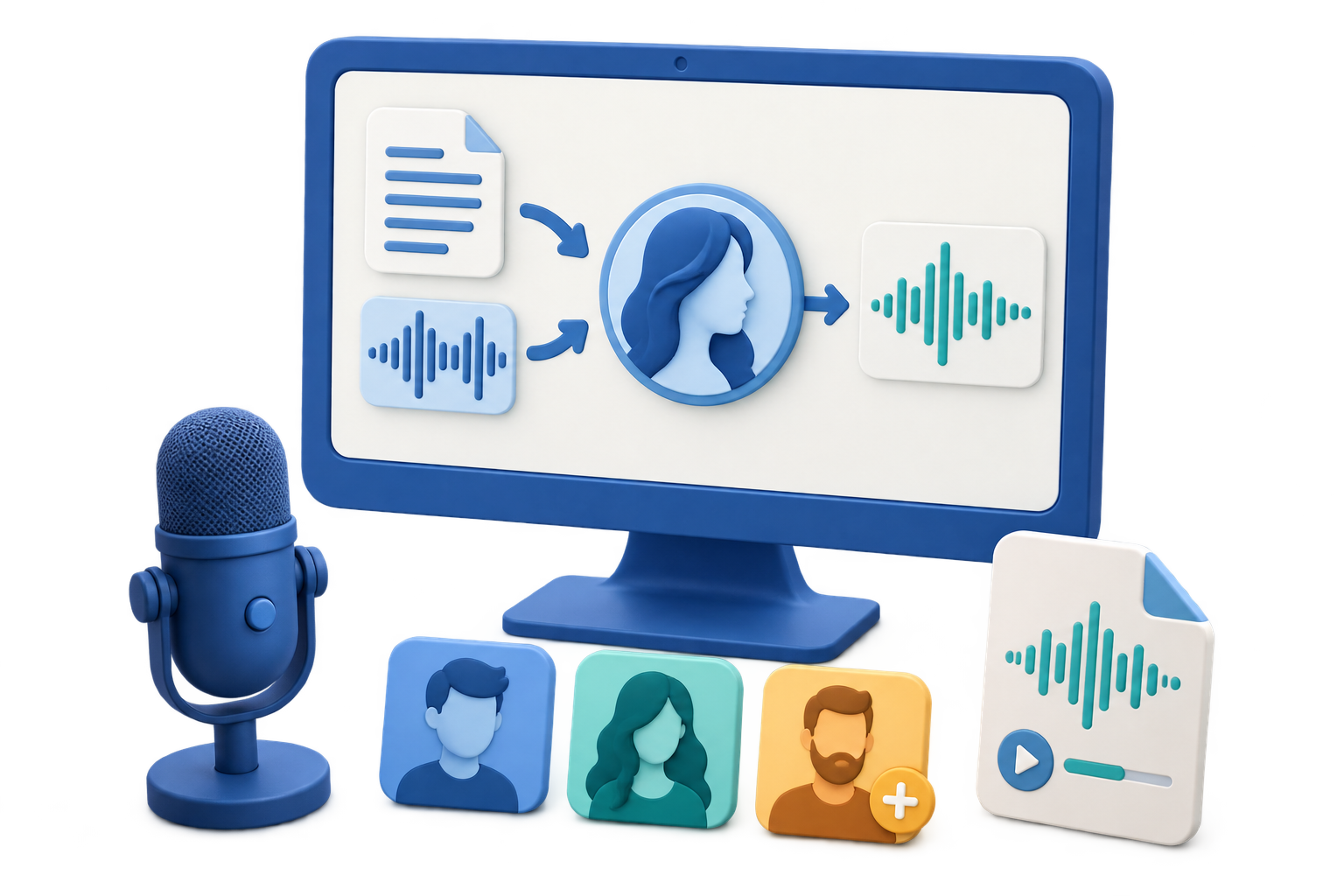
What to Look for in Voice Cloning Software
Quick answer: Prioritize explicit source options, clear voice labels, reusable voice management, representative testing, task visibility, and a consent-first workflow. Avoid choosing a tool only because it promises a convincing result from the smallest possible sample.
| Evaluation point | What to verify | Why it matters |
|---|---|---|
| Reference input | Audio, video, and direct recording options | Lets you select the cleanest authorized source |
| Voice organization | Name, language, tags, preview, rename, and removal | Reduces identity and project mix-ups |
| Production connection | Use a custom voice with text-to-speech tasks | Turns the created voice into a repeatable workflow |
| Task visibility | Status, details, point use, results, and retry | Makes failures and repeated jobs easier to manage |
| Responsible-use process | Consent, access, disclosure, and removal | Protects the speaker and the audience |
Evaluate the Whole Workflow, Not Just One Demo
A short demo may sound convincing while hiding weak source handling, poor organization, or inconsistent long-form output. Test the features that matter across the life of a real project.
Source quality controls
Confirm that the workflow supports one clear speaker and makes the sample easy to review.
Voice management
Look for descriptive labels, language metadata, tags, preview, reuse, rename, and removal.
Production testing
Generate short and long sentences, names, numbers, questions, and technical terms.
Governance
Document permission, permitted uses, users with access, disclosure, and deletion requirements.
Evaluate Voice Cloning Software in 6 Steps
Define the permitted use
Choose one real project and document the authorized speaker, audience, channel, and lifespan.
Prepare one clean sample
Use a clear single-speaker recording so every tool is evaluated with comparable source quality.
Create and label the custom voice
Check how the software handles upload or recording, language, naming, tags, and point information.
Find and manage the voice
Verify that the result can be previewed, selected, renamed, organized, and removed without ambiguity.
Run a representative script test
Compare names, numbers, short and long sentences, pacing, and consistency across several sections.
Review safety and publication needs
Confirm access control, consent records, removal, and the disclosure rules of every destination platform.
Use a Repeatable Evaluation Checklist
Clarity
Words should remain intelligible without noise, clipping, or unstable loudness.
Identity consistency
The authorized speaker should recognize the intended voice across different sentences.
Manageability
Teams should be able to identify the voice, permitted project, and current owner without guessing.
Responsible release
The result must not create a false statement, endorsement, identity claim, or deceptive request.
Important: Detection or watermarking alone is not a complete protection against voice-cloning misuse. Prevention begins with authorization, controlled access, accurate labeling, transparent publication, and a clear removal process.
VoiceLab Connects Creation and Ongoing Voice Management
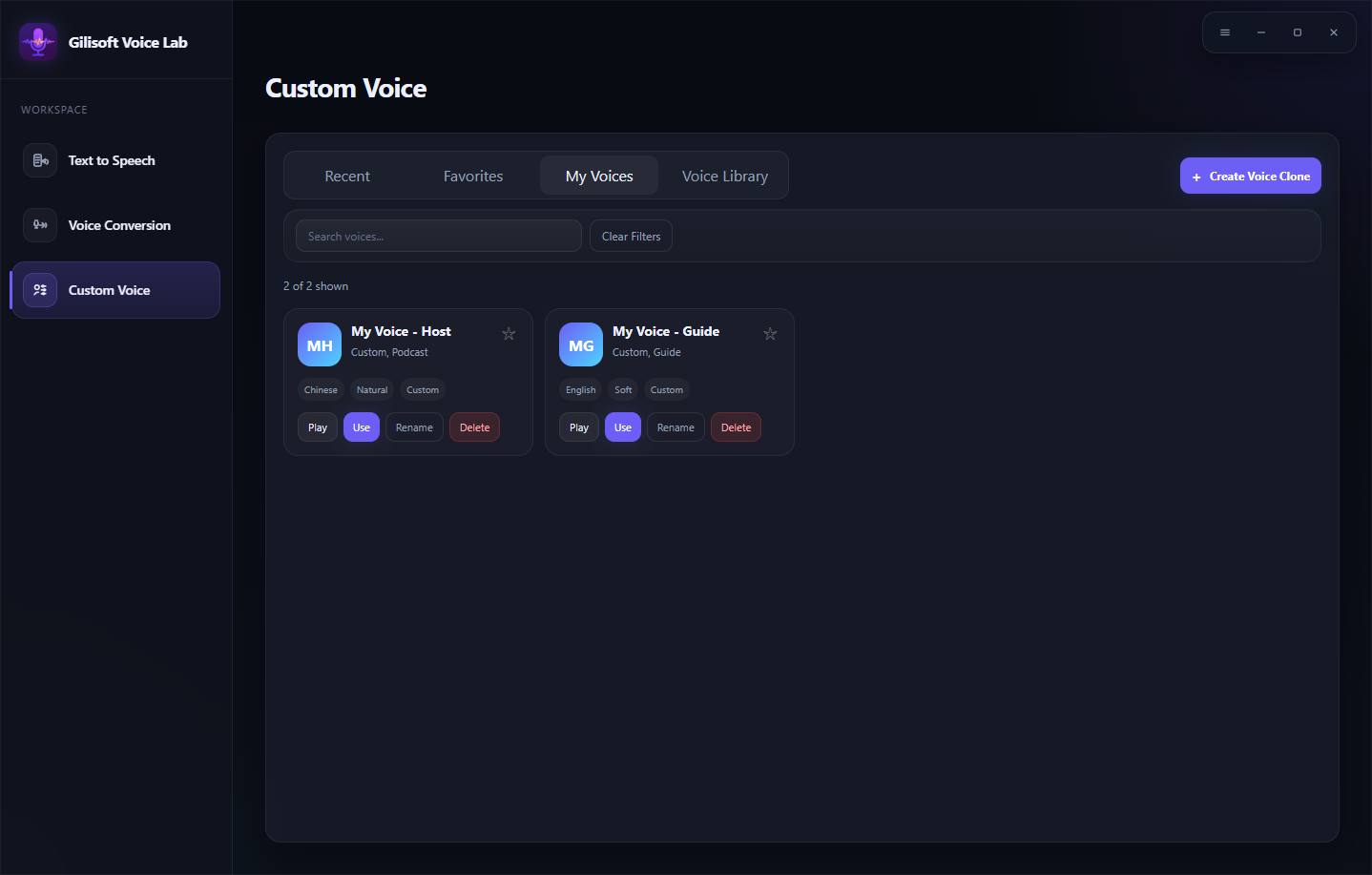
GiliSoft VoiceLab combines Create Voice Clone with My Voices, Voice Library, Text to Speech, Voice Conversion, and Tasks. That makes it suitable for users who need both an authorized custom voice and a practical way to find, test, use, and manage it later.
- Evaluate a full workflow with a real authorized project, not a promotional demo alone.
- Test the same script across candidate voices and settings.
- Include consent, ownership, access, disclosure, and removal in the selection checklist.
Troubleshoot Common Voice Workflow Problems
- A demo sounds good but long text drifts: Test multiple sections and keep language, voice, and speed settings consistent.
- Custom voices are easy to confuse: Require descriptive names, language metadata, and project tags.
- The source recording is noisy: Create a new reference recording rather than expecting the clone to repair music, echo, or overlapping voices.
- The tool hides processing history: Use a task list that exposes status, details, point use, results, and retry actions.
- Permission cannot be verified: Do not create or use the custom voice until the owner and permitted purpose are documented.
- The output may sound like a real endorsement: Do not publish it in that form; rewrite, disclose, and obtain explicit approval for the exact context.
Treat a Voice as Personal Identity Data
A convincing custom voice can be mistaken for the real speaker. Build the workflow around permission, limited purpose, secure access, accurate labels, review by the voice owner, platform disclosure, and removal when authorization expires.
Frequently Asked Questions
What should Windows voice cloning software include?
Look for clear reference input, voice naming and organization, preview and reuse, task visibility, representative testing, and a consent-first workflow.
Does VoiceLab accept both audio and video samples?
Yes. Create Voice Clone accepts an authorized audio or video file and also provides a short recording option.
Can VoiceLab manage more than one custom voice?
Yes. My Voices is designed to organize reusable custom voices with preview and management actions.
Is the shortest sample always the best option?
No. Clarity, one-speaker consistency, authorization, and representative speech matter more than chasing the shortest possible sample.
Can detection guarantee that a cloned voice will not be misused?
No. Detection has limitations. Consent, controlled access, labeling, disclosure, and removal are also necessary.
How is voice cloning different from voice conversion?
Voice cloning creates a reusable custom voice identity from a reference, while Voice Conversion transforms an existing recorded performance to a selected target voice.