

Windows 10 and Windows 11 BitLocker Overview
Windows BitLocker can encrypt and protect the data in the computer by encrypting the whole hard disk, mainly used to prevent data theft or malicious leakage caused by the physical loss of hard disk or computer equipment. BitLocker mainly has two working modes: TPM mode and USB drive mode. In order to achieve a higher degree of security, you can enable these two modes at the same time.
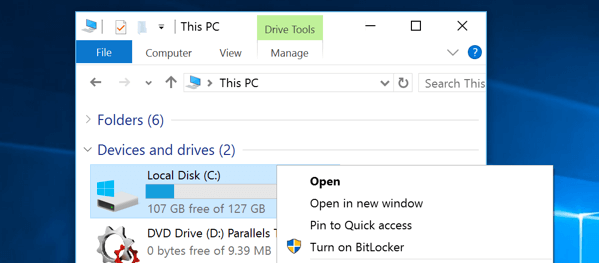
If you want to use TPM mode, the computer must have a TPM chip no less than version 1.2. If you want to use the USB drive mode, you need a USB interface on the computer, and the computer's BIOS supports access to the USB device when the computer is turned on. On the Windows system, you can enable BitLocker by right-clicking on the drive and choose Turn on BitLocker. If it is not in the right-click menu, it may be that the service is turned off and you need to turn it on.
BitLocker can help protect the Windows operating system and user data, ensuring that the computer will not be tampered with even if it is unattended, lost, or stolen. However, BitLocker has a disadvantage. After the user has opened the encrypted disk, there is no need to enter a password for subsequent access. So, how can a password be required every time an encrypted disk is accessed, which is a real demand of many users. Microsoft may improve this problem in the future. But at present, you can choose a free and reliable BitLocker alternative on Windows 10 and Windows 11 to help to encrypt the disk more securely.
Easy BitLocker Alternative - GiliSoft File Lock Pro
The first practical alternative to BitLocker is GiliSoft File Lock Pro, a Windows tool for locking, hiding, protecting, and encrypting files, folders, local drives, external drives, and shared folders.
GiliSoft File Lock Pro supports Windows 11/10/8/7 and provides password-controlled access for files, folders, and local drives. It can also encrypt selected files and folders into protected GFL or EXE packages with AES encryption. This gives Windows users a simpler way to control access to specific data without configuring BitLocker for an entire volume.
Step 1. Launch GiliSoft File Lock Pro and enter your master password.
Step 2. Choose Local Disk, open Locking File, and click Lock Drive.
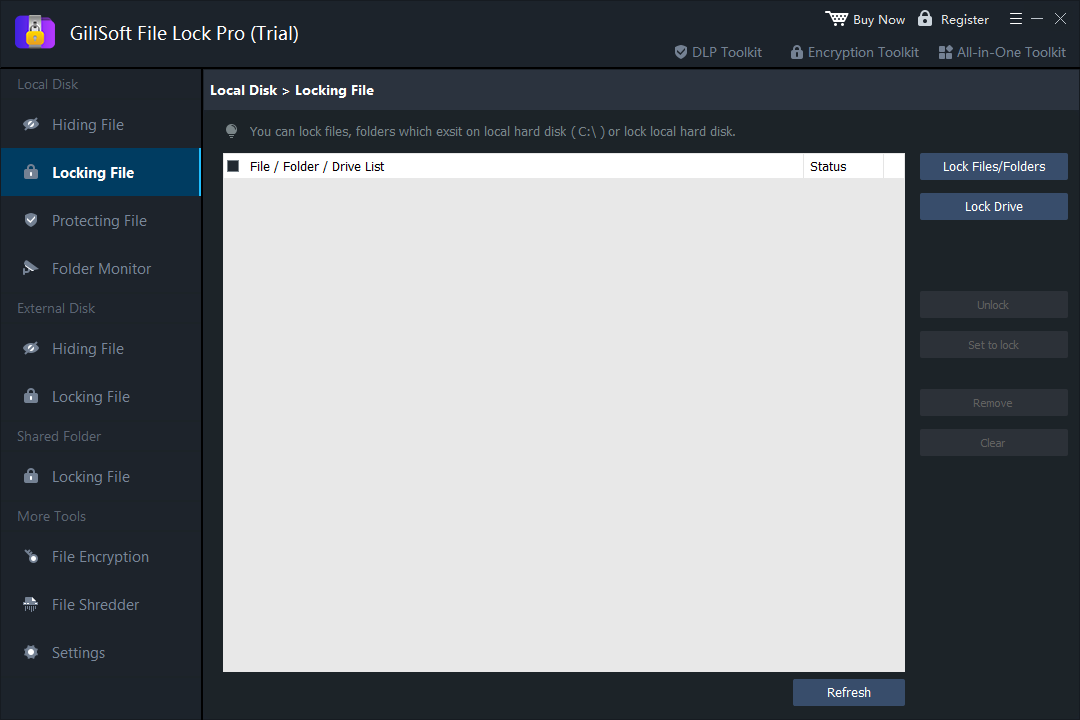
Step 3. Select the local drive that should require password-controlled access, then confirm the selection.
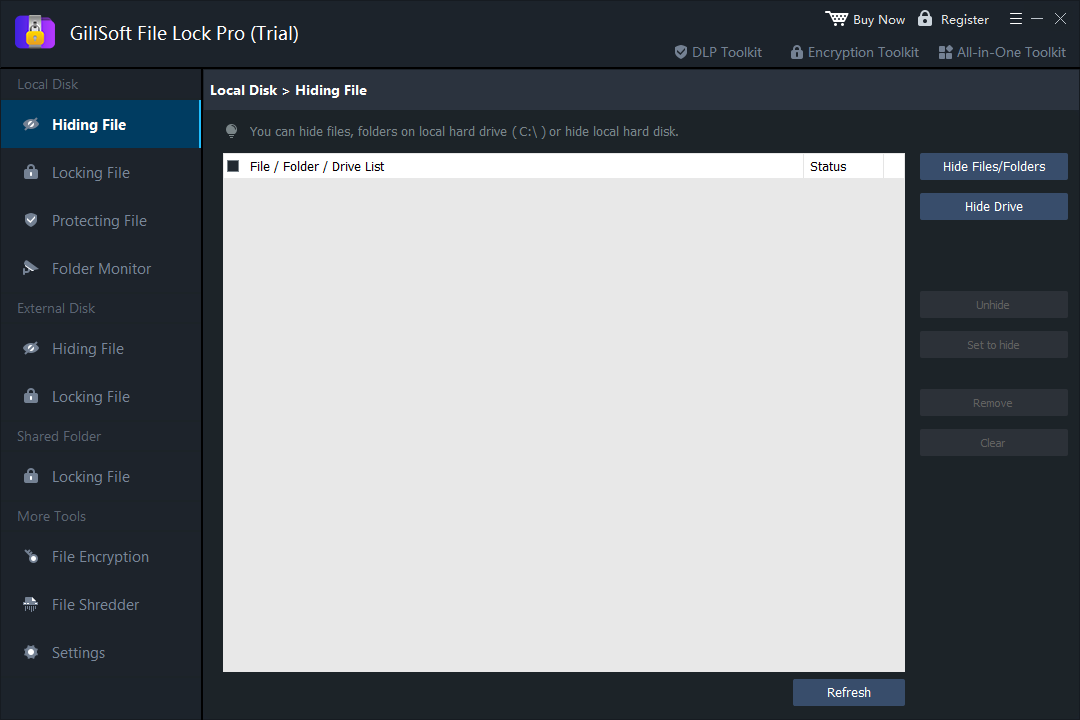
Step 4. Apply the lock. The protected drive remains on the PC but cannot be opened normally without authorization.
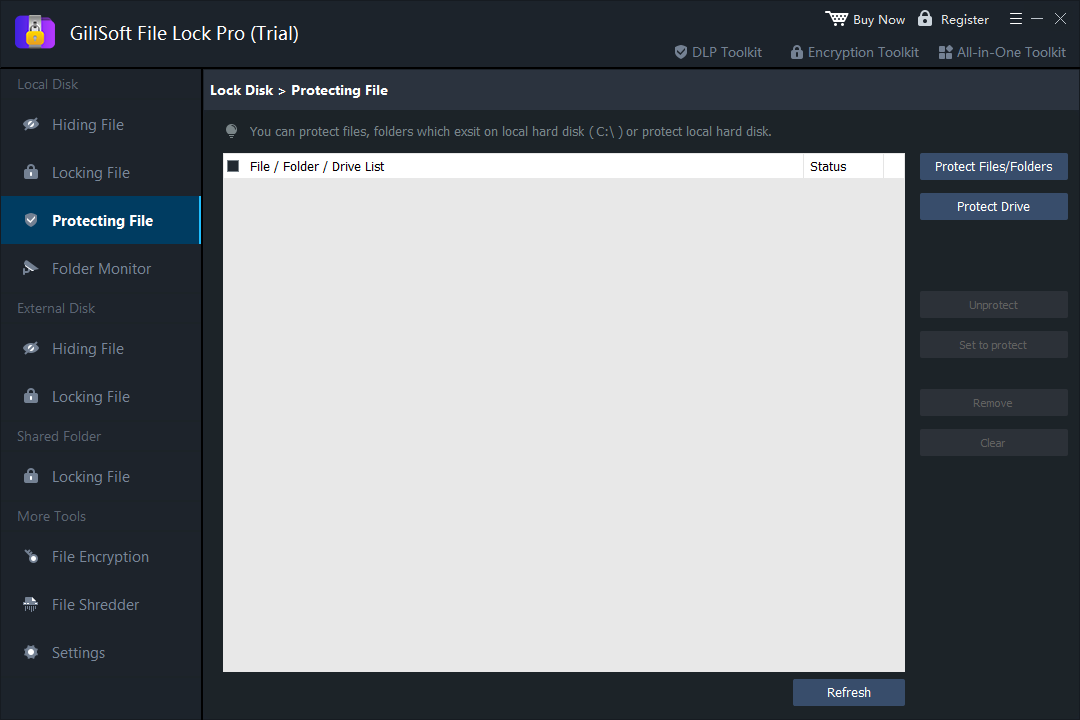
Step 5. Use the master password to manage or release protection when access is needed.
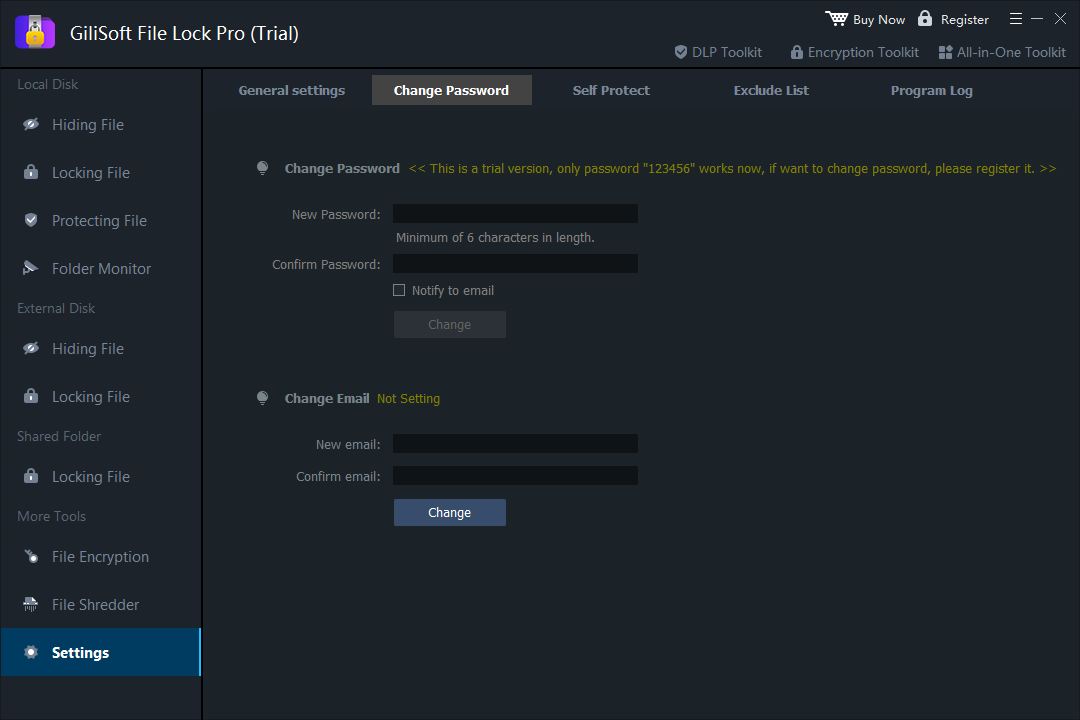
Advantages
- A graphic user interface, friendly to all the levels of users
- Lock local disks, files, and folders
- lock a network LAN shared folder, such as a password-protected OneDrive folder
- Encrypt files and folders to GFL or EXE format files with an advanced AES encryption algorithm
- Support password protection. When you forget your password, you can find it through the pre-defined email
- Other data protection options: file hiding, locking, protecting, and shredding
- Monitors a disk or folder and its subfolders as the user makes changes and writes or any actions or changes.
An Open Source BitLocker Alternative - VeraCrypt
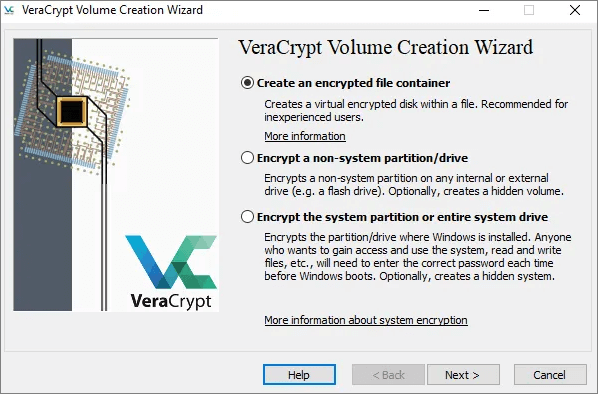
VeraCrypt is a free and open-source disk encryption software for Windows, Mac OSX, and Linux. This software allows you to create encrypted passwords for all drives and the partitions on your computer. VeraCrypt offers different encryption algorithms, including the popular AES, as well as less well-known but still robust algorithms such as Twofish and Camellia. You can choose the one you like.
Besides, you can mount and create virtual encrypted drives, as well as encrypt your operating system partitions for maximum security.
Advantages
- Open source and free to use
- Support encrypting hard disk at multiple operating systems
- provide a wide range of features, including full disk or certain drives encryption, creating encrypted virtual disks, and more
- Support several disk encryption algorithms, such as AES, Camellia, Twofish, SHA-256, and RIPEMD-160
Disadvantages
- Not user-friendly with a little messy interface
- An outdated model that makes the software opaque, difficult to find a certain function
- VeraCrypt encryption process is quite complex and requires a lot of time
Client-Side BitLocker Alternative - Cryptomator
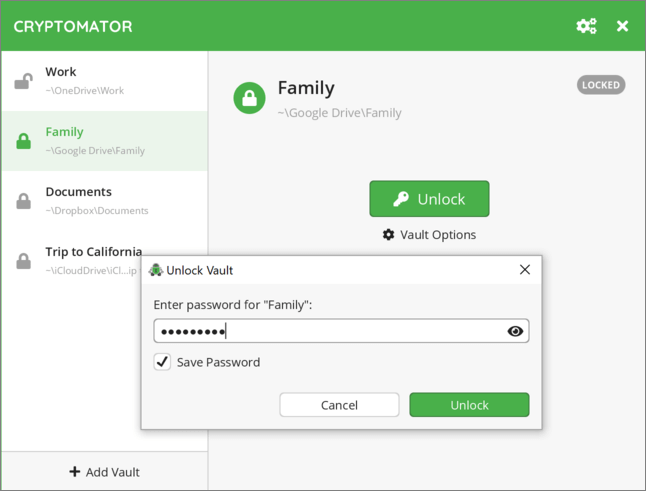
Cryptomator is another open-source client-side encryption for Dropbox, Google Drive. You can encrypt your files by drag-and-drop and sync to the cloud quickly, no more complex setup processes. Cryptomator encrypts both files and filenames with the latest standards AES and 256-bit keys.
Cryptomator allows you to access files from all devices. It allows you to protect your cloud data by yourself and independently in Dropbox and other cloud services.
Advantages
- User-friendly interface, easy-to-use
- Offer transparent encryption without any backdoors
- A Cross-platform program, supporting Windows, macOS, and Android
- Support encrypt files on mobile devices by using the mobile app
- The desktop version is free, and it only charges a small fee for the mobile app
Disadvantages
- Sometimes, you are unable to delete the Cryptomator files
Conclusion
Bitlocker and the encryption tools above prove that there is much more to the world of encryption. If you don't want to use BitLocker, you can find many BitLocker alternatives.
In this article, we have introduced two free open source alternatives to BitLocker: VeraCrypt and Cryptomator. To encrypt disk, partitions, or create an encrypted virtual disk, VeraCrypt is a great choice. If you want to lock files on your cloud, you can choose Cryptomator.
GiliSoft File Lock Pro is a comprehensive file protection tool that enables you to hide, lock, protect, and encrypt files and folders on Windows in simple solutions. It is not just a simple file encryption tool, it provides comprehensive data protection methods for Windows devices. We highly recommend you try this tool to give your system and data maximum protection.