
Confirm Permission Before You Clone a Voice
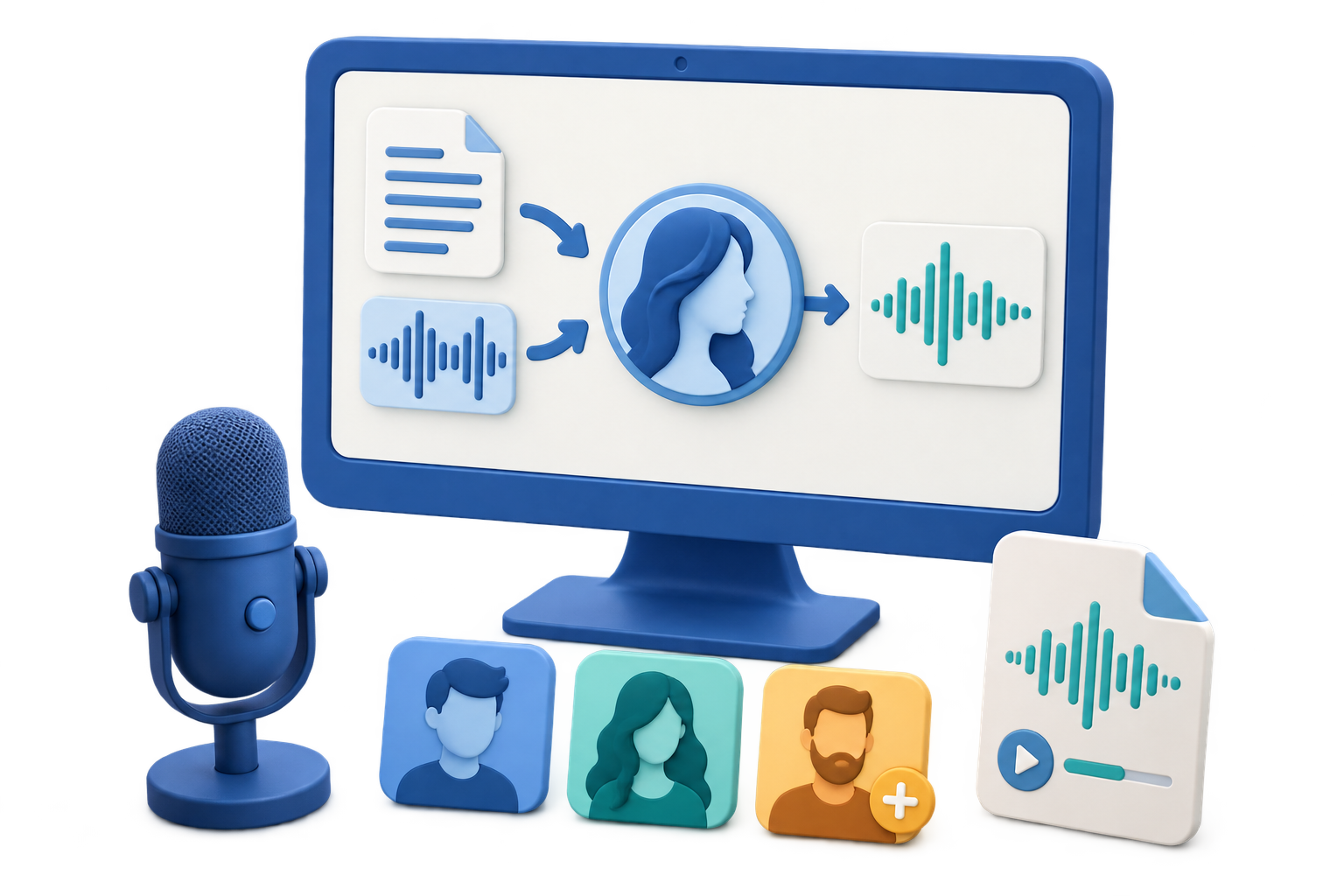
Quick answer: Clone only your own voice or a voice whose owner has explicitly authorized the intended use. Permission to access a public recording is not the same as permission to create a reusable voice model or publish new speech in that person’s identity.
| Reference source | Use it? | Reason |
|---|---|---|
| Your own clean recording | Yes | You control the voice and can define the project purpose |
| A participant with written permission | Yes, within the agreed scope | Consent should cover cloning, use, duration, and distribution |
| A public interview, stream, or social clip | No, not by default | Public availability does not establish cloning permission |
| A celebrity, executive, customer, or coworker without consent | No | The output could enable impersonation, fraud, or false endorsement |
Prepare a Clean Reference Sample
VoiceLab can accept an audio or video file or a short microphone recording. Sample quality and authorization matter more than collecting a large amount of uncontrolled material.
Use one speaker
Avoid interviews, overlapping voices, background conversations, and crowd sound.
Reduce noise and music
Choose a dry recording with stable volume and no soundtrack under the voice.
Use natural speech
Select a representative speaking style rather than whispering, shouting, or heavy effects.
Label it accurately
Use a clear name, correct language, and project tags so the custom voice is not confused with another identity.
Clone an Authorized Voice in 6 Steps
Document consent and purpose
Record who owns the voice, what the custom voice may be used for, who may use it, and when permission ends.
Prepare the reference recording
Choose a clean, single-speaker audio or video file, or prepare to record a short sample in a quiet space.
Open Create Voice Clone
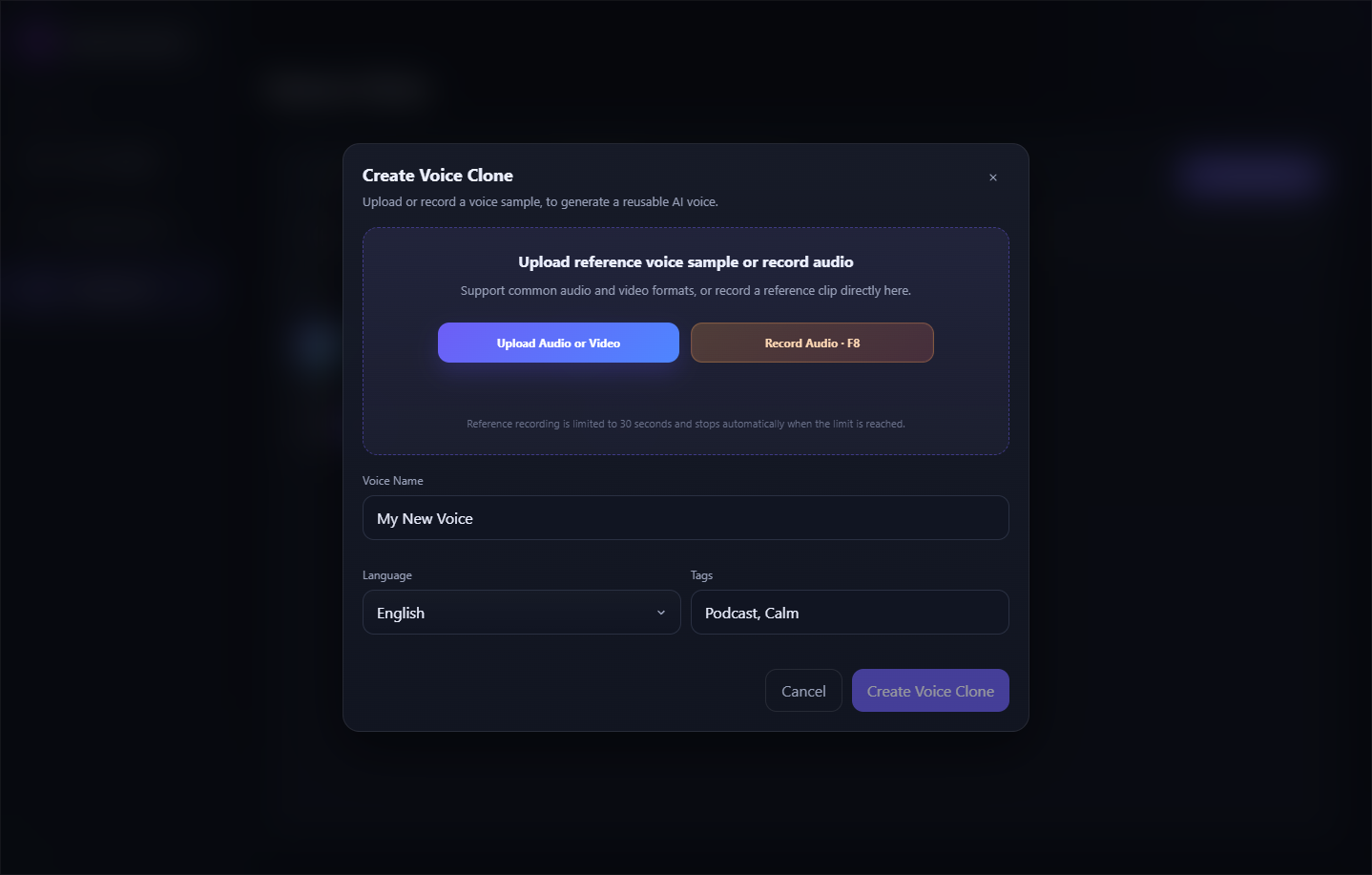
Launch VoiceLab, enter Custom Voice, and choose Create Voice Clone.
Add or record the sample
Upload the authorized reference file or use the microphone option, then listen again for noise and competing speakers.
Name and organize the voice
Enter a descriptive voice name, select the correct language, and add tags that identify the permitted project.
Create, test, and manage it
Review the point rule, create the voice, find it in My Voices, and test a short neutral script before wider use.
Test the Custom Voice Safely
Identity match
Confirm that the owner recognizes the result and approves the intended use.
Neutral test script
Begin with ordinary content that cannot be mistaken for a real promise, endorsement, or instruction.
Difficult language
Test names, numbers, brand terms, abbreviations, and changes in sentence length.
Access control
Limit who can use the custom voice and remove it when permission or the project ends.
Important: Never use a cloned voice for impersonation, financial requests, authentication, fabricated endorsements, deceptive calls, or statements the speaker did not authorize.
Create and Manage Custom Voices with VoiceLab
GiliSoft VoiceLab provides a Create Voice Clone workflow for authorized reference audio, video, or microphone input. Names, languages, and tags help keep custom voices organized, while My Voices provides a dedicated place to preview, use, rename, or remove them.
- Use only a voice you own or have explicit permission to reproduce.
- Keep the consent scope and custom-voice label tied to the project.
- Test the voice with short neutral content before any production use.
Troubleshoot Common Voice Workflow Problems
- The sample contains several speakers: Choose a different clip or make a new recording with only the authorized speaker.
- The result carries background noise: Replace the reference with a cleaner recording without music, echo, or room noise.
- The wrong language is assigned: Correct the language metadata before relying on pronunciation tests.
- Custom voices are hard to distinguish: Use descriptive names and project tags instead of generic labels such as Voice 1.
- The voice owner changes their mind: Stop using the voice and remove it from the managed custom-voice list as required by the agreement.
- The output will be published publicly: Confirm the destination platform’s current disclosure and impersonation rules before release.
Consent Is Part of the Workflow
Voice cloning can support accessibility, localization, continuity, and authorized creative work, but it can also be misused for fraud and impersonation. Treat consent, labeling, access control, disclosure, and removal as required production steps rather than optional notes.
Frequently Asked Questions
Can VoiceLab create a custom AI voice?
Yes. Create Voice Clone accepts authorized audio or video or a short recording, then lets you add a name, language, and tags.
Can I clone a voice from a public video?
Public availability alone does not provide permission. Obtain explicit authorization from the voice owner for the intended cloning and publication use.
What makes a useful reference recording?
Use one clear speaker with stable volume and as little music, noise, echo, and overlapping speech as possible.
Where is the created voice stored in VoiceLab?
Custom voices can be reviewed and managed in My Voices, where the interface provides actions such as preview, use, rename, or remove.
Should I test the custom voice before production?
Yes. Use a short neutral script to check identity, pronunciation, pacing, and suitability before wider use.
Must cloned voice content be disclosed?
Disclosure depends on the platform and context, but realistic synthetic speech should not be presented as an authentic statement or endorsement by the real person.