
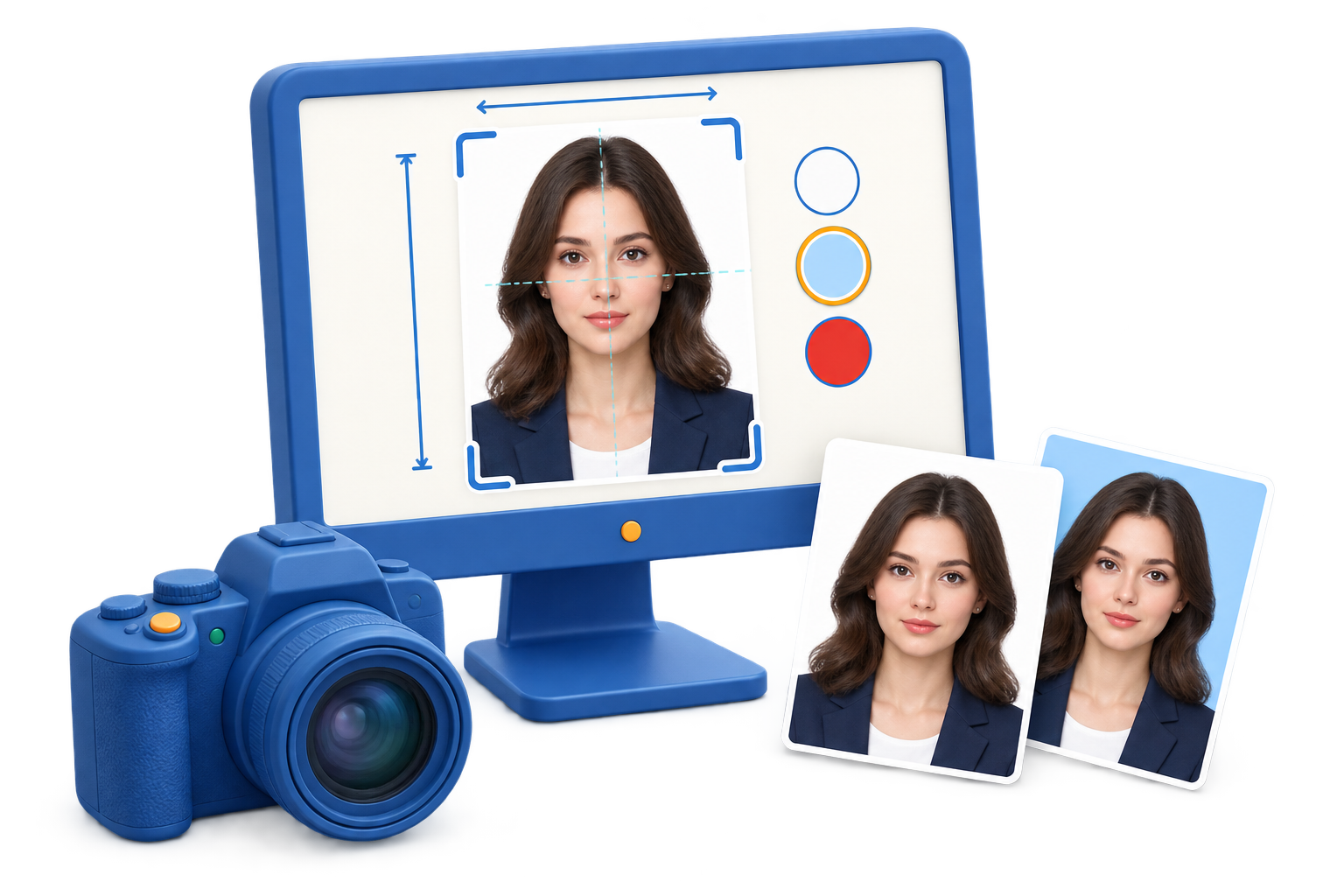
Choose the ID photo output
Documents
Use a formal front-facing crop with the expression and background required by the authority.
Badges and records
Keep the face recognizable and use a consistent crop across employees, students, or members.
Profiles and applications
Prepare a practical digital size while keeping the original available for future formats.
Step-by-step workflow
Use this sequence in GiliSoft SnapID and make a short test before the full recording or export.
Identify the requested format
Ask which organization will use the photo and confirm its dimensions, background, expression, and file requirements.
Import the best source
Open GiliSoft SnapID with a clear portrait that has enough space around the face and shoulders.
Set the crop and alignment
Center the subject, keep the head proportionate, and avoid aggressive retouching that changes identity.
Adjust background and lighting
Use a clean background and moderate tone correction so the face remains natural and easy to recognize.
Export a named copy
Save the requested size with a descriptive filename and retain the original portrait for later applications.
Improve the result before you finish
Make the source intentional
Choose only the input you need and keep unrelated applications quiet. Clear source routing is easier to fix before recording than after export.
Keep a review checkpoint
Listen to the beginning, a representative middle section, and the ending. Confirm that the file is saved before closing the source.
Common problems and practical fixes
- Silent file: verify the source, Windows output device, app volume, and microphone permission.
- Notification sounds: close unrelated apps and use Windows Focus or Do Not Disturb.
- Uneven voice: move the microphone consistently and test input level before the full take.
- Missing ending: leave a few seconds after the last word, then stop and verify the saved file.
Record and share responsibly
Capture audio only when you have permission and follow workplace, school, platform, privacy, and copyright requirements. These tools do not bypass protected playback or replace consent.
Frequently Asked Questions
Do passport and visa photo requirements use the same size?
Not always. Dimensions, background rules, head position, expression, and digital upload limits vary by authority. Check the official application instructions before exporting.
Can SnapID guarantee that a photo will be accepted?
No. SnapID helps prepare the crop, background, lighting, and output, but acceptance depends on the current rules and the quality of the original portrait.
Should I keep the original portrait?
Yes. Keep the original and export a prepared copy so you can adjust the photo again if an authority requests a different size or background.
Can I prepare several copies on one sheet?
Yes, when the final print dimensions and layout match the applicable instructions. Verify the physical size after printing.
Related Windows audio guides
Continue with the workflow that matches the source or post-processing task.