
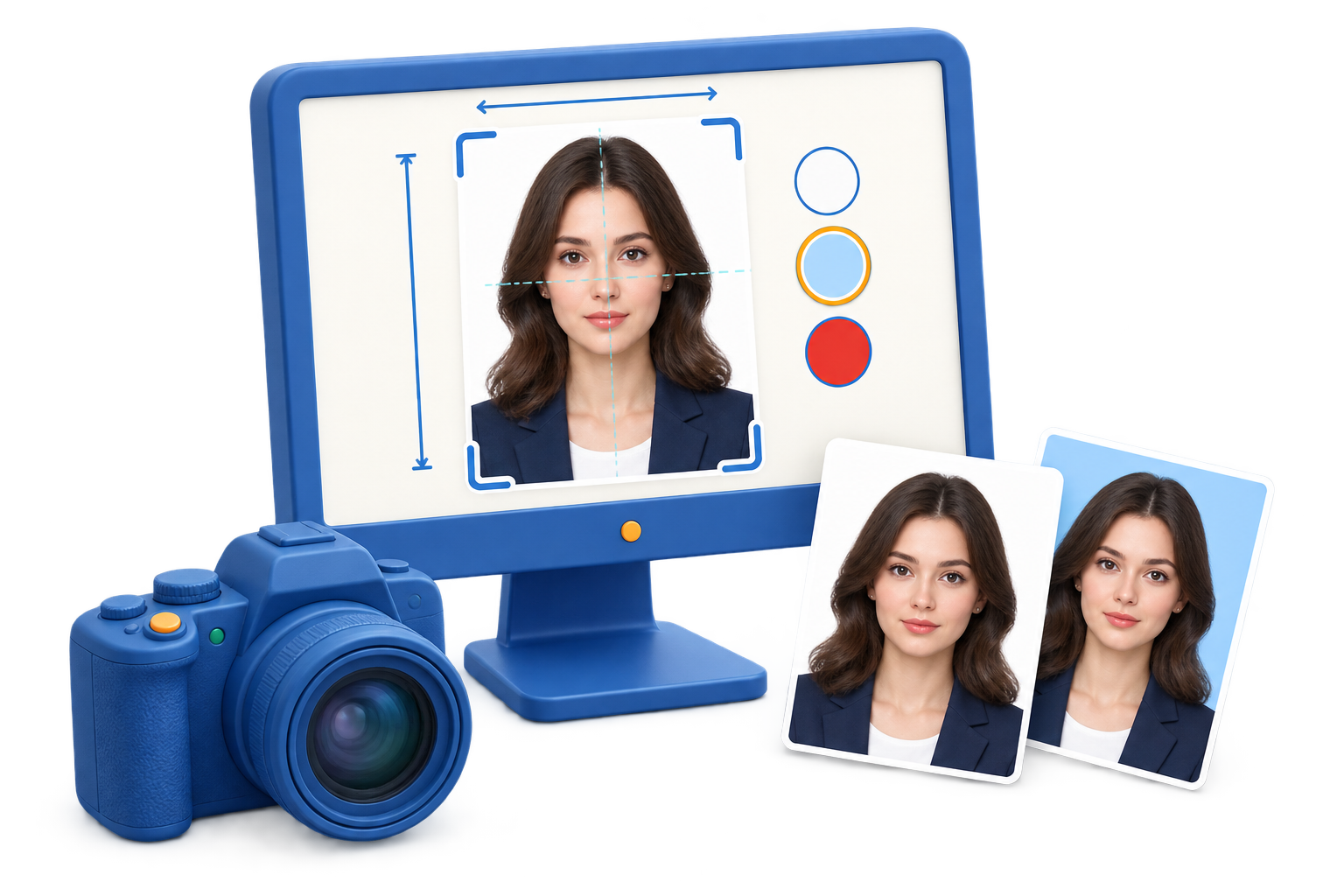
Build a visa photo around the application
Check the destination
Identify the exact visa and authority before choosing dimensions or background settings.
Prepare the portrait
Use a clear, front-facing photo and keep the face proportionate within the crop.
Export the required version
Create a digital or print-ready copy and verify dimensions before submission.
Step-by-step workflow
Use this sequence in GiliSoft SnapID and make a short test before the full recording or export.
Read the current visa instructions
Confirm photo size, pixel limits, background color, expression, glasses or head covering rules, and file requirements from the destination authority.
Open the source portrait
Import a well-lit front-facing image into GiliSoft SnapID and remove distractions that would make alignment difficult.
Crop and position the face
Set the crop around the head and shoulders, keeping the face centered and the expression neutral without over-editing.
Prepare the background
Clean uneven areas or replace the background when appropriate, then preview the result at normal viewing size.
Export and compare
Set the requested dimensions, export the file, and compare the final image with the official checklist before uploading.
Improve the result before you finish
Make the source intentional
Choose only the input you need and keep unrelated applications quiet. Clear source routing is easier to fix before recording than after export.
Keep a review checkpoint
Listen to the beginning, a representative middle section, and the ending. Confirm that the file is saved before closing the source.
Common problems and practical fixes
- Silent file: verify the source, Windows output device, app volume, and microphone permission.
- Notification sounds: close unrelated apps and use Windows Focus or Do Not Disturb.
- Uneven voice: move the microphone consistently and test input level before the full take.
- Missing ending: leave a few seconds after the last word, then stop and verify the saved file.
Record and share responsibly
Capture audio only when you have permission and follow workplace, school, platform, privacy, and copyright requirements. These tools do not bypass protected playback or replace consent.
Frequently Asked Questions
Do passport and visa photo requirements use the same size?
Not always. Dimensions, background rules, head position, expression, and digital upload limits vary by authority. Check the official application instructions before exporting.
Can SnapID guarantee that a photo will be accepted?
No. SnapID helps prepare the crop, background, lighting, and output, but acceptance depends on the current rules and the quality of the original portrait.
Should I keep the original portrait?
Yes. Keep the original and export a prepared copy so you can adjust the photo again if an authority requests a different size or background.
Can I prepare several copies on one sheet?
Yes, when the final print dimensions and layout match the applicable instructions. Verify the physical size after printing.
Related Windows audio guides
Continue with the workflow that matches the source or post-processing task.