
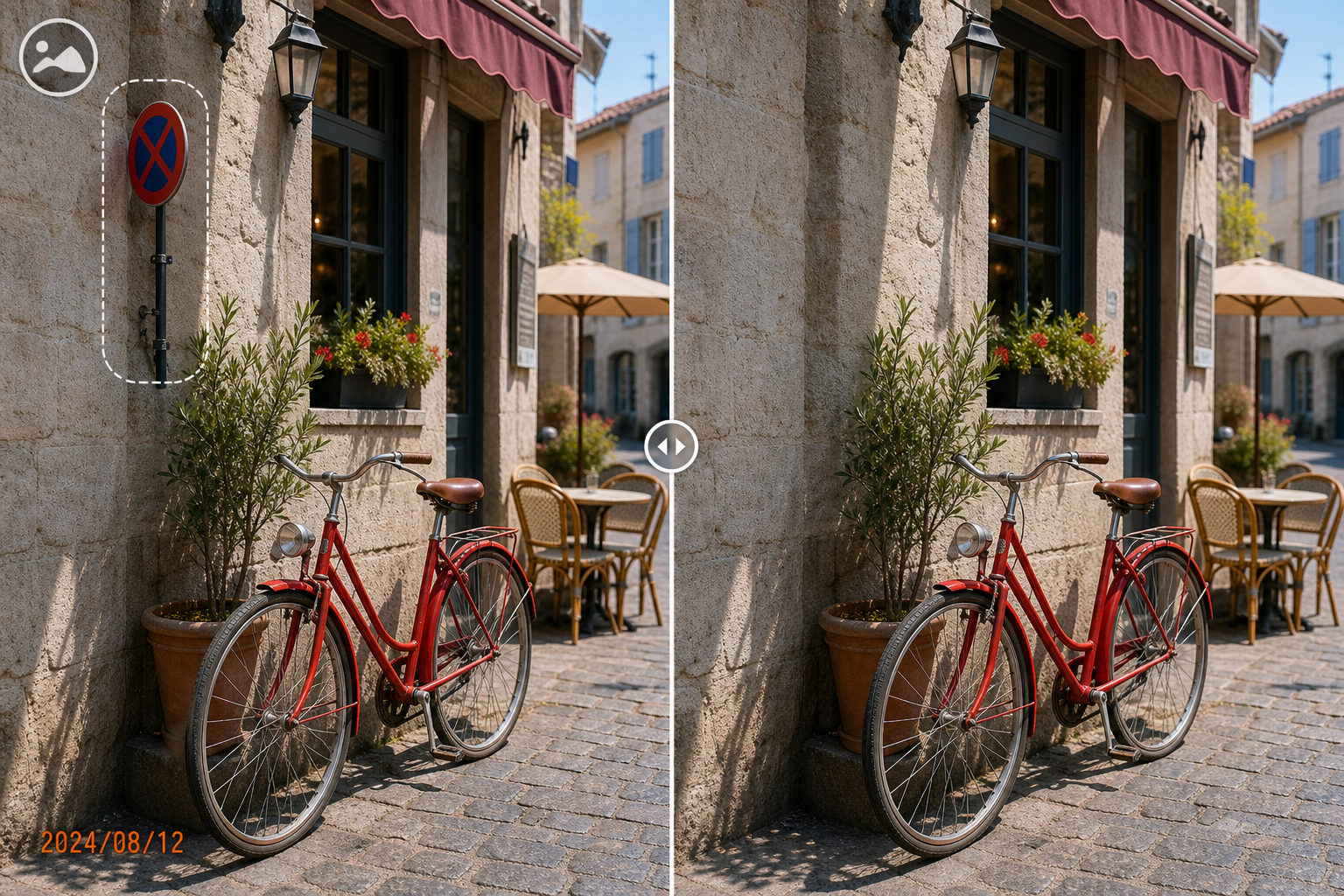
Photo Cleanup Software for Windows
Good cleanup software should match the edit: a small stamp, stray object, crop, or new watermark does not need the same tool or selection. The source quality and nearby texture set the limit of a natural repair.
Quick answer
GiliSoft MarkEase combines local image cleanup, crop, shapes, filters, and watermark tools. For removal work, keep the original and select the smallest complete area before previewing the result.
Choose the Right Windows Photo Task
| Situation | Recommended approach | Check carefully |
|---|---|---|
| Watermark, date, logo, or text | Use focused removal on an authorized image | Include outlines and shadows |
| Small unwanted object | Select one object at a time | Nearby texture, edges, and repeated patterns |
| Reframe or annotate | Use crop, shapes, or watermark tools | Do not reconstruct pixels unnecessarily |
Photo Cleanup Steps in MarkEase
- Start from the best available source
Use the highest-resolution authorized photo and preserve it unchanged. Compression artifacts and small dimensions reduce the texture available for reconstruction.
- Choose the matching MarkEase task
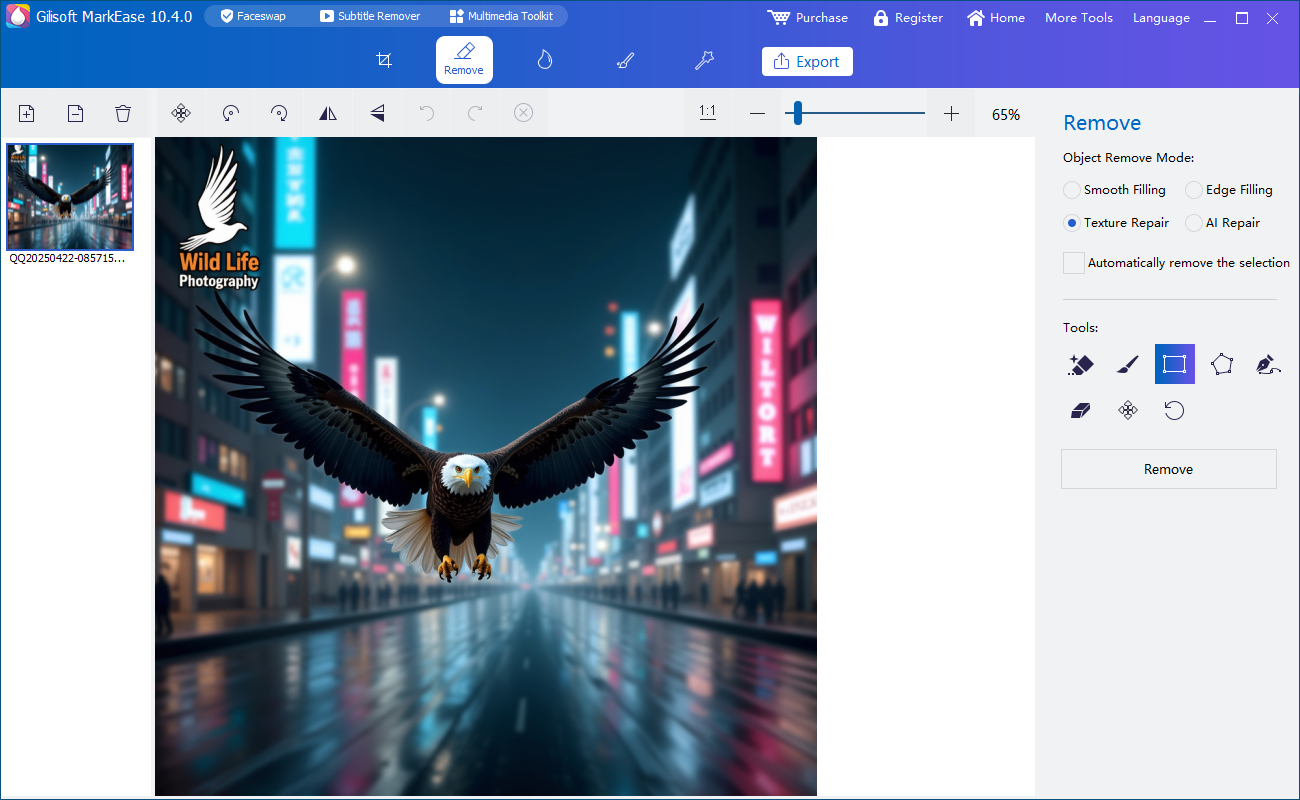
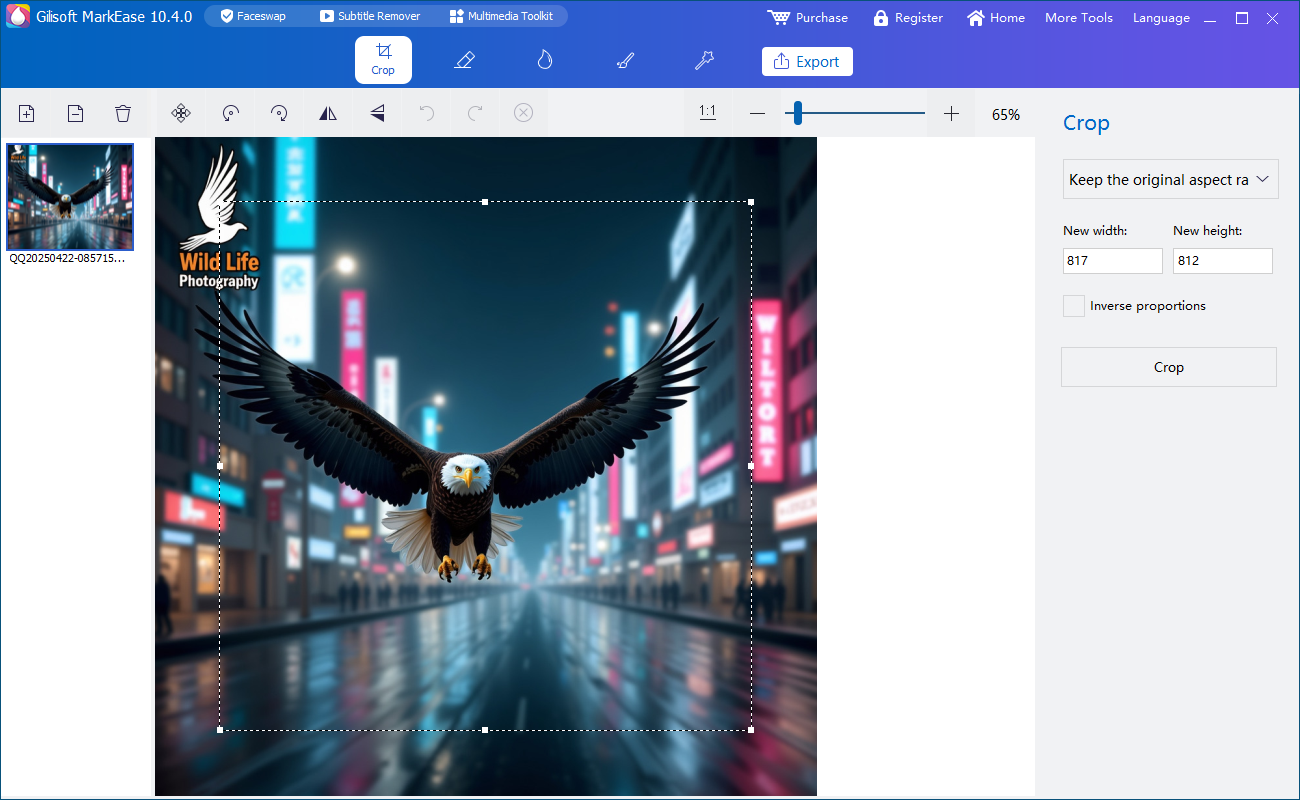
Open removal for a stamp or object, crop for framing, or add-watermark and shape tools for new publishing marks.
- Select narrowly and preview
Cover the complete unwanted element without swallowing nearby edges, hair, product details, or text. Inspect the result at 100 percent.
- Export for the destination
Save a separate output, then check dimensions, format, color, and visible cleanup artifacts at the size where the image will be used.
See the MarkEase user guide for the full removal, crop, annotation, filter, and export workflow.
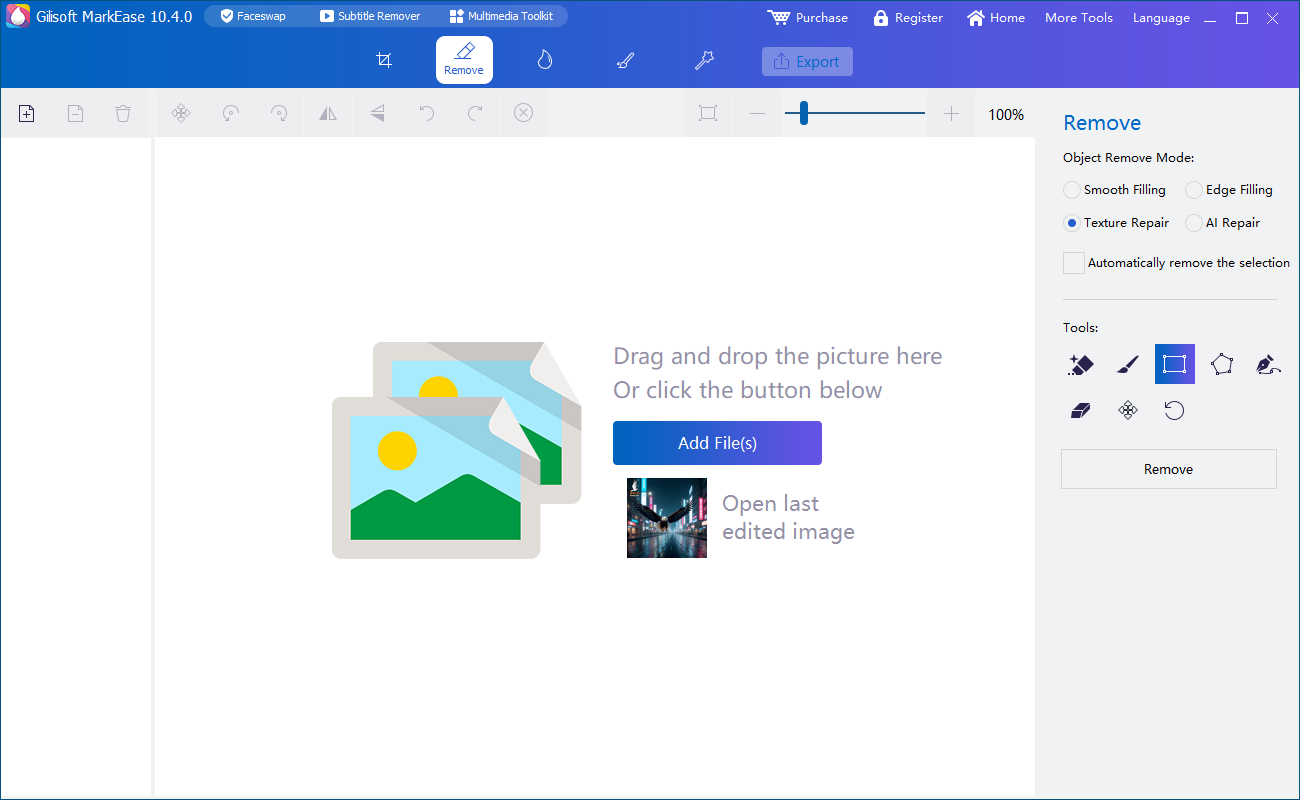
GiliSoft MarkEase Interface
These real product screenshots show the local image workspace and focused removal task.
Review Before You Deliver the Photo
- Compare the derivative with the untouched original at full size and normal viewing size.
- Look for blur, repeated texture, color seams, halos, and damaged edges.
- Keep filenames and folders clear so the edited copy cannot be mistaken for the original.
- Confirm the subject, client, or asset owner authorized the edit and destination.
Frequently Asked Questions
Is MarkEase a video editor?
No. MarkEase is the photo-first option. Use the appropriate GiliSoft video product for moving footage.
Why does a repaired area repeat texture?
The selection may be too large or the surrounding pattern too limited. Undo and retry with a smaller pass.