
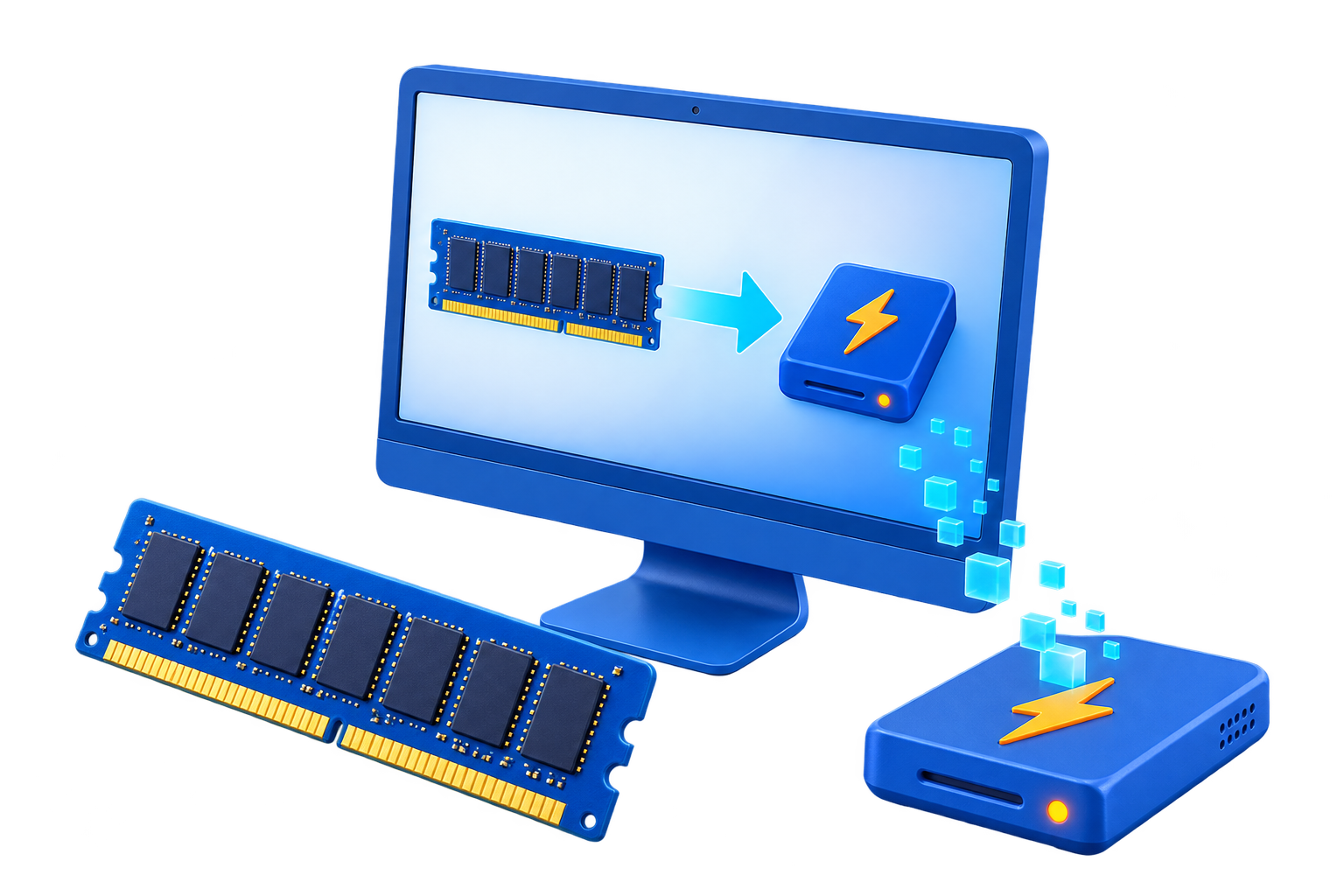
RAM Disk for After Effects Cache
After Effects uses memory, disk cache, and media cache differently. A RAM disk consumes memory that After Effects could otherwise use, so the useful question is whether a bounded cache on the RAM drive improves the real project without starving previews or other applications.
Quick answer
A RAM disk can help only when the chosen After Effects cache is smaller than the available memory budget and is safe to rebuild. Keep source footage, project files, and final renders on persistent storage. Compare the same preview before and after the change, and keep a fast SSD as the fallback.
Decide Whether a RAM Disk Fits
| Situation | Recommendation |
|---|---|
| Useful test | A small cache repeatedly read during the same session |
| Poor fit | Large persistent cache that should survive restart |
| Never place here | Source media, project files, autosaves, or final renders |
Step-by-Step Setup
- Measure the current workload
Record available RAM, cache size, preview behavior, and the current SSD baseline.
- Reserve memory for Windows and Adobe apps
Create only a modest RAM disk after leaving enough memory for After Effects, the operating system, and companion applications.
- Create a dedicated cache folder
Format the RAM drive, create an After Effects cache folder, and keep all important files elsewhere.
- Change one cache location
Point only the selected rebuildable cache to the RAM drive and restart After Effects if required.
- Run an A/B test and prepare rollback
Repeat the same preview, watch memory pressure, and return the cache to SSD if performance or stability worsens.
Protect Data and System Stability
- Keep important originals, credentials, recovery files, and final outputs on persistent storage.
- Leave enough physical memory for Windows and the real application workload so the system does not increase paging.
- Record the original path, test restart behavior, and keep a working rollback before expanding the setup.
Limits to Understand
Adobe recommends a fast disk cache and notes that cached frames can persist across sessions. A volatile RAM disk loses that benefit after restart and cannot solve a project that lacks enough RAM to render a frame.
Frequently Asked Questions
Will a RAM disk always make Windows faster?
No. It helps only when storage I/O is the measured bottleneck and enough memory remains for Windows and applications.
Does data survive a restart?
A volatile RAM disk does not. Image-backed settings can load and save data, but they add startup and shutdown overhead and do not replace backups.
How large should the RAM disk be?
Start small and size it from measured peak use after reserving ample memory for the real workload and the operating system.
What belongs on a RAM disk?
Temporary, disposable, or rebuildable data. Keep authoritative files, recovery data, credentials, and important outputs on persistent storage.