
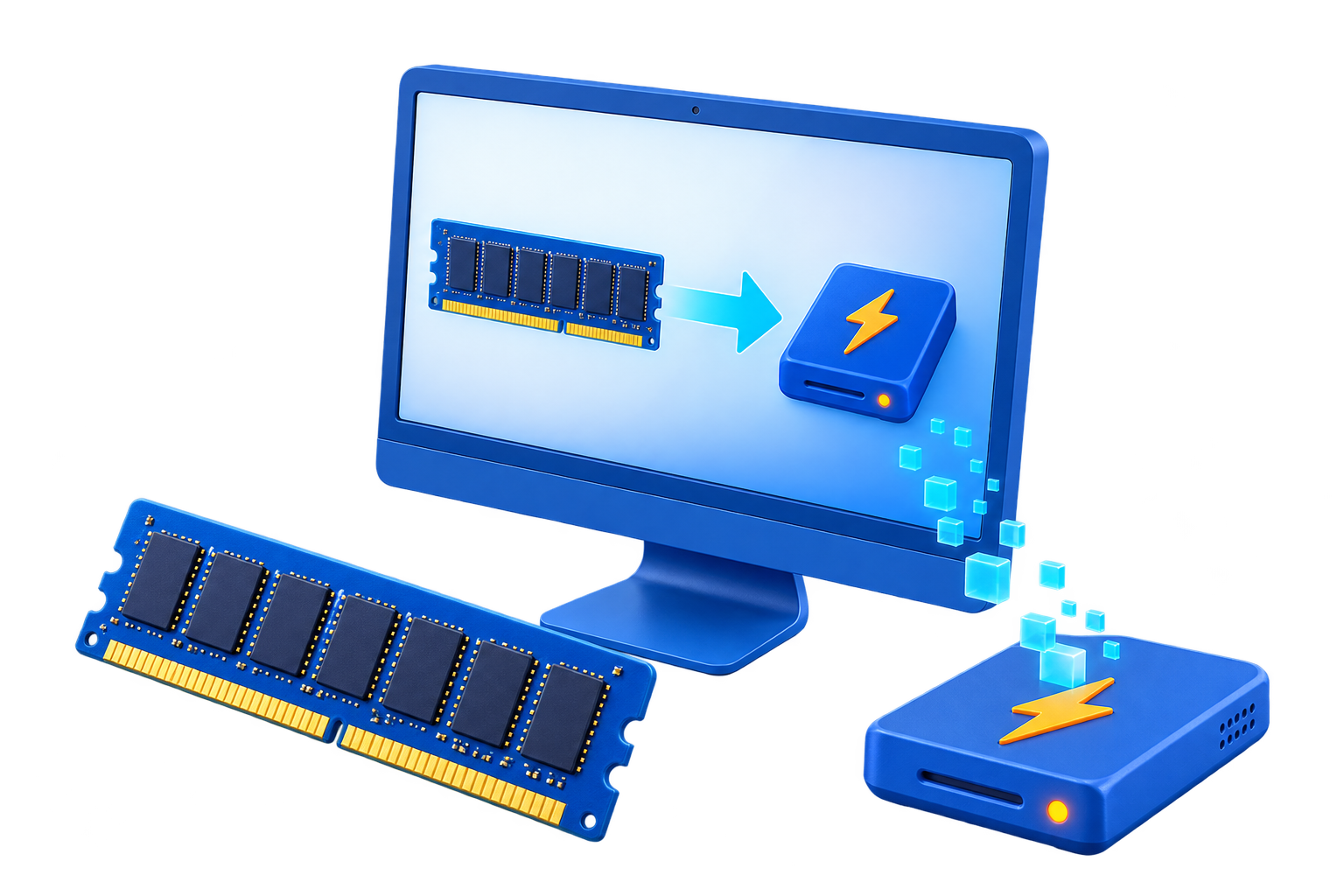
RAM Disk for Video Editing Cache
Video editing creates previews, conformed audio, thumbnails, proxies, autosaves, and render files with very different sizes and recovery value. A RAM disk is suitable only for a bounded cache that can be recreated.
Quick answer
Keep camera originals, project files, autosaves, proxies that are expensive to rebuild, and final exports on persistent storage. Test one documented cache location on the RAM drive, size it from measured use, and compare scrubbing and preview behavior against a fast SSD.
Decide Whether a RAM Disk Fits
| Situation | Recommendation |
|---|---|
| Possible fit | Small preview or media cache reused during one session |
| Poor fit | Large proxy set or persistent cache needed tomorrow |
| Never place here | Source footage, project files, autosaves, or final exports |
Step-by-Step Setup
- Map the editor storage locations
Identify source, project, autosave, proxy, preview, media cache, and export paths separately.
- Measure the candidate cache
Record its peak size and whether it is expensive to regenerate.
- Reserve memory for editing
Leave enough RAM for decoding, effects, the editor, Windows, and other creative applications.
- Redirect one supported cache
Create a dedicated folder and change only that location in the editor settings.
- Test a representative timeline
Compare scrubbing, preview, export, restart, and cache rebuild behavior before keeping the setup.
Protect Data and System Stability
- Keep important originals, credentials, recovery files, and final outputs on persistent storage.
- Leave enough physical memory for Windows and the real application workload so the system does not increase paging.
- Record the original path, test restart behavior, and keep a working rollback before expanding the setup.
Limits to Understand
High-resolution media caches can outgrow a RAM drive quickly. If the editor loses working memory or Windows begins paging, the RAM disk can reduce performance.
Frequently Asked Questions
Will a RAM disk always make Windows faster?
No. It helps only when storage I/O is the measured bottleneck and enough memory remains for Windows and applications.
Does data survive a restart?
A volatile RAM disk does not. Image-backed settings can load and save data, but they add startup and shutdown overhead and do not replace backups.
How large should the RAM disk be?
Start small and size it from measured peak use after reserving ample memory for the real workload and the operating system.
What belongs on a RAM disk?
Temporary, disposable, or rebuildable data. Keep authoritative files, recovery data, credentials, and important outputs on persistent storage.