
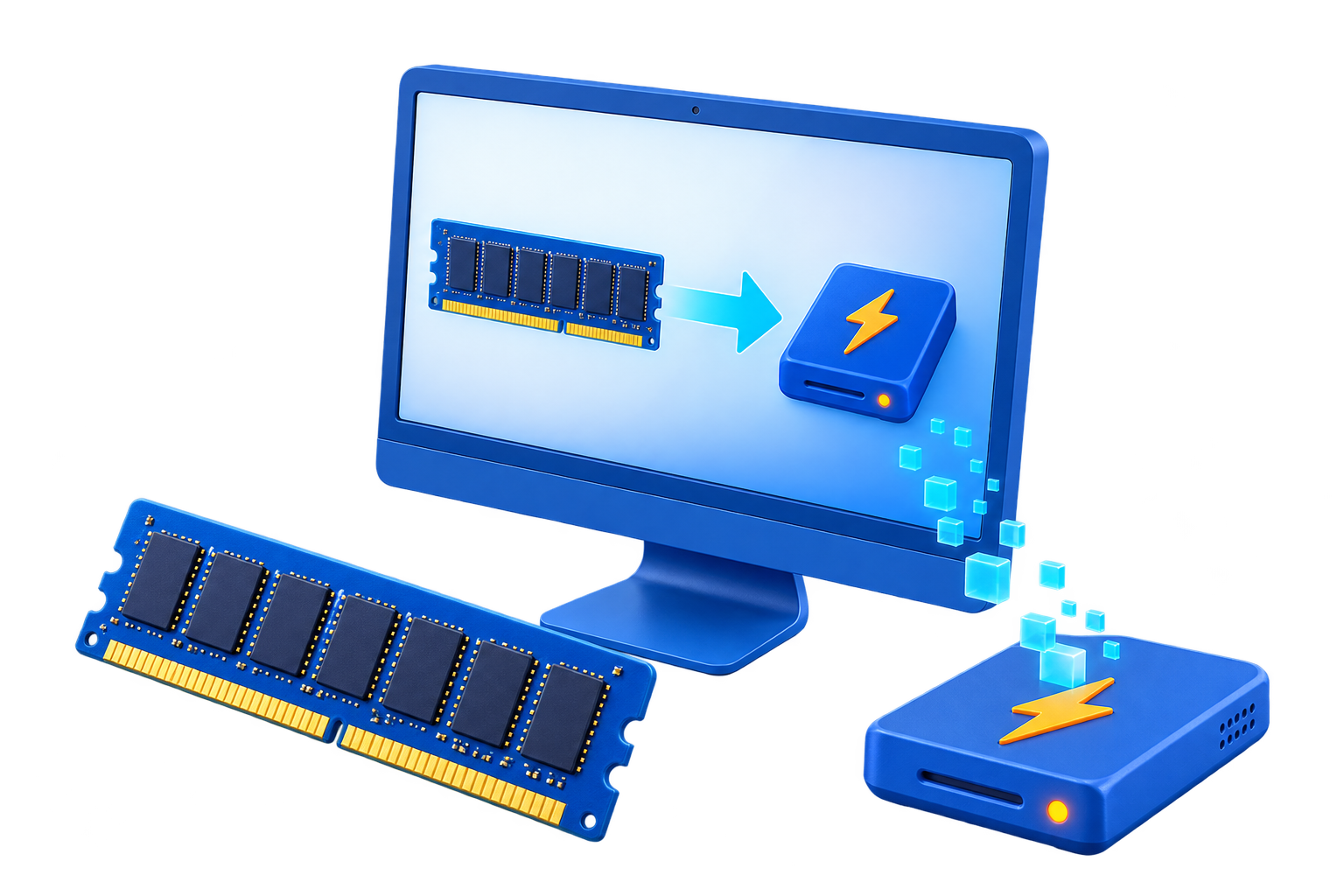
RAM Disk for Gaming Cache
Modern games often need tens or hundreds of gigabytes and already stream from SSD storage. Moving a whole installation into memory wastes RAM and creates persistence problems; a small documented cache is a different proposition.
Quick answer
Do not place the game installation, saves, anti-cheat data, or cloud-sync state on a volatile RAM disk. Consider only a supported cache or temporary folder that can be rebuilt, then measure loading and frame-time behavior with enough RAM left for the game.
Decide Whether a RAM Disk Fits
| Situation | Recommendation |
|---|---|
| Possible test | Small shader or temporary cache with a supported location |
| Poor fit | Large game installation or frequently patched content |
| Keep persistent | Save games, mods, screenshots, settings, and anti-cheat files |
Step-by-Step Setup
- Measure the game and system
Record peak RAM use, storage activity, loading time, and the size of the candidate cache.
- Verify the folder is disposable
Use vendor documentation or a safe backup to confirm it can be recreated.
- Create a small RAM drive
Leave substantial headroom for the game, Windows, launchers, overlays, and voice chat.
- Redirect only through supported settings
Avoid moving protected game or anti-cheat folders with unsupported links.
- Test several sessions
Compare loading and frame-time consistency, then restart and confirm the cache rebuilds without repair prompts.
Protect Data and System Stability
- Keep important originals, credentials, recovery files, and final outputs on persistent storage.
- Leave enough physical memory for Windows and the real application workload so the system does not increase paging.
- Record the original path, test restart behavior, and keep a working rollback before expanding the setup.
Limits to Understand
A RAM disk rarely increases GPU-bound frame rates. If memory pressure causes paging, performance can become worse than the SSD baseline.
Frequently Asked Questions
Will a RAM disk always make Windows faster?
No. It helps only when storage I/O is the measured bottleneck and enough memory remains for Windows and applications.
Does data survive a restart?
A volatile RAM disk does not. Image-backed settings can load and save data, but they add startup and shutdown overhead and do not replace backups.
How large should the RAM disk be?
Start small and size it from measured peak use after reserving ample memory for the real workload and the operating system.
What belongs on a RAM disk?
Temporary, disposable, or rebuildable data. Keep authoritative files, recovery data, credentials, and important outputs on persistent storage.