
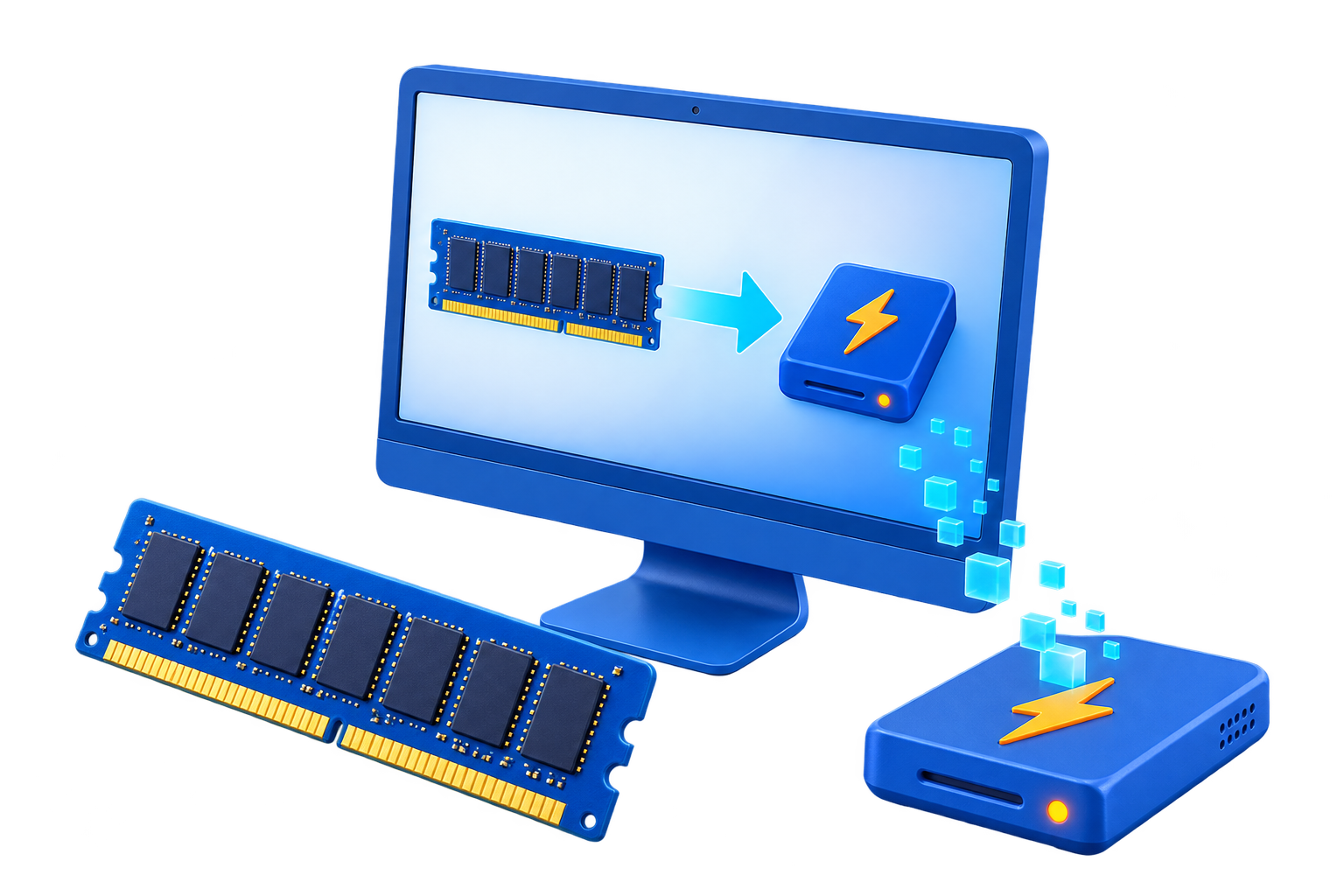
RAM Disk for SSD Users
Modern SSDs are already fast and are designed for ordinary write workloads. A RAM disk can still be useful for a small volatile workspace, but it should solve a measured I/O or cleanup problem rather than serve as a blanket SSD protection claim.
Quick answer
Keep the operating system, applications, important files, and persistent caches on the SSD. Use GiliSoft RAMDisk only for data that is disposable or deliberately image-backed, and compare the workflow against the SSD before deciding the added complexity is worthwhile.
Decide Whether a RAM Disk Fits
| Situation | Recommendation |
|---|---|
| Good reason | Disposable high-churn temp data with a clear cleanup benefit |
| Weak reason | Assuming every SSD write is harmful |
| Keep on SSD | Important files, large caches, applications, and recovery data |
Step-by-Step Setup
- Identify the actual problem
Measure latency, writes, cleanup needs, and available memory instead of assuming the SSD is the bottleneck.
- Classify the target data
Confirm it is disposable, rebuildable, or intentionally persisted through an image.
- Choose a modest size
Leave memory for applications and Windows and avoid triggering paging to the SSD.
- Redirect one workload
Use supported settings and retain the original path for rollback.
- Compare total workflow cost
Include startup, cache rebuild, memory pressure, failures, and maintenance, not only a synthetic speed test.
Protect Data and System Stability
- Keep important originals, credentials, recovery files, and final outputs on persistent storage.
- Leave enough physical memory for Windows and the real application workload so the system does not increase paging.
- Record the original path, test restart behavior, and keep a working rollback before expanding the setup.
Limits to Understand
Reducing writes is not useful if the RAM allocation causes Windows to page more data back to the SSD. Reliability, backups, and free SSD space usually matter more.
Frequently Asked Questions
Will a RAM disk always make Windows faster?
No. It helps only when storage I/O is the measured bottleneck and enough memory remains for Windows and applications.
Does data survive a restart?
A volatile RAM disk does not. Image-backed settings can load and save data, but they add startup and shutdown overhead and do not replace backups.
How large should the RAM disk be?
Start small and size it from measured peak use after reserving ample memory for the real workload and the operating system.
What belongs on a RAM disk?
Temporary, disposable, or rebuildable data. Keep authoritative files, recovery data, credentials, and important outputs on persistent storage.