
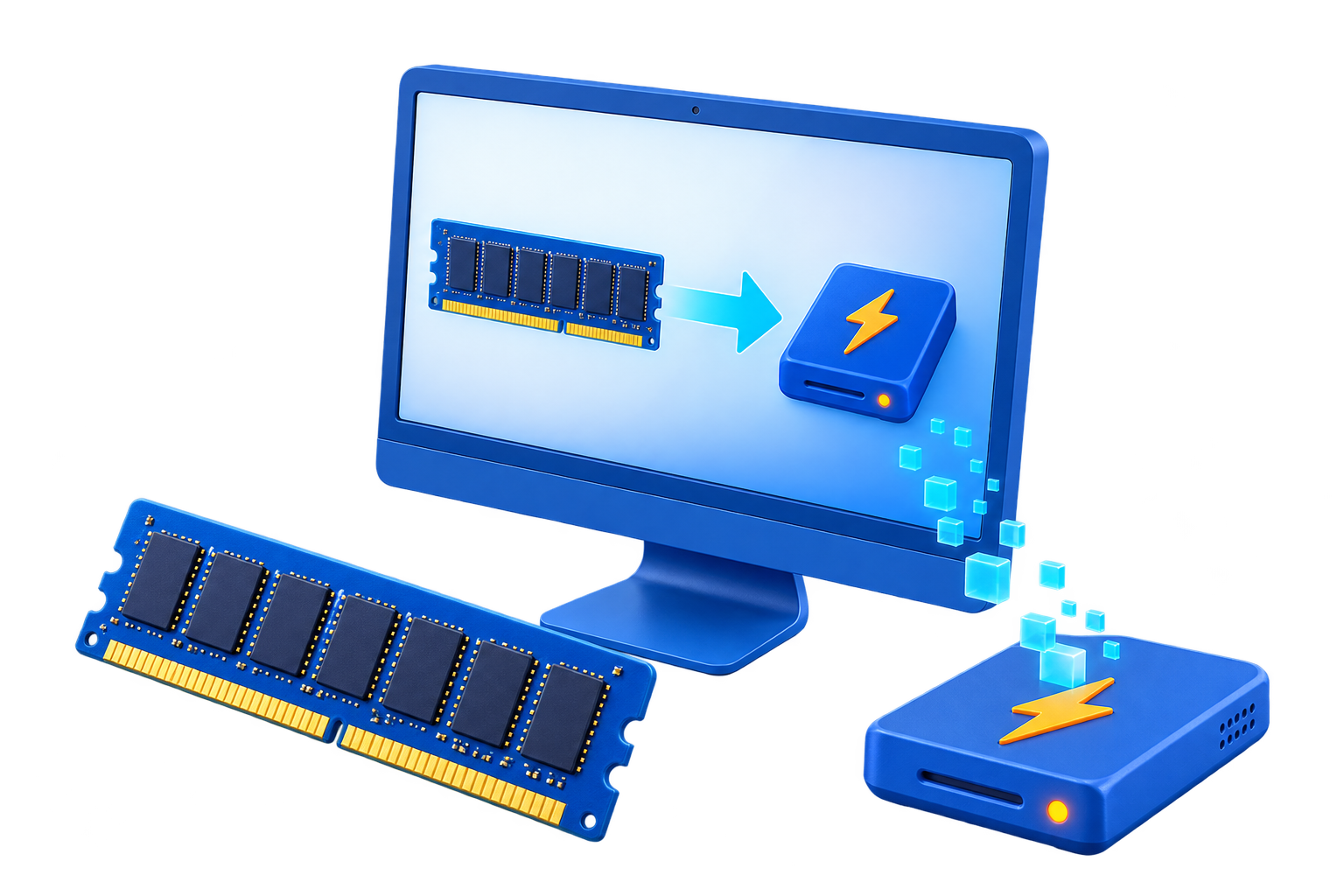
RAM Disk for Photoshop Scratch Files
Photoshop uses a scratch disk as temporary storage when available RAM is insufficient. Allocating too much RAM to a virtual drive can therefore make the original problem worse.
Quick answer
Use a RAM disk as Photoshop scratch space only for a controlled test on a machine with abundant unused memory and a workload whose scratch demand fits the drive. Adobe generally recommends a fast internal drive with ample free space. Keep an SSD scratch disk available as the reliable fallback.
Decide Whether a RAM Disk Fits
| Situation | Recommendation |
|---|---|
| Possible fit | Small repeatable job with abundant unused RAM |
| Poor fit | Large documents whose scratch usage can grow beyond the RAM drive |
| Keep persistent | PSD/PSB files, linked assets, presets, and recovery-critical work |
Step-by-Step Setup
- Observe the current job
Check document size, peak memory, scratch usage, efficiency, and current drive free space.
- Leave memory for Photoshop
Reserve enough physical RAM for the application and Windows before allocating any RAM drive.
- Create a limited test volume
Do not rely on it as the only scratch destination for an unpredictable production job.
- Select the scratch disk in Photoshop
Use Photoshop preferences, keep a persistent drive available, and restart when required.
- Run the same edit and watch for failure
Compare performance, monitor free space, and immediately restore the SSD scratch disk if errors or memory pressure appear.
Protect Data and System Stability
- Keep important originals, credentials, recovery files, and final outputs on persistent storage.
- Leave enough physical memory for Windows and the real application workload so the system does not increase paging.
- Record the original path, test restart behavior, and keep a working rollback before expanding the setup.
Limits to Understand
Scratch storage may exceed expectations during large transforms, filters, history operations, or many open documents. A full volatile volume can interrupt work, so do not market this as a universal Photoshop optimization.
Frequently Asked Questions
Will a RAM disk always make Windows faster?
No. It helps only when storage I/O is the measured bottleneck and enough memory remains for Windows and applications.
Does data survive a restart?
A volatile RAM disk does not. Image-backed settings can load and save data, but they add startup and shutdown overhead and do not replace backups.
How large should the RAM disk be?
Start small and size it from measured peak use after reserving ample memory for the real workload and the operating system.
What belongs on a RAM disk?
Temporary, disposable, or rebuildable data. Keep authoritative files, recovery data, credentials, and important outputs on persistent storage.