
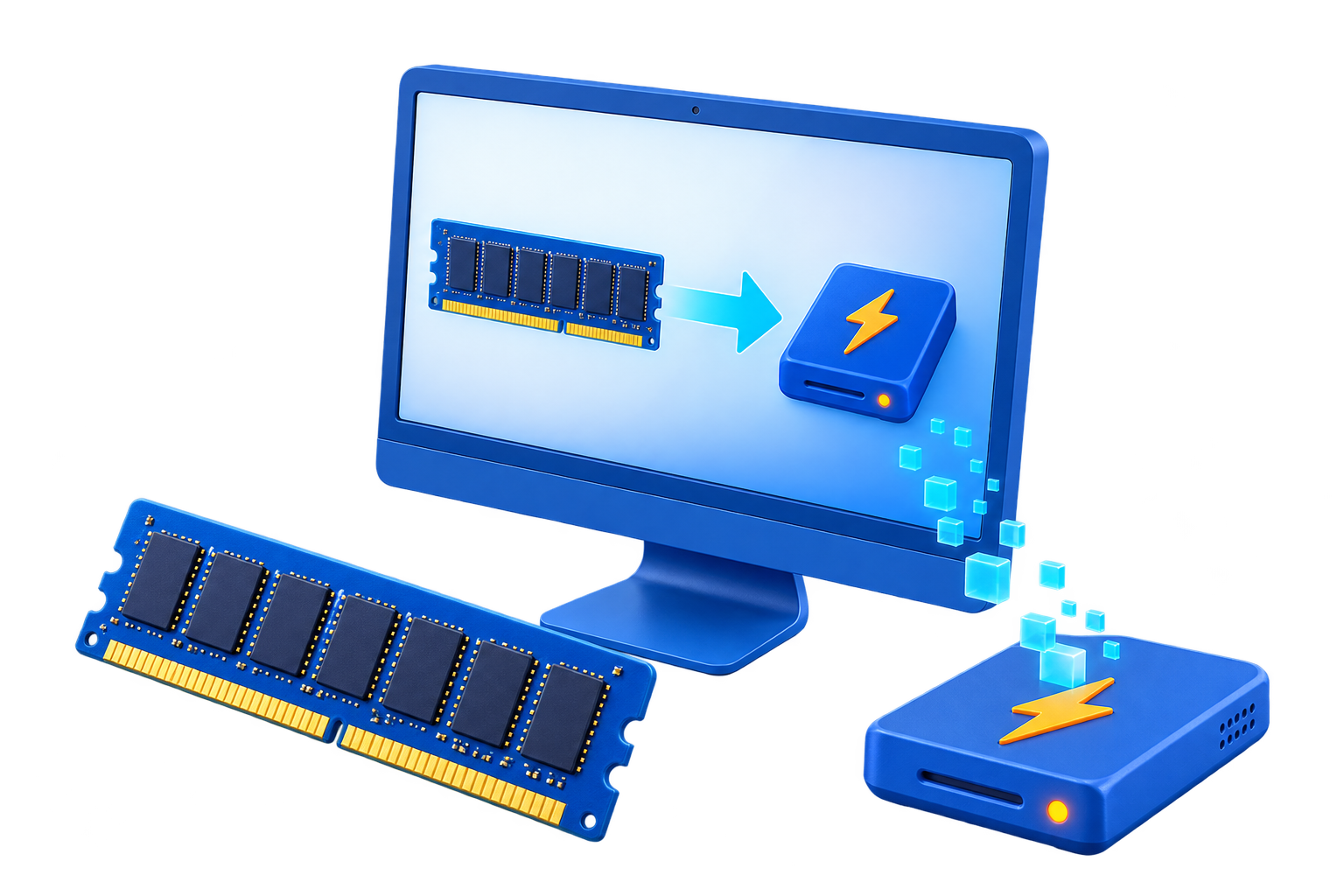
Use a RAM Disk to Reduce SSD Writes
A RAM disk can absorb repeated temporary writes, but allocating memory may cause Windows or applications to page more data to the SSD. The useful metric is the whole-system write pattern, not the RAM-drive counter alone.
Quick answer
Target a small, high-churn, disposable folder only after measuring it. Keep important data and persistent caches on the SSD, leave enough physical memory to avoid paging, and compare total SSD writes and application stability before and after the change.
Decide Whether a RAM Disk Fits
| Situation | Recommendation |
|---|---|
| Reasonable target | Measured disposable writes from a bounded temp cache |
| Counterproductive setup | Large RAM drive that triggers memory pressure and paging |
| Better first steps | Maintain free SSD space, backups, updates, and healthy application settings |
Step-by-Step Setup
- Measure baseline writes
Observe the target application and total system writes during a representative session.
- Confirm the data is disposable
Do not redirect files needed for recovery, persistence, updates, or delivery.
- Allocate only spare memory
Leave comfortable headroom and monitor committed memory and page-file activity.
- Redirect one workload
Use the application setting and retain the original path.
- Compare whole-system results
Check total writes, performance, failures, restart behavior, and maintenance effort before deciding.
Protect Data and System Stability
- Keep important originals, credentials, recovery files, and final outputs on persistent storage.
- Leave enough physical memory for Windows and the real application workload so the system does not increase paging.
- Record the original path, test restart behavior, and keep a working rollback before expanding the setup.
Limits to Understand
Do not disable the Windows page file merely to make a RAM-disk write count look better. The page file supports system stability and some workloads require it.
Frequently Asked Questions
Will a RAM disk always make Windows faster?
No. It helps only when storage I/O is the measured bottleneck and enough memory remains for Windows and applications.
Does data survive a restart?
A volatile RAM disk does not. Image-backed settings can load and save data, but they add startup and shutdown overhead and do not replace backups.
How large should the RAM disk be?
Start small and size it from measured peak use after reserving ample memory for the real workload and the operating system.
What belongs on a RAM disk?
Temporary, disposable, or rebuildable data. Keep authoritative files, recovery data, credentials, and important outputs on persistent storage.