
Choose the Right Workflow First
| Approach or project | Best fit | What to protect |
|---|---|---|
| Selectable subtitle file | Accessibility, localization, or platform uploads | The viewer or platform can enable, replace, or translate the track |
| Burned-in subtitles | Social clips, demonstrations, or players without subtitle support | The text is always visible but cannot be disabled |
| Timed titles | Names, labels, chapter cards, and short emphasis | Useful for design elements that are not a full speech transcript |
| Automatic draft | Starting point for speech-heavy footage | Names, numbers, accents, and timing still need human review |
Prepare Before Editing
A short preparation pass prevents avoidable rework after timing, text, audio, or output choices have already been made.
Finish structural cuts
Trim, split, reorder, and change speed before final subtitle timing.
Prepare a clean transcript
Correct names, numbers, product terms, punctuation, and speaker changes.
Choose the delivery method
Decide whether the final destination needs a separate track or visible text in the picture.
How to Complete the Workflow on Windows
Follow the steps in order and delay decorative work until the structure and essential sound are stable.
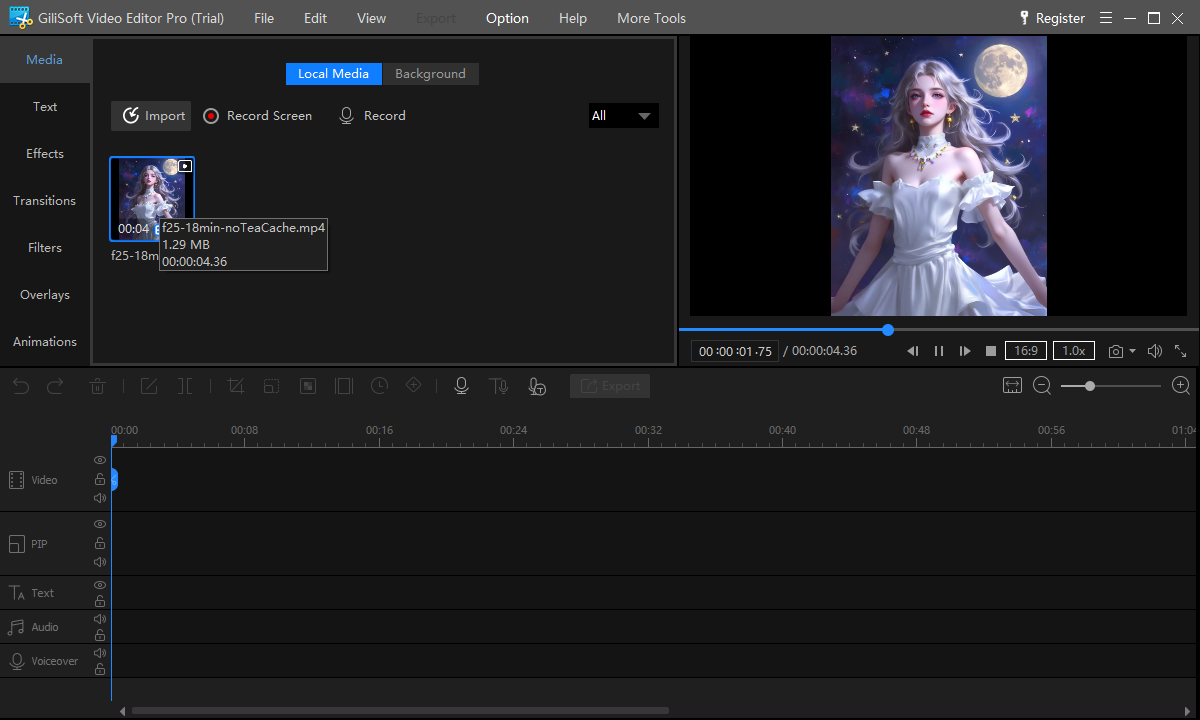
Import the edited video
Open the stable cut in GiliSoft Video Editor Pro and confirm that picture, dialogue, and frame rate play correctly.
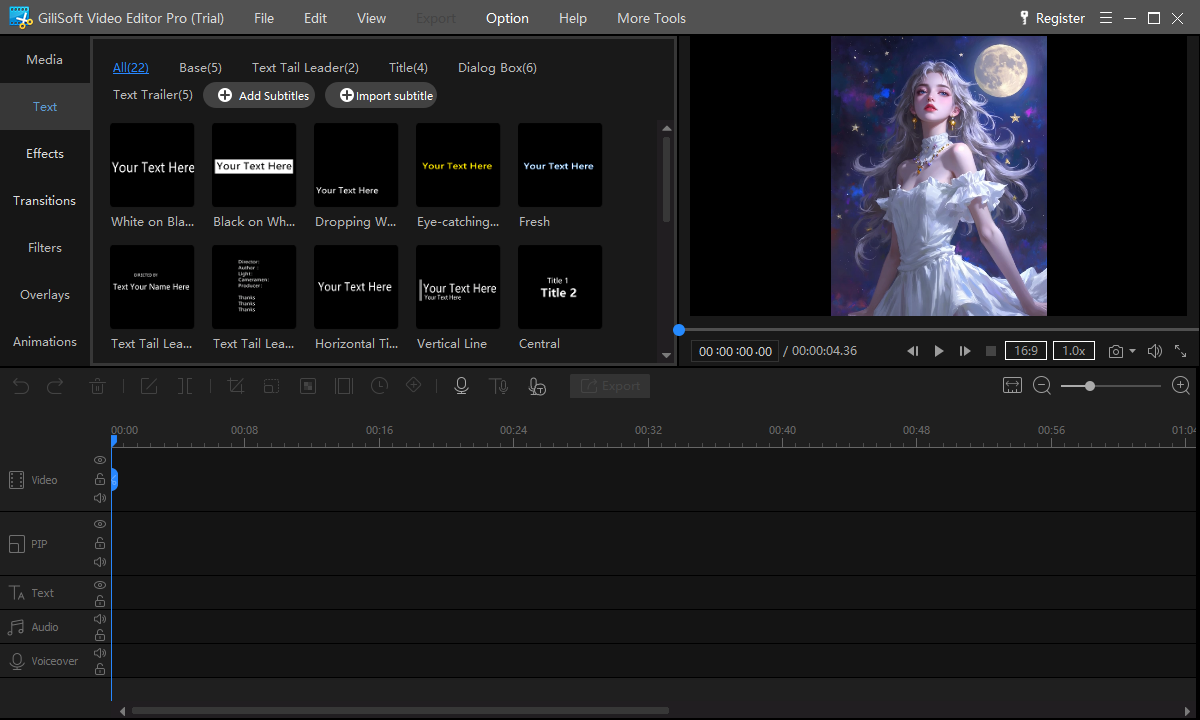
Add or import subtitle text
Load an SRT or ASS file when available, or create subtitle entries for the spoken content that viewers need.
Set each start and end time
Align the first frame of a line with the relevant speech and leave enough time for comfortable reading.
Break long lines for readability
Use concise wording and natural phrase breaks; keep important faces, controls, and demonstrations unobstructed.
Style for changing backgrounds
Choose a legible font, size, color, outline, or background treatment and preview both bright and dark scenes.
Export and review the complete file
Watch the delivered video from start to finish, checking spelling, timing, line breaks, safe placement, and audio sync.
Build Subtitles That Work Beyond the Preview
Time for reading, not only speech
A subtitle should appear with the relevant audio but remain long enough to read without rushing.
Protect the important picture area
Keep text clear of faces, interface controls, demonstrations, and platform overlays.
Proofread proper nouns carefully
Automatic drafts commonly need corrections to names, numbers, acronyms, and technical vocabulary.
Review the exported file
Fonts, line wrapping, encoding, and timing can differ after export, so inspect the actual deliverable.
Where Video Editor Pro Fits
GiliSoft Video Editor Pro is the practical choice when subtitle work belongs to a larger multitrack project with trimming, audio, text, overlays, transitions, or chroma key. For simple conversion with one subtitle track and light preparation, GiliSoft Video Converter may be faster.
Review the GiliSoft Video Editor Pro product page for the current feature overview or use the Video Editor Pro user guide for task-level instructions.
Troubleshooting and Quality Checks
- Subtitles drift after cuts: finish timeline changes before final timing.
- Text disappears against bright footage: add a restrained outline or background treatment.
- Lines cover important content: move or shorten them and preview the smallest target screen.
- Imported characters look wrong: verify the subtitle file encoding before reimporting.
- Speech and captions disagree: proofread the transcript rather than trusting an automatic draft.
Review Subtitles as Part of the Finished Video
Watch once for meaning, once for spelling and timing, and once on a smaller screen. Keep the editable project and source subtitle file until the final version has been approved.
Frequently Asked Questions
Can I import SRT subtitles into a Windows video editor?
Yes. Import the subtitle file, then verify its timing, character encoding, line breaks, and placement against the final cut.
Should subtitles be added before or after trimming?
Add or finalize them after the main cuts, speed changes, and clip order are stable so timing does not need to be rebuilt.
What is the difference between subtitles and captions?
Subtitles usually represent dialogue, while captions can also identify speakers and meaningful non-speech audio. Delivery terminology varies by platform.
Should I burn subtitles into the video?
Use burned-in text when subtitles must always remain visible. Use a separate track when viewers or platforms need control over language and display.
Can I style subtitle text?
Yes. Use readable type, contrast, restrained effects, and consistent placement, then test over both light and dark scenes.
Can I try GiliSoft Video Editor Pro first?
Yes. Use the Windows trial with a representative video and subtitle file before buying.