
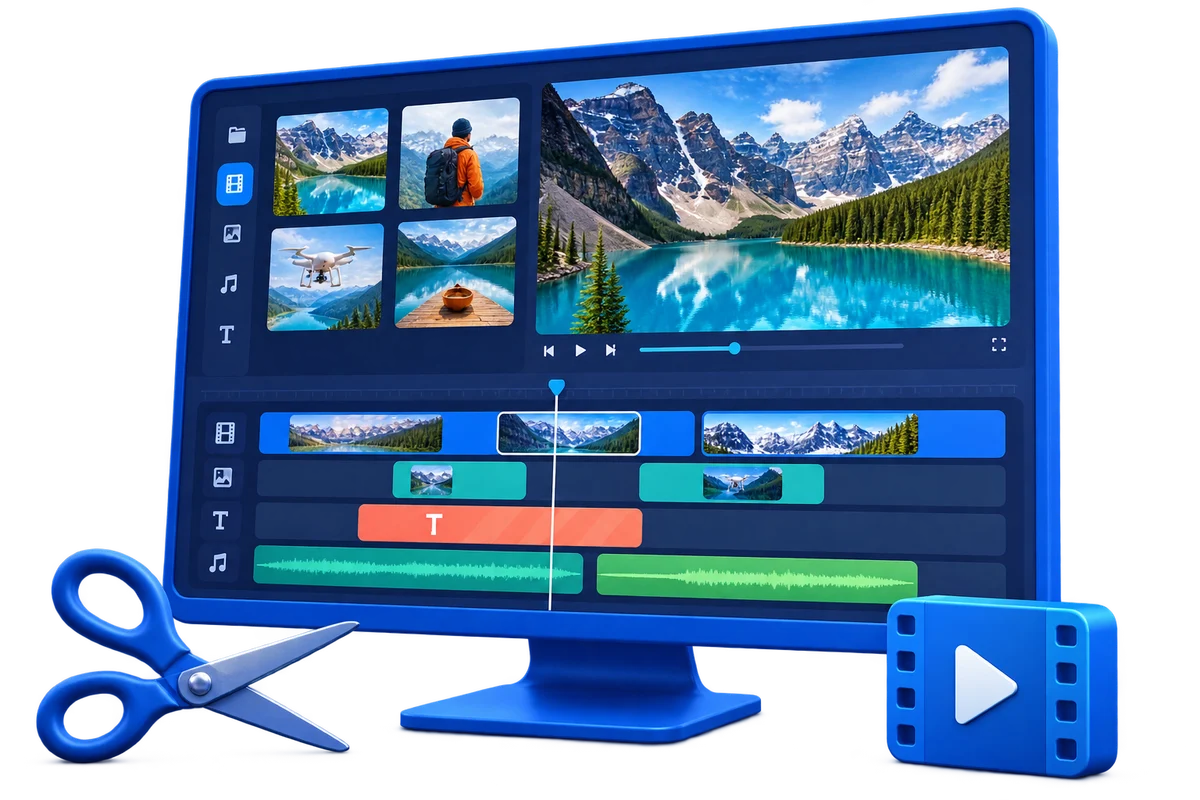
Trim and Edit Video on Windows
Trimming is simple until a cut clips speech, breaks continuity, changes meaning, or produces incompatible output. Define the delivery target before choosing cut points, text, music, effects, and export settings.
Quick answer
Keep the original, place a working copy in GiliSoft Video Editor Pro, trim on meaningful visual and audio boundaries, and add only the elements required for the destination. Export a short test and review the full result outside the editor.
Confirm Rights Before Editing
- Use your own video or material whose owner and platform permit downloading, modification, and intended distribution.
- Keep license, consent, attribution, and source records with the project.
- Do not remove ownership marks, required attribution, access controls, or evidence from material you do not control.
Match the Goal to the Workflow
| Situation | Recommended action | Review checkpoint |
|---|---|---|
| Remove unwanted beginning or ending | Cut after audio settles and before the useful action ends | No clipped word, abrupt music, or missing context |
| Create a shorter explanation | Keep the sequence and meaning intact | The edit does not misrepresent the speaker or event |
| Prepare a delivery copy | Match aspect ratio, resolution, codec, and audio to the destination | The file opens and displays correctly |
Step-by-Step Workflow
- Define the destination
Note the audience, platform, duration, aspect ratio, captions, and delivery format.
- Keep and organize the source
Duplicate the authorized original and label working assets clearly.
- Build the primary cut
Trim pauses and unusable sections while preserving complete speech, actions, and context.
- Add only necessary finishing elements
Use text, music, transitions, or correction where they improve clarity rather than filling every track.
- Export and review outside the editor
Play the entire file, check cuts and audio sync, and test it on the actual destination.
Verify the Export
- Play the beginning, middle, and ending outside the editor.
- Check timing, aspect ratio, text, overlays, audio sync, and destination compatibility.
- Keep the untouched source and clearly label the approved export.
Know the Limits
Source compression, motion, missing background detail, poor audio, or low resolution can limit the result. Upscaling does not recreate true source detail, and editing tools do not grant permission to copy, modify, or distribute protected material.
Frequently Asked Questions
Can I edit or convert any video I download?
No. Downloading, editing, and redistributing may require separate permissions. Use your own or explicitly authorized material.
Should I overwrite the downloaded source?
No. Keep an untouched source and export a new version so the workflow can be corrected or repeated.
Why should I export a short test?
It reveals codec, quality, timing, overlay, and audio problems before a long render.
Does editing software grant reuse rights?
No. Software provides technical tools; ownership, licenses, consent, and platform rules determine permitted use.