
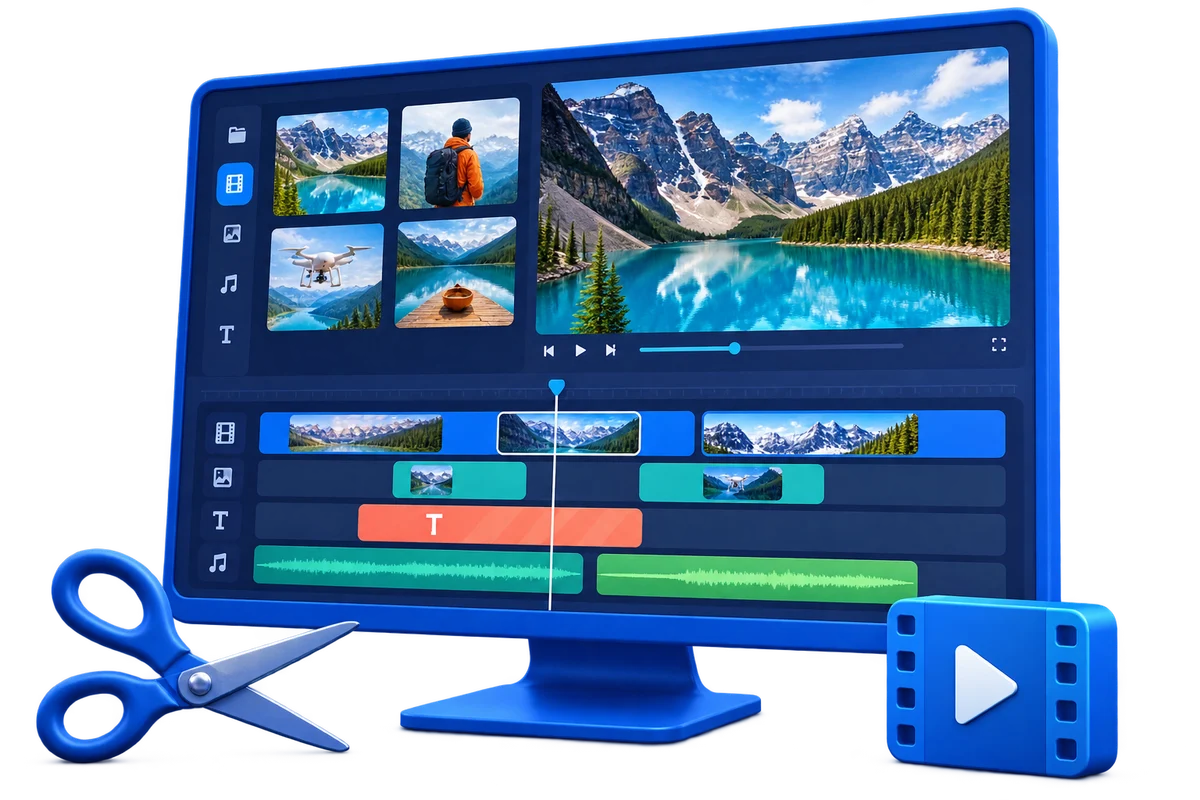
Choose the Right Workflow First
| Approach or project | Best fit | What to protect |
|---|---|---|
| All-in-one editor | Projects with several media layers and revisions | One timeline keeps timing and creative decisions together |
| Focused cutter or joiner | One quick structural change | Fewer controls and a shorter path to export |
| Video converter | Format, codec, size, or device compatibility | Batch output and light preparation matter more than a layered timeline |
| Screen recorder | The project starts with live screen capture | Capture settings and audio sources must be correct before editing |
Prepare Before Editing
A short preparation pass prevents avoidable rework after timing, text, audio, or output choices have already been made.
Define the final destination
Choose frame shape, duration, resolution, and required format before building the timeline.
Organize source media
Keep video, images, narration, music, logos, and subtitle files in stable folders.
Prioritize the story
Decide which footage is essential before adding transitions or effects.
How to Complete the Workflow on Windows
Follow the steps in order and delay decorative work until the structure and essential sound are stable.
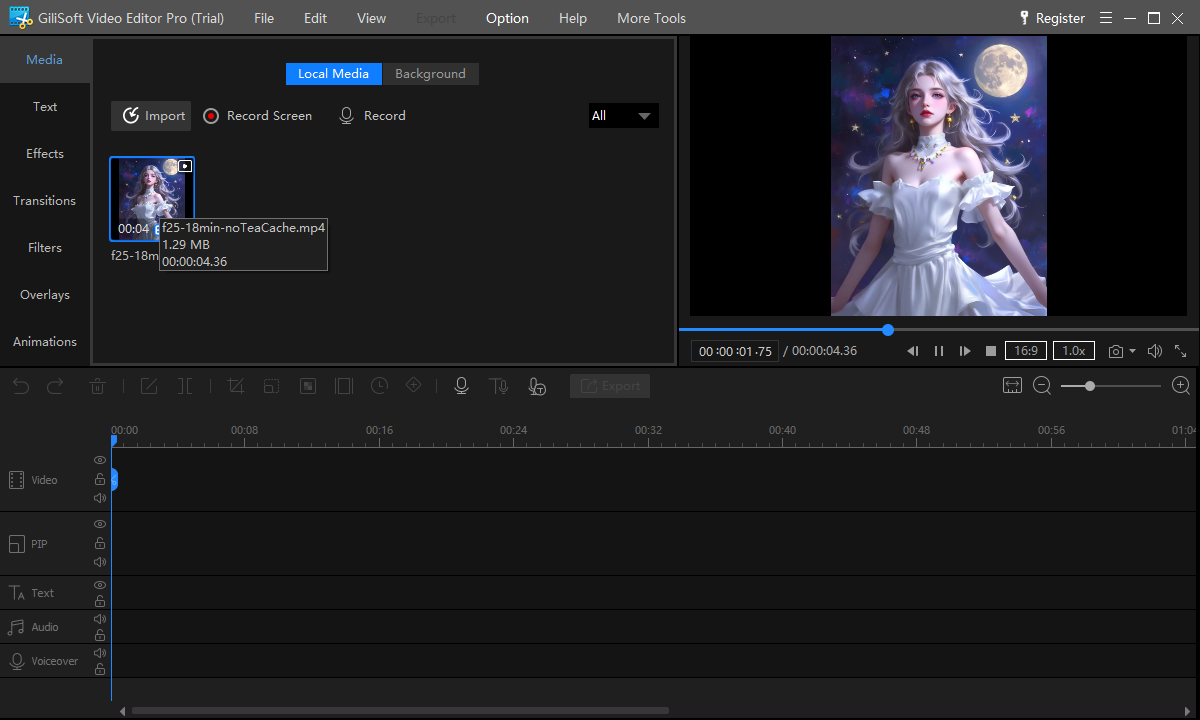
Create the project and import media
Add representative source files and confirm that picture, sound, orientation, and duration are read correctly.
Build the main sequence
Arrange clips in story order, remove mistakes and dead time, and keep clean handles around important edits.
Refine framing and color
Crop only when necessary, correct orientation, and make restrained adjustments so shots belong together.
Balance dialogue, source sound, and music
Keep speech intelligible, avoid abrupt level changes, and use fades where they support a natural transition.
Add text, subtitles, overlays, and effects
Use visual elements to explain or structure the video, not to compete with its subject.
Export, watch, and revise
Create a test file and inspect picture, motion, sound, captions, transitions, and compatibility outside the editor.
What Makes an Editor Truly All-in-One
A usable multitrack timeline
Picture, overlays, text, voice, and music should remain independently adjustable.
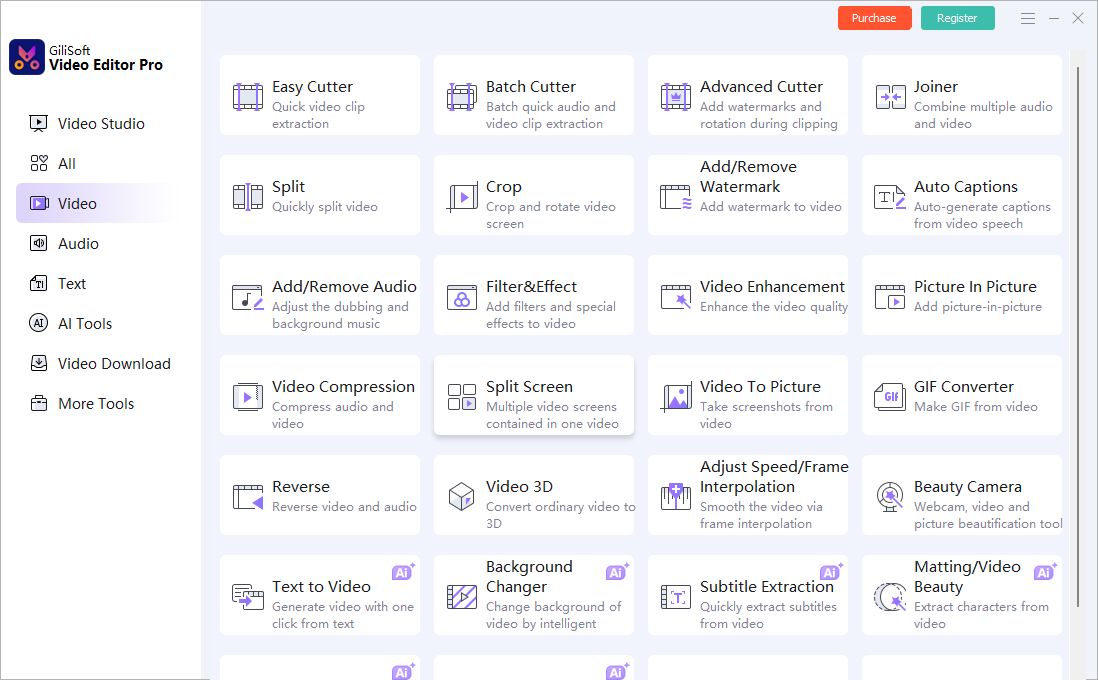
Focused tools for direct tasks
Simple jobs should not require building a complex timeline.
Audio and subtitle control
Speech, music, timed text, and captions are part of a complete video, not optional afterthoughts.
Reliable delivery choices
Export settings should match where the video will be watched, uploaded, presented, or archived.
Where Video Editor Pro Fits
GiliSoft Video Editor Pro combines its multitrack editor with focused video and audio tools, text and subtitle controls, transitions, effects, chroma key, AI-assisted workspaces, and output preparation. Evaluate the whole path from import to delivery, not the length of the feature list.
Review the GiliSoft Video Editor Pro product page for the current feature overview or use the Video Editor Pro user guide for task-level instructions.
Troubleshooting and Quality Checks
- A large project feels slow: use stable local storage and close unrelated high-load applications.
- Audio changes suddenly: review every clip boundary and normalize the listening level by ear.
- Effects make the edit feel busy: remove any effect that does not communicate a real change.
- Output looks soft: avoid repeated conversion and export at a resolution appropriate to the source.
- Media goes offline: keep project files and source folders in stable locations until delivery.
Choose One Workflow, Not Every Available Effect
A complete editor is valuable because it keeps related work together. It does not mean every project needs every tool. Finish structure first, explanation second, styling third, and output last.
Frequently Asked Questions
What is an all-in-one video editor?
It is an editor that combines timeline assembly, picture adjustments, audio, text, subtitles, overlays, effects, and export in one workflow.
Is an all-in-one editor better than a converter?
It is better for layered creative projects. A converter is usually faster when format change and batch output are the main goals.
Can it edit screen recordings and phone videos?
Yes, provided the source files are supported. Test representative files and confirm orientation, audio, and frame rate before a large project.
Do I need a multitrack timeline for every job?
No. Use focused tools for a direct cut, join, crop, or conversion and the timeline for layered projects.
Can I add subtitles and music?
Yes. Add them after the main structure is stable, then review timing, readability, rights, and sound balance.
Can I try Video Editor Pro before buying?
Yes. Test the trial with your own sources and required export settings.