Protect existing folders
No need to estimate a container size or copy files into a newly mounted virtual drive. Select the folder already used by Windows and apply the required action.

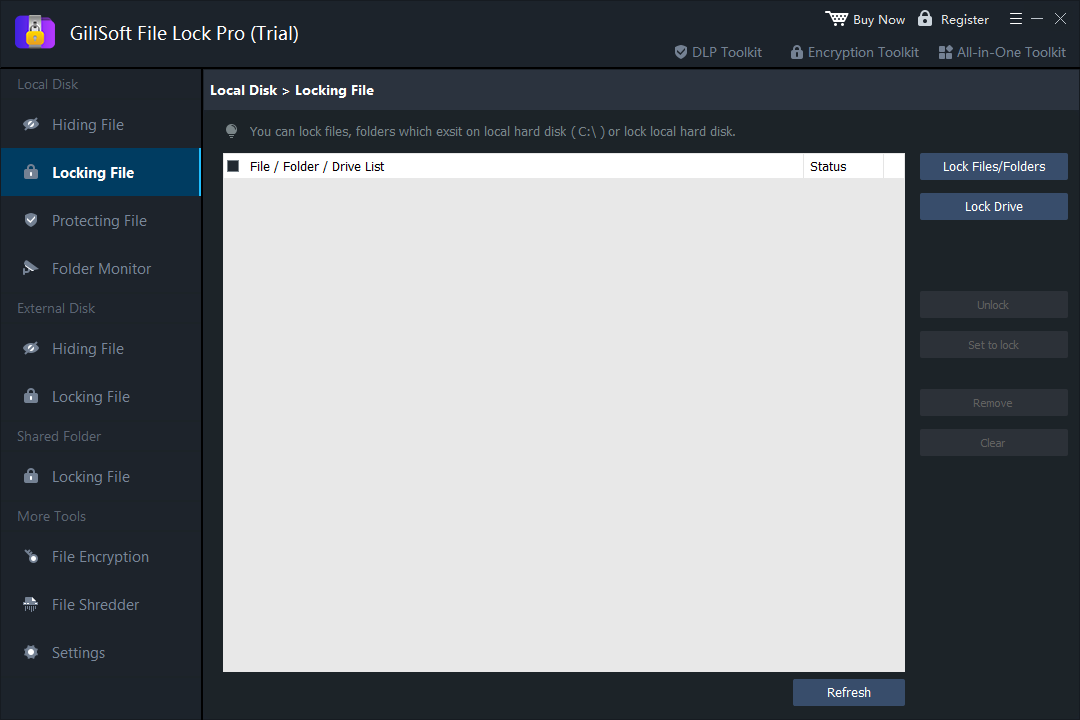
VeraCrypt is a strong open-source choice for encrypted containers and complete volumes. If your daily task is simpler - lock an existing folder, hide private files, protect a USB folder, or prevent unwanted changes - GiliSoft File Lock Pro offers a more direct Windows workflow.

VeraCrypt is not difficult because it is poorly designed. Its workflow reflects a more technical security model. The official beginner tutorial asks users to create a volume, choose whether it will be a file container or a device, select encryption and hash options, define its size and filesystem, format it, assign a drive letter, mount it, and then move files into the mounted volume. Those steps are appropriate for encrypted storage, but they are more than many home and office users need.
| Decision point | VeraCrypt | GiliSoft File Lock Pro |
|---|---|---|
| Primary job | Encrypt containers, partitions, and supported system drives | Lock, hide, protect, monitor, encrypt, or shred selected files and folders |
| First setup | Create a volume, choose technical options, format it, and mount it | Select an existing file, folder, drive, or shared folder and apply a rule |
| Daily access | Select the volume, choose a drive letter, enter credentials, and mount | Use the existing Windows path; unlock or unhide through File Lock Pro when needed |
| Storage model | Files live inside an encrypted container or encrypted volume | Files can remain in their current folders |
| Cross-platform use | Strong option across supported Windows, macOS, Linux, and BSD systems | Designed for Windows file and folder management |
| Best security fit | Data-at-rest encryption and advanced volume workflows | Convenient access control and privacy for selected Windows content |
No need to estimate a container size or copy files into a newly mounted virtual drive. Select the folder already used by Windows and apply the required action.
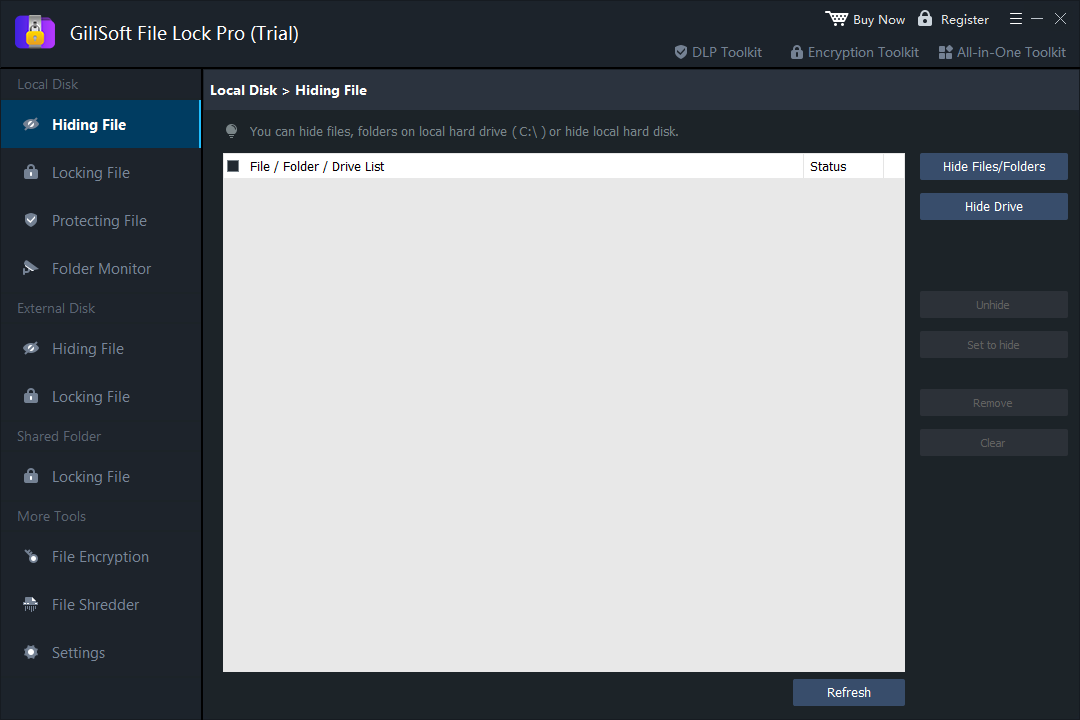
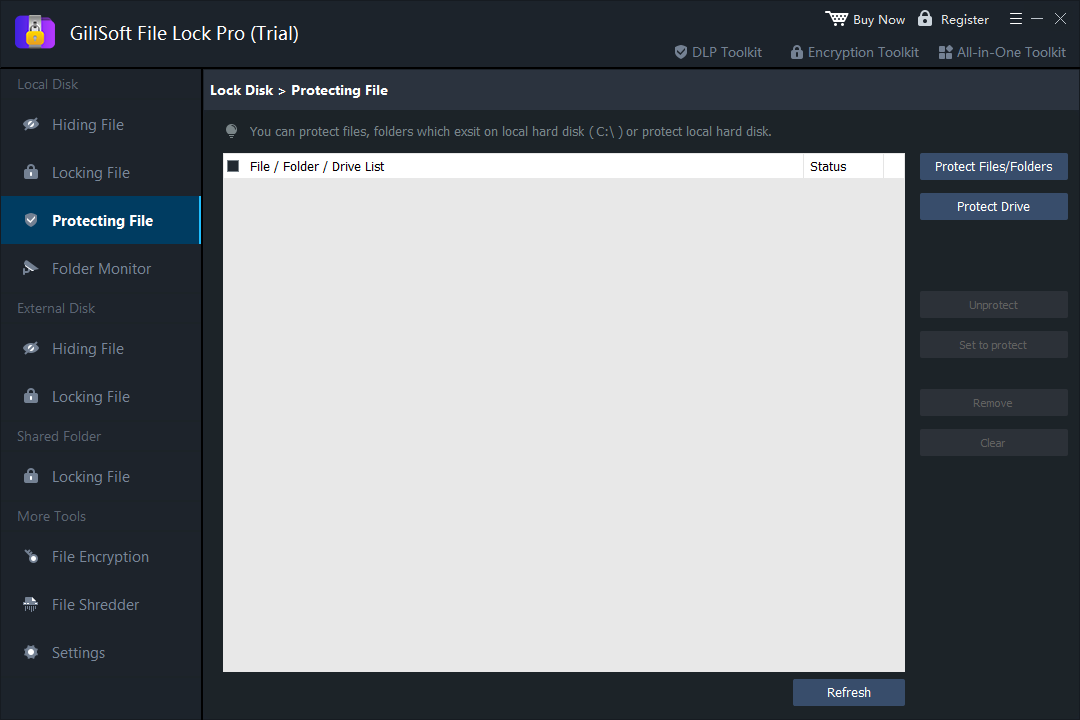
Use locking when a folder should remain visible, hiding when it should disappear from normal browsing, or protection rules when files should remain readable but unchanged.
Manage folders on USB drives, external disks, memory cards, and LAN shares from the same Windows interface.
Folder Monitor, Program Log, Self Protect, and Exclude List help users review events and avoid applying rules to important Windows locations.
VeraCrypt remains the better choice when encryption is the central requirement. Its official documentation supports file-hosted encrypted volumes, partition and device encryption, on-the-fly decryption after mounting, and system encryption with pre-boot authentication on supported Windows systems.
CISA recommends encryption for computers, hard drives, removable media, and sensitive files when unauthorized physical access is part of the risk. Ease of use should not replace the correct security control.
| Tool or method | Best for | Important tradeoff |
|---|---|---|
| Windows BitLocker | Windows-integrated full-drive or BitLocker To Go encryption | Availability and management options depend on Windows edition and device configuration |
| 7-Zip encrypted archive | Sending or storing an encrypted copy of a group of files | Files must be archived and extracted; it is not live folder locking |
| Windows EFS | Per-user NTFS file encryption in supported Windows editions | Recovery certificates and account management require care; it is not designed as a portable password |
| GiliSoft File Lock Pro | Direct privacy controls for selected existing Windows folders | Choose VeraCrypt or BitLocker when whole-volume encryption is required |
| Your actual requirement | Recommended starting point |
|---|---|
| Hide personal photos or documents from casual users on a shared Windows PC | File Lock Pro hiding or locking |
| Keep templates visible but prevent unwanted rename, edit, move, or deletion | File Lock Pro protection rules |
| Protect selected folders on an external disk while leaving other folders open | File Lock Pro external-drive locking or hiding |
| Create a portable encrypted container for several supported operating systems | VeraCrypt |
| Encrypt an entire Windows drive or removable drive | BitLocker or VeraCrypt, according to platform and policy |
| Email a password-protected copy of several files | An encrypted archive, with the password shared through a separate channel |
No. It is a simpler alternative for selected Windows file and folder privacy. VeraCrypt remains better for encrypted containers, partitions, devices, and supported system-drive encryption.
A VeraCrypt container or encrypted volume is presented to the operating system as a mounted disk after the correct password or keyfile is supplied. This lets applications work with decrypted data on the fly while the stored volume remains encrypted.
Yes. It can apply locking, hiding, or protection rules to existing local folders, removable-drive folders, and LAN shared folders without first moving them into a new container.
Use full-drive encryption such as BitLocker or VeraCrypt. File Lock Pro can add useful selective privacy controls, but physical-loss protection calls for encryption of data at rest.
Use GiliSoft File Lock Pro when you want a shorter path from an existing folder to practical password-managed privacy.
Buy File Lock Pro