
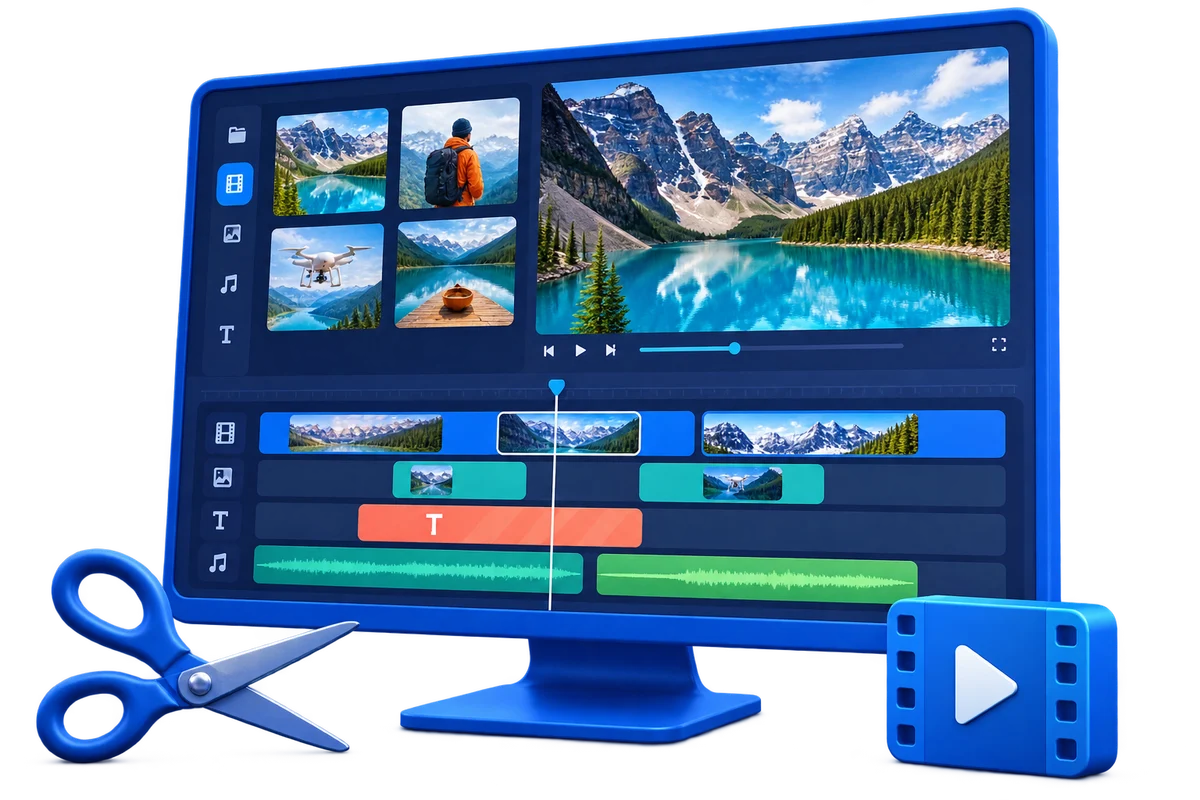
Video Effects Software for Windows
Effects are most useful when they guide attention, establish time or place, or support consistent branding. Too many filters and transitions reduce readability and make compression artifacts more visible.
Quick answer
Use GiliSoft Video Editor Pro to test effects on a representative clip, keep intensity consistent, and compare the processed image with the source. Build the edit first, then apply transitions, color, overlays, or motion effects only where they serve the message.
Confirm Rights Before Editing
- Use your own video or material whose owner and platform permit downloading, modification, and intended distribution.
- Keep license, consent, attribution, and source records with the project.
- Do not remove ownership marks, required attribution, access controls, or evidence from material you do not control.
Match the Goal to the Workflow
| Situation | Recommended action | Review checkpoint |
|---|---|---|
| Tutorial or product demo | Use callouts, zoom, and restrained transitions | Interface text and actions remain readable |
| Marketing clip | Use a consistent visual treatment and brand elements | Skin tones, logos, and product colors remain accurate |
| Personal montage | Match transitions to pacing rather than using every preset | Cuts feel intentional and the subject stays clear |
Step-by-Step Workflow
- Complete the structural edit first
Trim and arrange the story before spending time on visual effects.
- Choose an effect for a reason
Define whether it should guide attention, smooth a transition, establish mood, or improve consistency.
- Test on difficult footage
Include faces, motion, fine detail, shadows, highlights, text, and brand colors.
- Adjust intensity and timing
Use the lightest effective setting and avoid abrupt starts, ends, or mismatched transitions.
- Export and compare
Review the result on the destination display and compare it with the source for artifacts or lost detail.
Verify the Export
- Play the beginning, middle, and ending outside the editor.
- Check timing, aspect ratio, text, overlays, audio sync, and destination compatibility.
- Keep the untouched source and clearly label the approved export.
Know the Limits
Source compression, motion, missing background detail, poor audio, or low resolution can limit the result. Upscaling does not recreate true source detail, and editing tools do not grant permission to copy, modify, or distribute protected material.
Frequently Asked Questions
Can I edit or convert any video I download?
No. Downloading, editing, and redistributing may require separate permissions. Use your own or explicitly authorized material.
Should I overwrite the downloaded source?
No. Keep an untouched source and export a new version so the workflow can be corrected or repeated.
Why should I export a short test?
It reveals codec, quality, timing, overlay, and audio problems before a long render.
Does editing software grant reuse rights?
No. Software provides technical tools; ownership, licenses, consent, and platform rules determine permitted use.